



Watch Try-On
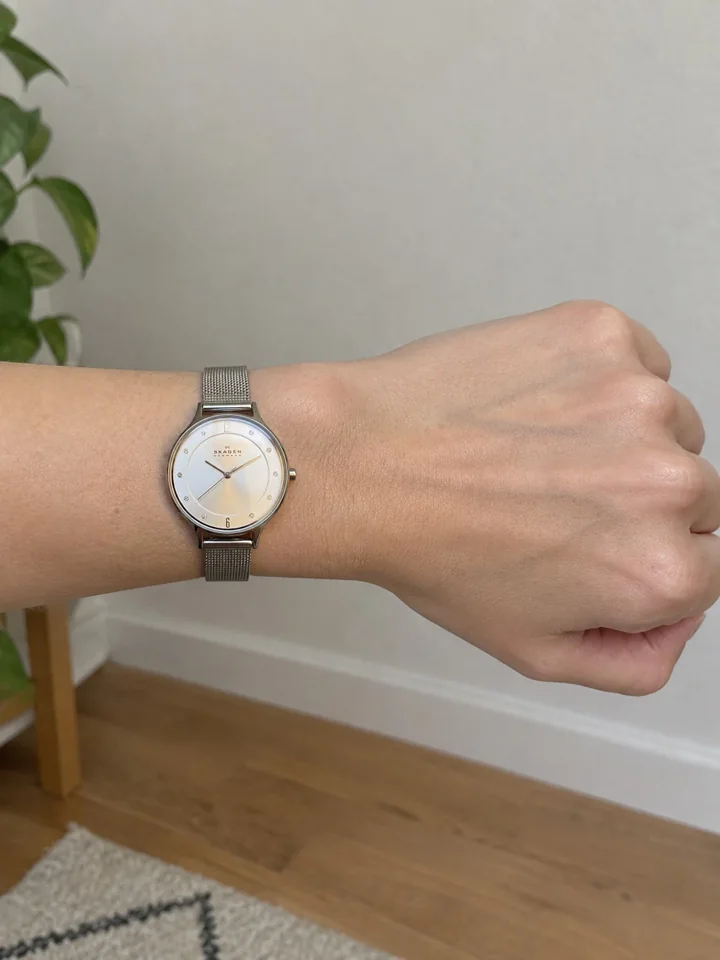
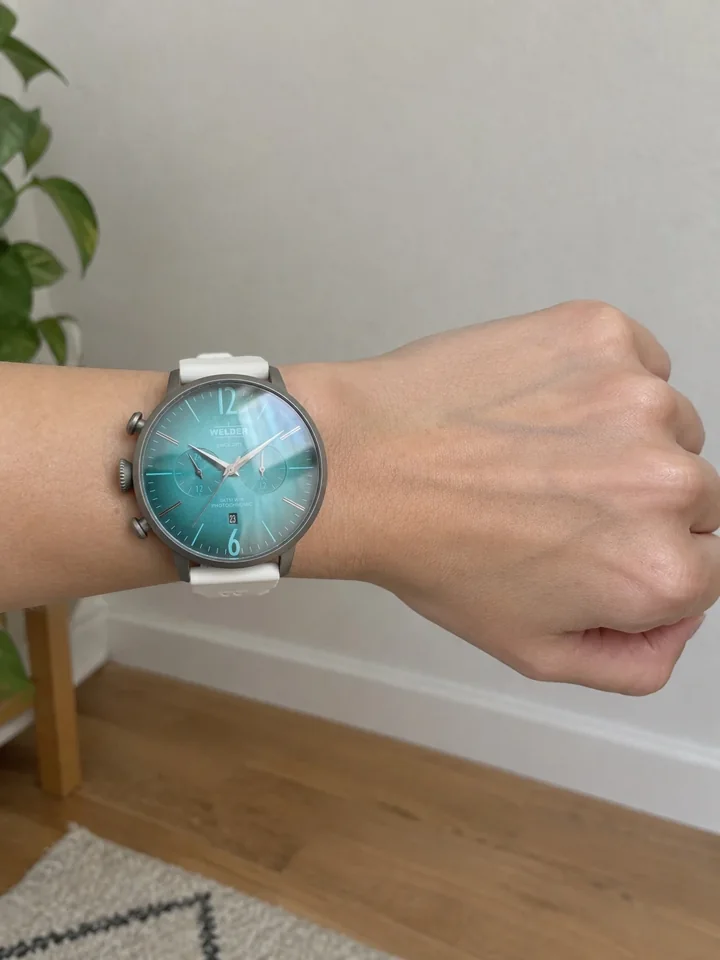
A 30 mm case and a 47 mm one, on the same wrist.
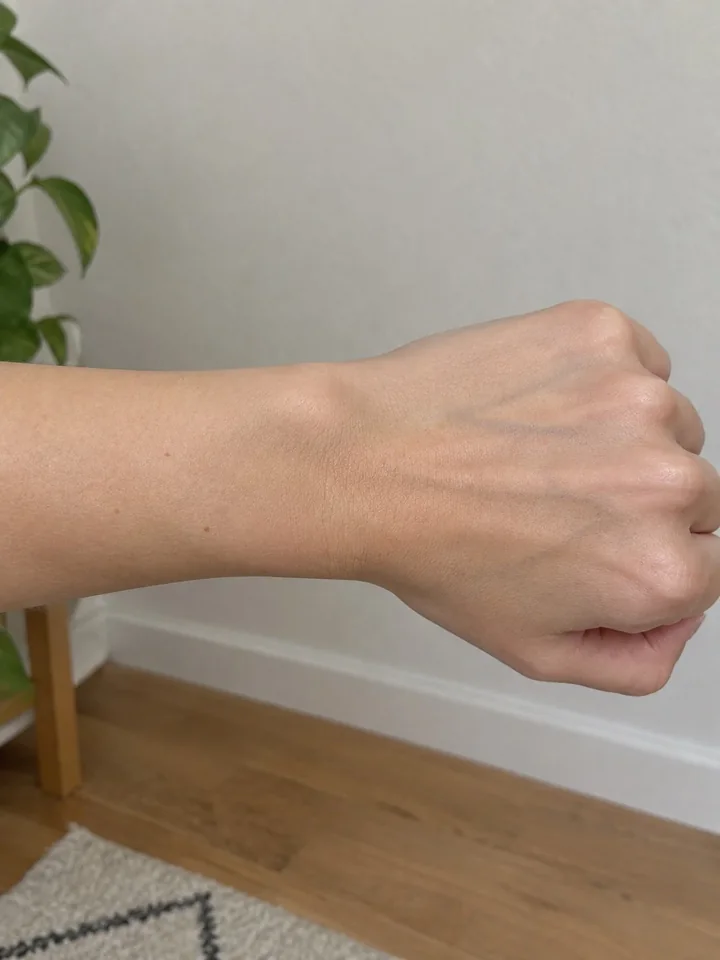
One photo of the wrist, then each watch at its case size.
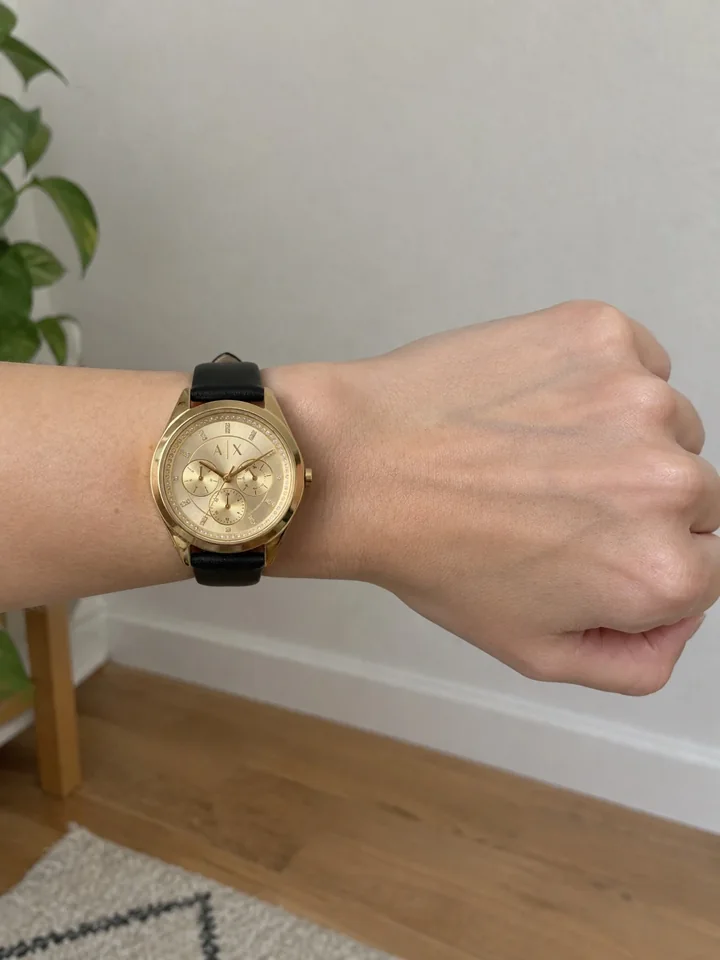
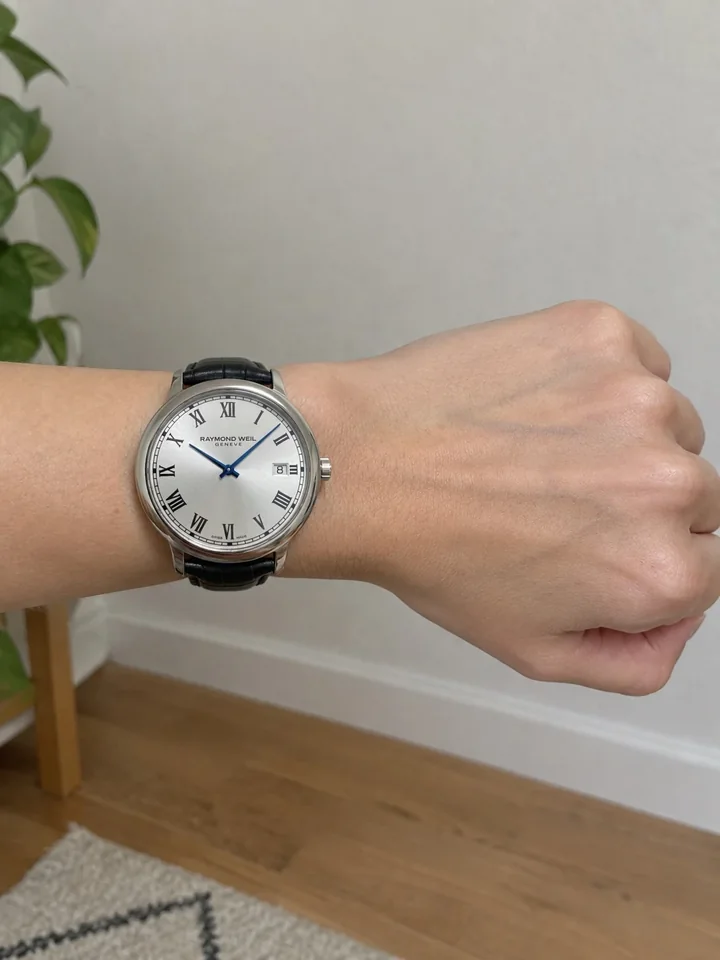
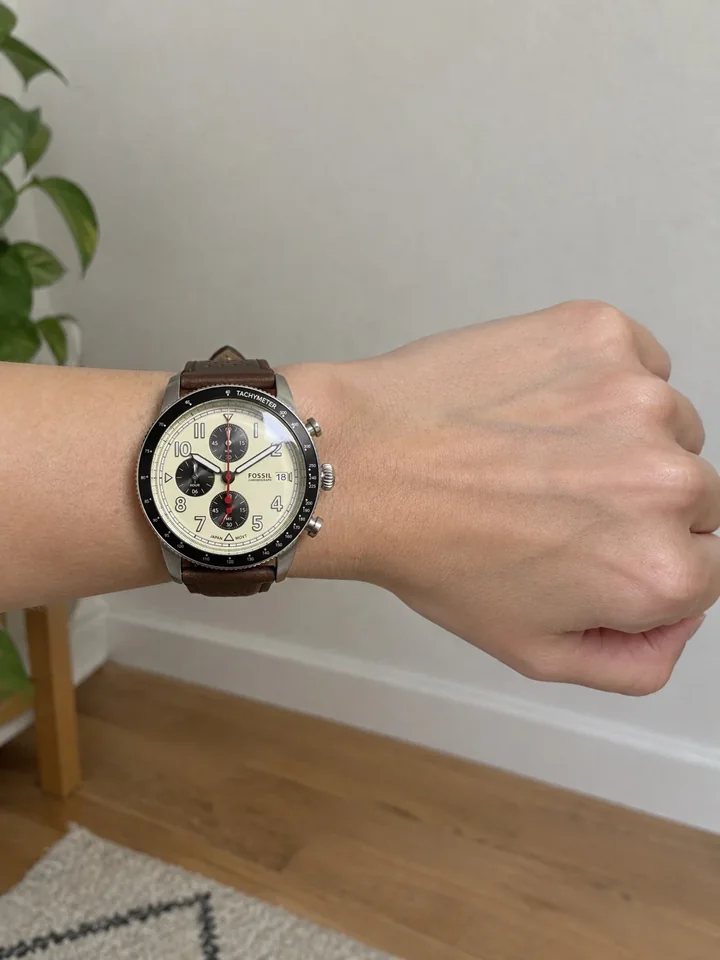
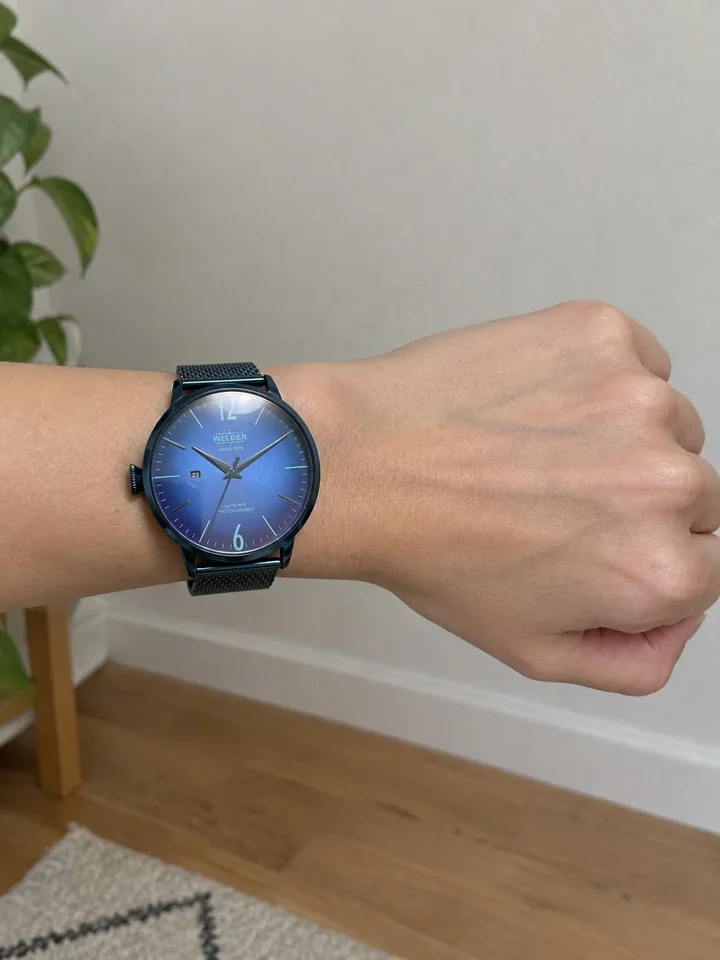
Preview
See it working
Six watches from a demo catalog, at the case sizes their product pages list, tried on one wrist by the app.
What the shopper taps
 Try all
Tap a watch. See it on your wrist.
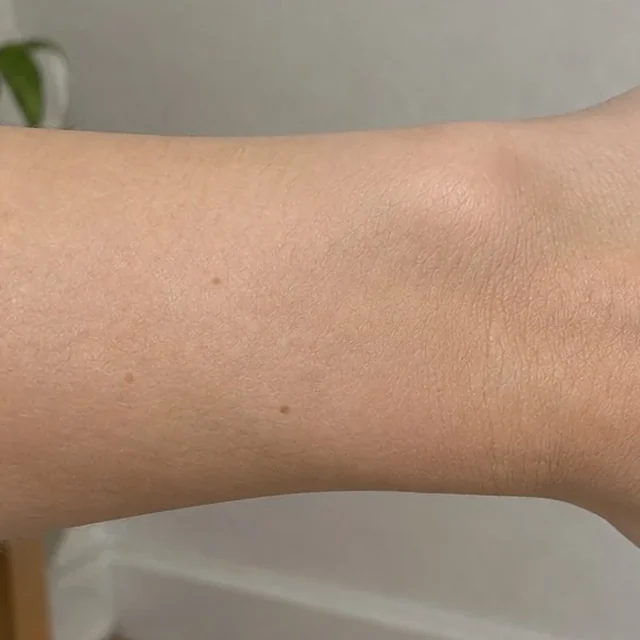
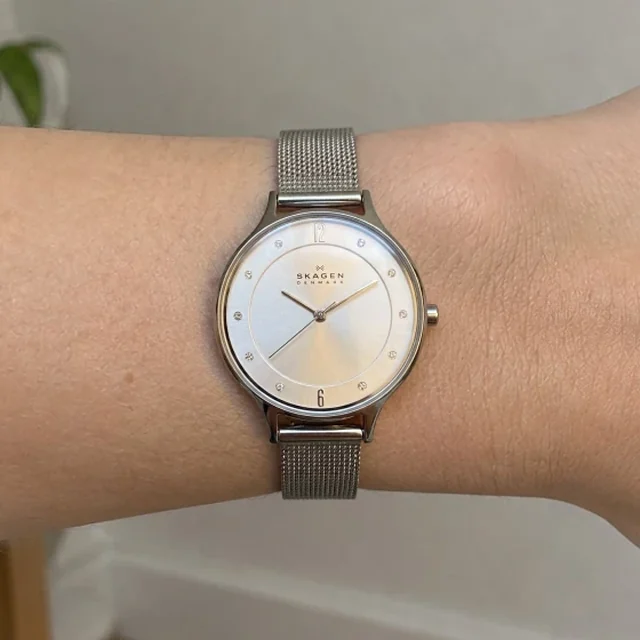
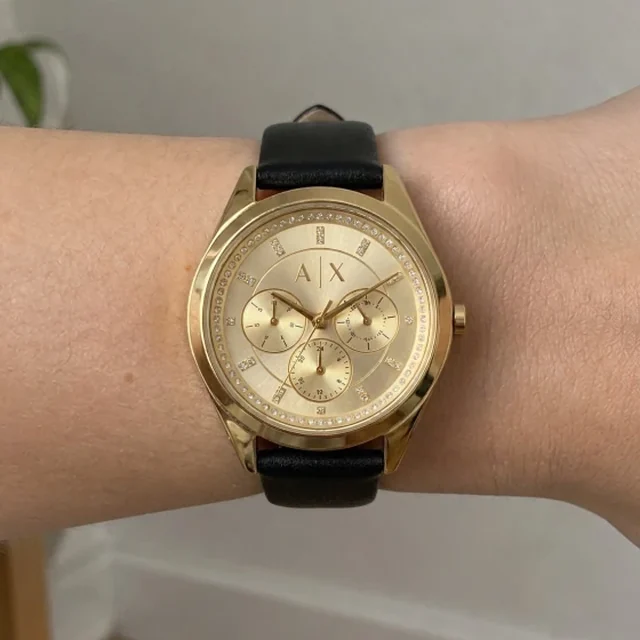
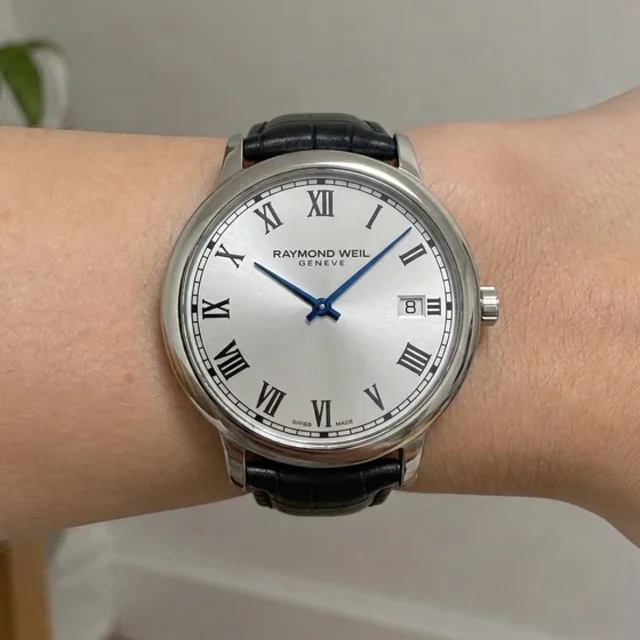
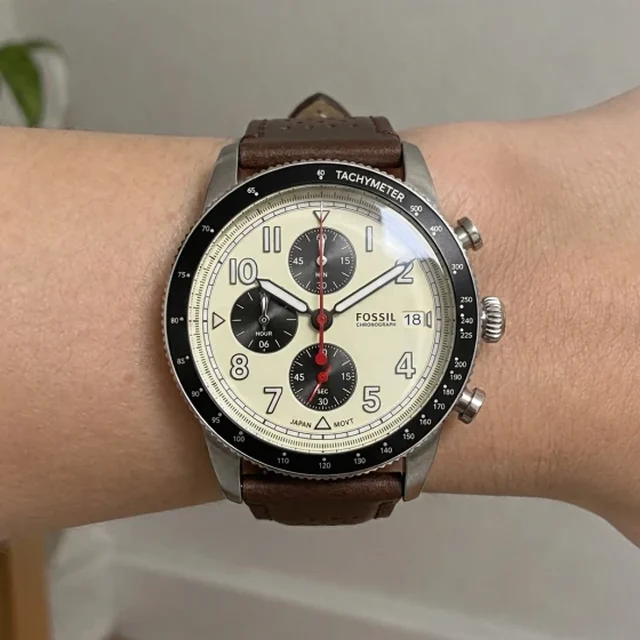
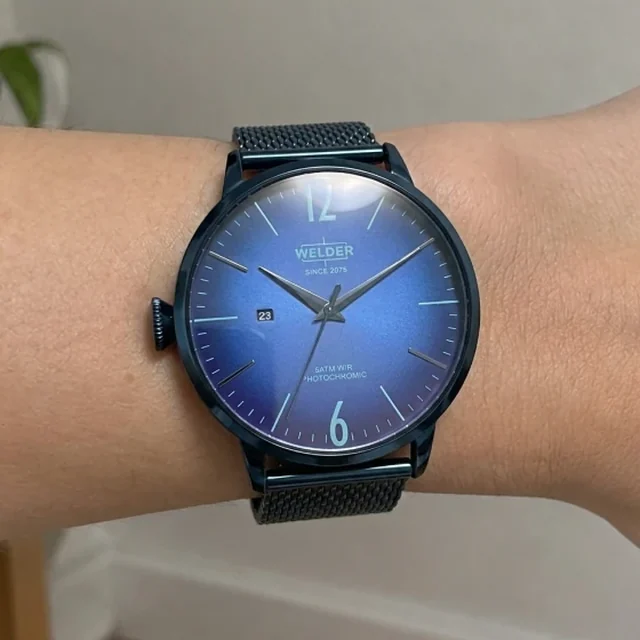
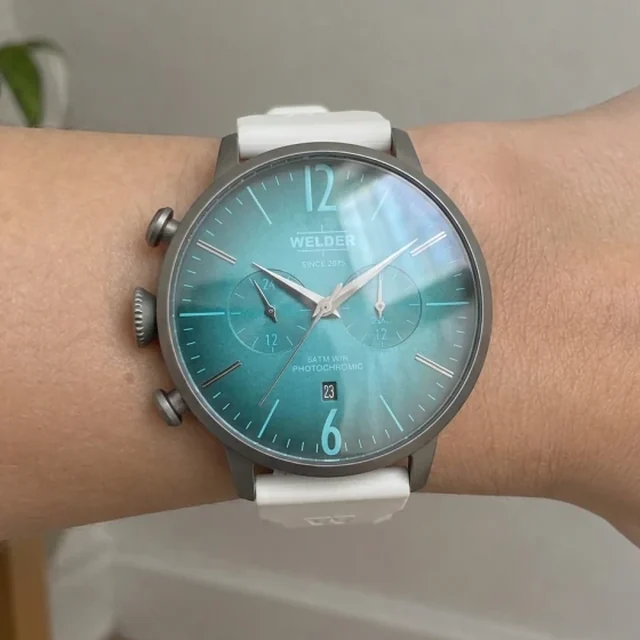
The try-on was made by the app.
Why the case size matters
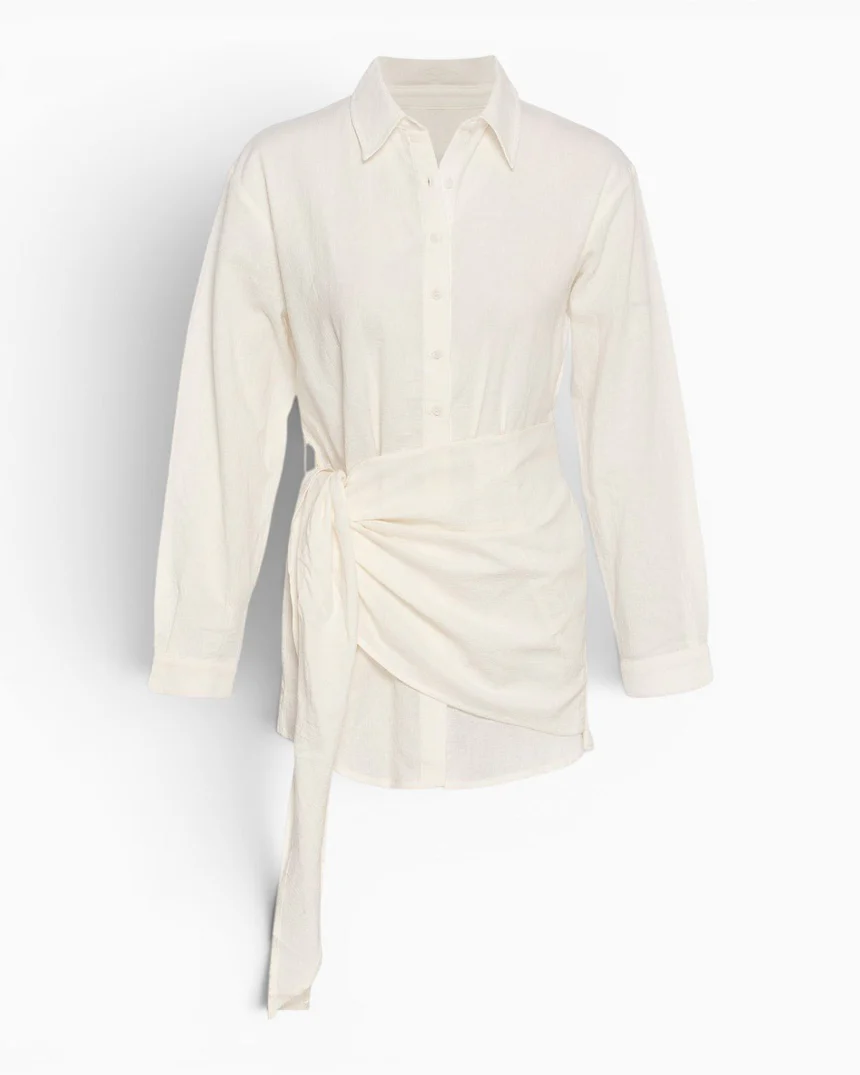
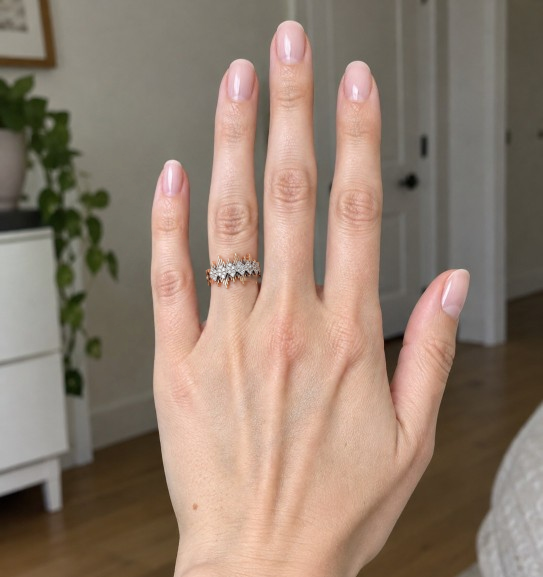
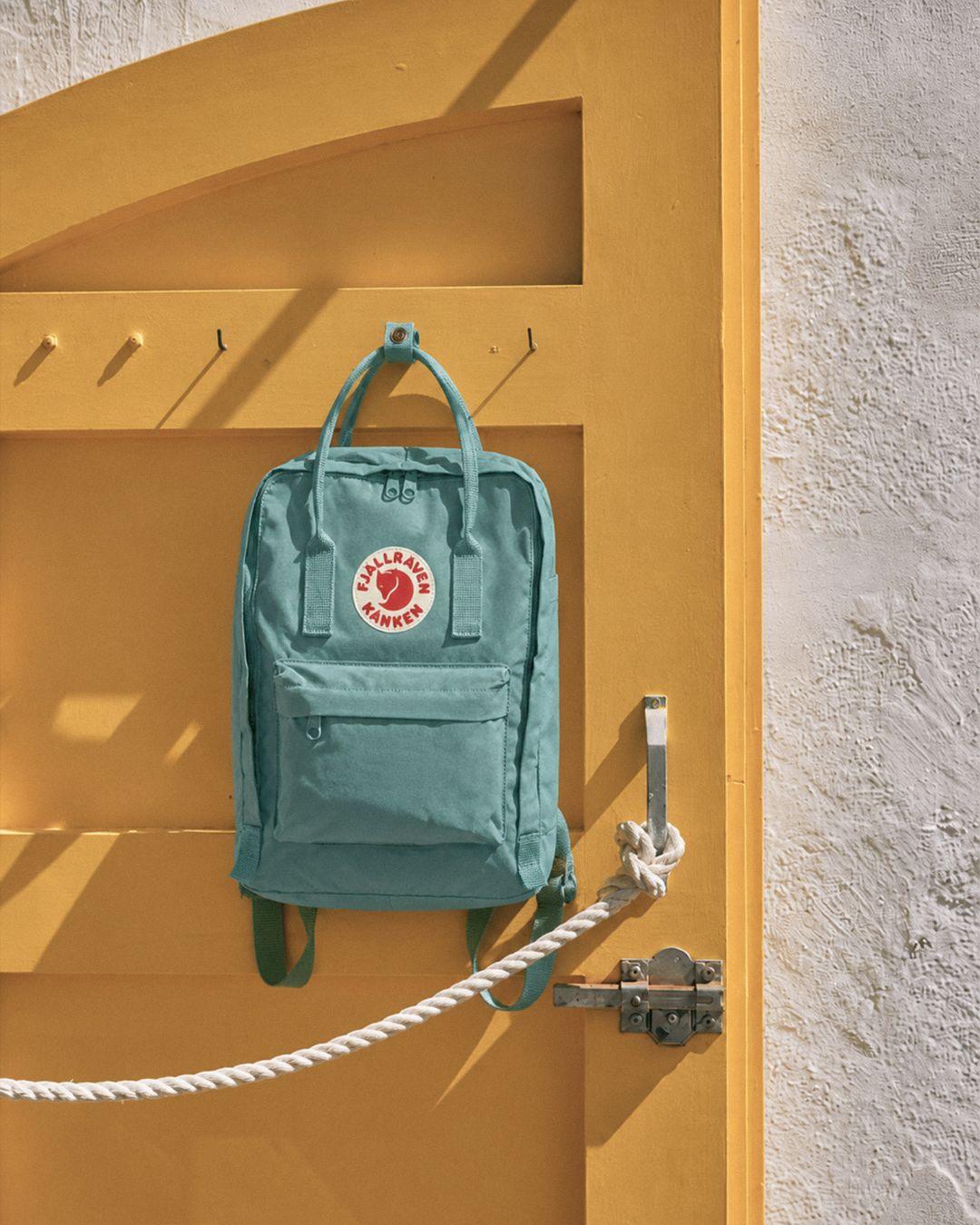
In a product grid, a 30 mm watch and a 47 mm one come out the same size.
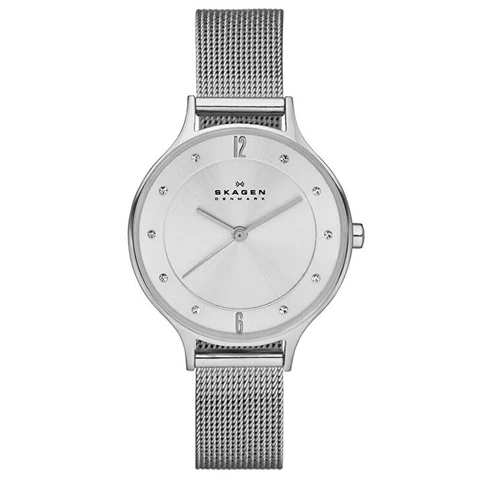 30 mmSkagen SKW2149
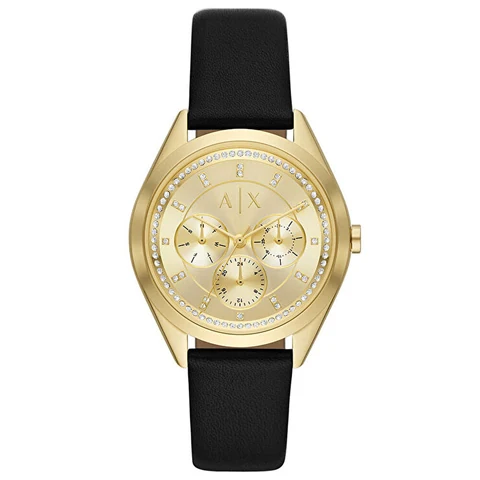 38 mmArmani Exchange AX5656
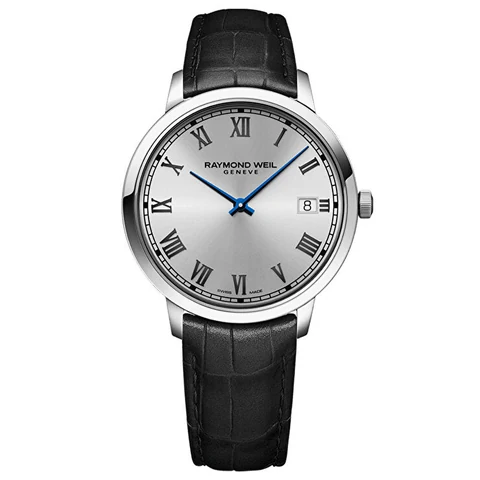 42 mmRaymond Weil RW5585STC00659
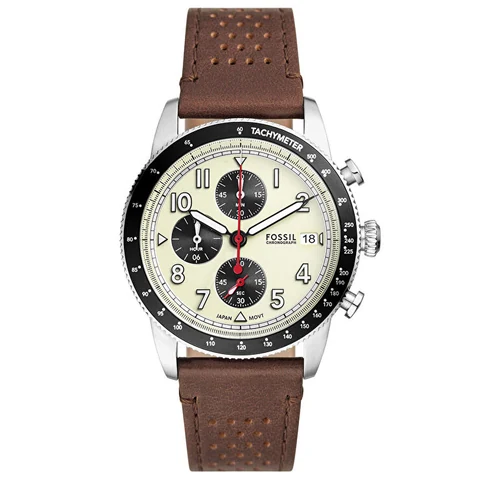 42 mmFossil FFS6042
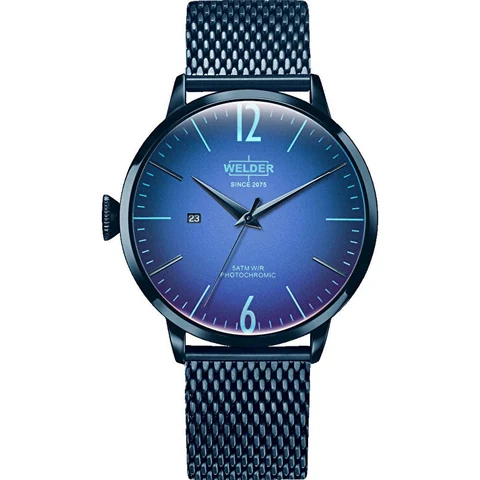 45 mmWelder Moody Watch WRC407
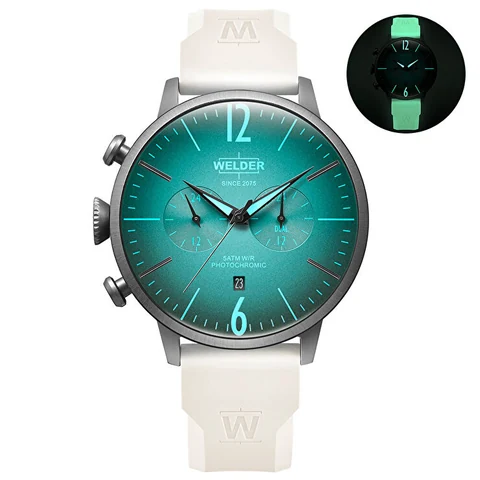 47 mmWelder Moody Watch WWRC1034
The catalog’s packshots, framed the way a product grid frames them.
- The size on the listing
- Each watch is drawn at the case diameter its product page gives. Nothing is stretched to fill the photo.
- Scale from the outline
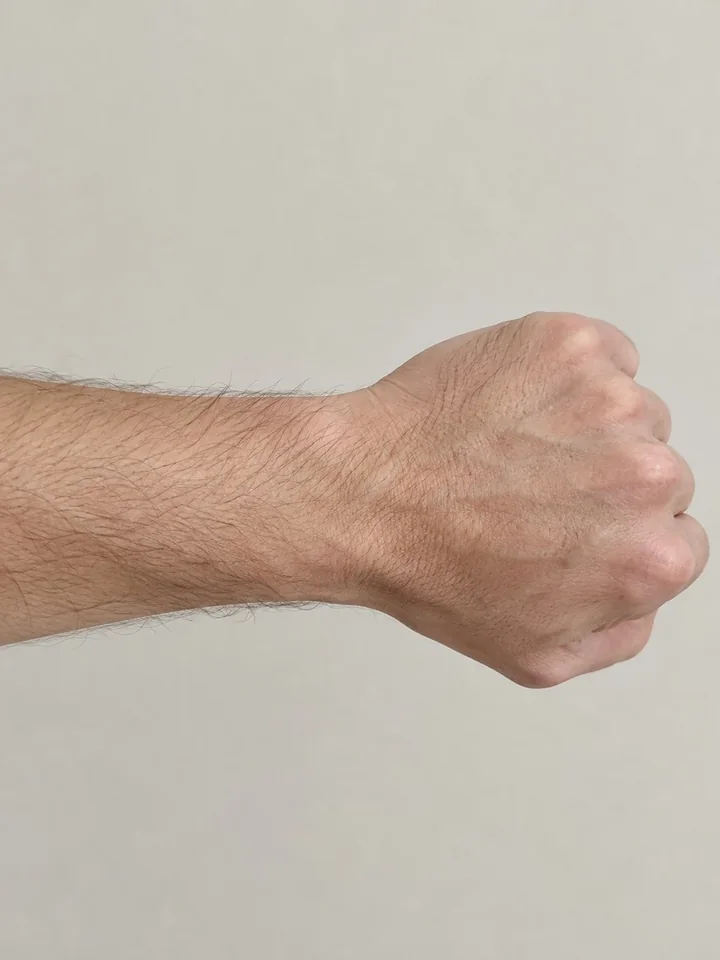
- The arm outline is drawn for a 53.5 mm wrist. A careful line-up gets closest. It shows proportion and doesn’t measure the wrist.
- Worn, not pasted
- AI wraps the strap round the wrist and gives the case the photo’s light and shadow.
One photo
The shopper lines up the wrist once and tries the whole tray.
- An outline on the camera
- The back camera shows a traced arm and the case circle. The shopper fills the outline and takes the shot.
- Try all
- One tap queues the catalog. Three are made at a time, from the same photo.
- Their own watch too
- A photo of any watch works, with its case diameter set on the card.
- Zoom in, keep it
- A result opens full screen and can be saved to the phone.
Set up once
Besides its photo, each watch needs one number: the case diameter.
- 1Send the catalogProduct photos and each watch’s case diameter, from its product page.
- 2We set it upAs a try-on button on your product pages, or as a separate link.
- 3Shoppers take one photoBack camera, wrist in the outline, then any watch in the catalog.
Set up with our team, on any platform.
- Where it runs
- A button on the product page, or a standalone link
- Platform
- Any platform, or a standalone web link
- Setup
- Case diameter per watch, set up with our team
- Languages
- Turkish and English
Questions
How do we set it up?
Send us your watches with their case diameters. We set it up with you, and it runs as a button on the product page or as a standalone link.
How does the watch come out at the right size?
The case is drawn at the diameter on its product page, against a wrist lined up in the on-screen outline. The shopper sees the watch in proportion to their wrist.
Can shoppers compare several watches?
Yes. One photo works for the whole catalog. Try all makes three at a time, and any card can be zoomed, saved or remade with ↻.
Pairs with
Next
Let’s look at your store.
A person replies, usually within a business day.