



Alfreya for Shopify: Built into Shopify
Apps and theme blocks that sit inside your store. Not on Shopify? We work with other platforms too.
 Theme block · Placed, not coded
Why we build inside Shopify
- 01
Your theme, untouched
Drag blocks into place. The theme code stays as it was.
- 02
Prices are never stale
Change a price at noon. Shoppers see it at noon.
- 03
No new login
The apps live in the Shopify admin you already use. Model Studio is the one with its own sign-in.
Live in four steps
- 01
Install the app
From a link. It asks only for the permissions it uses.
- 02
Connect your catalog
AI reads and labels your products once. The rest builds on that.
- 03
Place the blocks
Drag them where you want them in the theme editor.
- 04
Watch and adjust
Reports sit in the admin. We go through them with you and tune.
All sixteen, and where they live
| Product | Where it runs | Setup | App Store |
|---|---|---|---|
| Jewelry Try-On | “Try it on” button on product pages | Switch on the button, add each piece’s millimetres | |
| AI Model Studio | Web studio for your content team | One team sign-in, nothing to install | |
| Ear Stack Try-On | A stack page, product-page links and look links, on phone and desktop | Your store link, then product links for new earrings | |
| Bracelet Stack Try-On | A stack page, product-page links and look links, on phone and desktop | Your store link and one model photo, then product links for new bracelets | |
| Virtual Try-On | Product photo, above add to cart, product cards | App install and one theme toggle | |
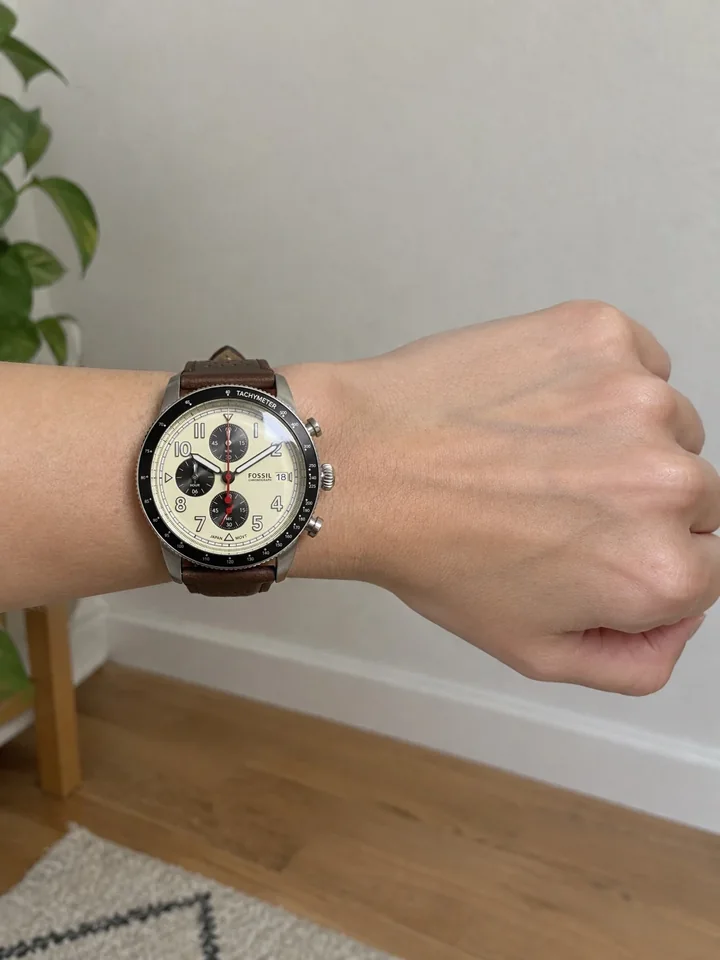
| Watch Try-On | A button on the product page, or a standalone link | Case diameter per watch, set up with our team | |
| Live Video Try-On | Product page camera overlay | App install and one theme toggle | |
| Smart Search | Search box and its drop-down panel | Install the app, flip one theme switch | |
| AI Shopping Assistant | Your search box and its AI window | Install, we index and tune it, one theme switch | |
| Visual Similar Products | A row on the product page | Three steps: install, let AI read the catalog, add one block | Install |
| Outfit Recommendations | A “Shop the look” block on the product page | Three steps: install, let AI style the catalog, add one block | |
| Collection Merchandising | Collection pages and the Shopify admin | Three steps: install, pick collections, apply or schedule | Install |
| Multi-Store Sync & Translation | Shopify admin app and product-page card | Install on both stores, approve, confirm the vocabulary | Install |
| Checkout Consent | Checkout, order record and confirmation email | Shopify Plus, a five-step guide and one checkout setting | Install |
| In-Store Product Finder | Associate app on phone or tablet, plus Shopify admin | App install, catalog sync and an access key | |
| Catalog Intelligence | Feeds Alfreya’s products, and other uses on request | Our team connects the catalog |
Next
Let’s look at your store.
A person replies, usually within a business day.