

Virtual Try-On
See it on you before you buy it.
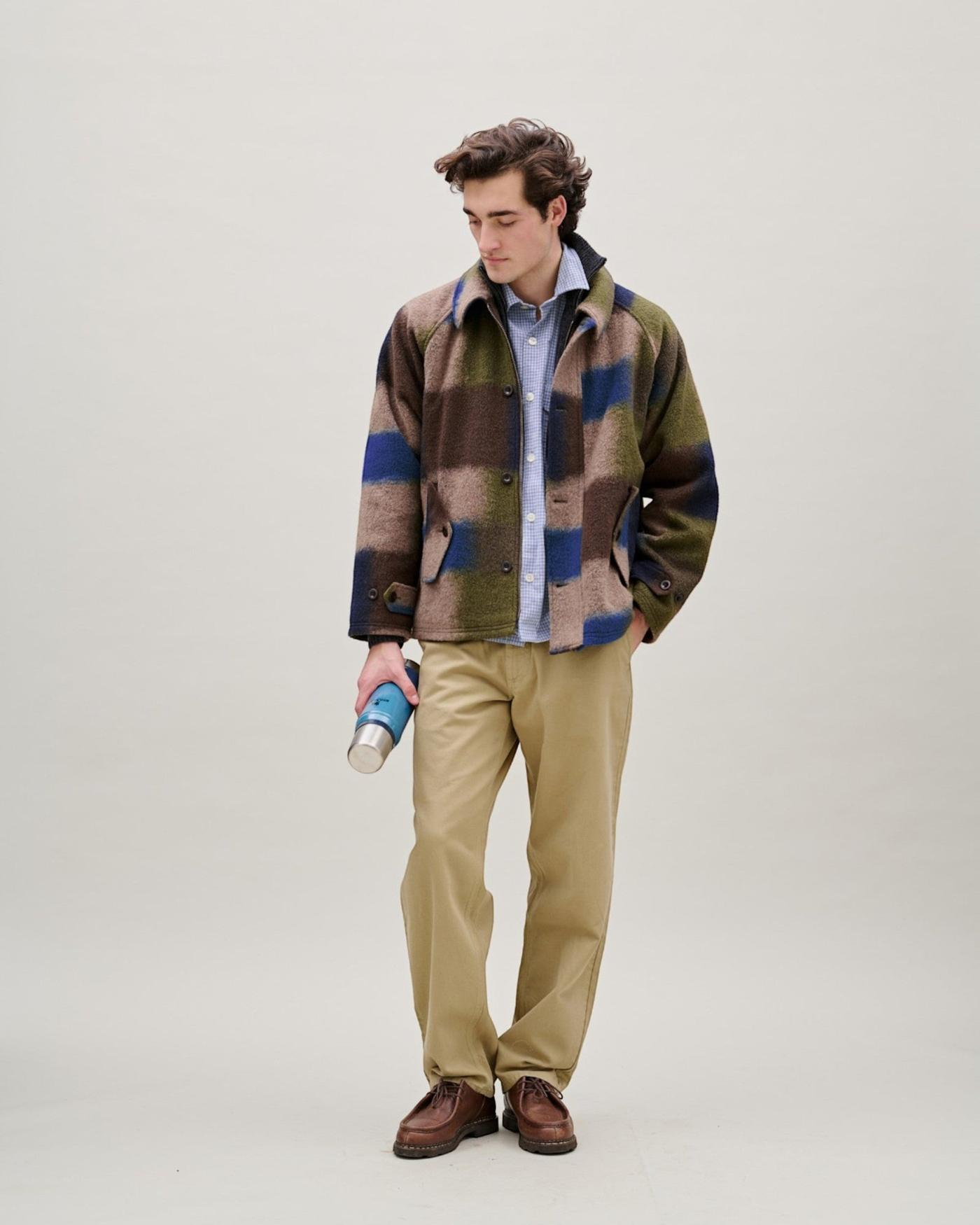
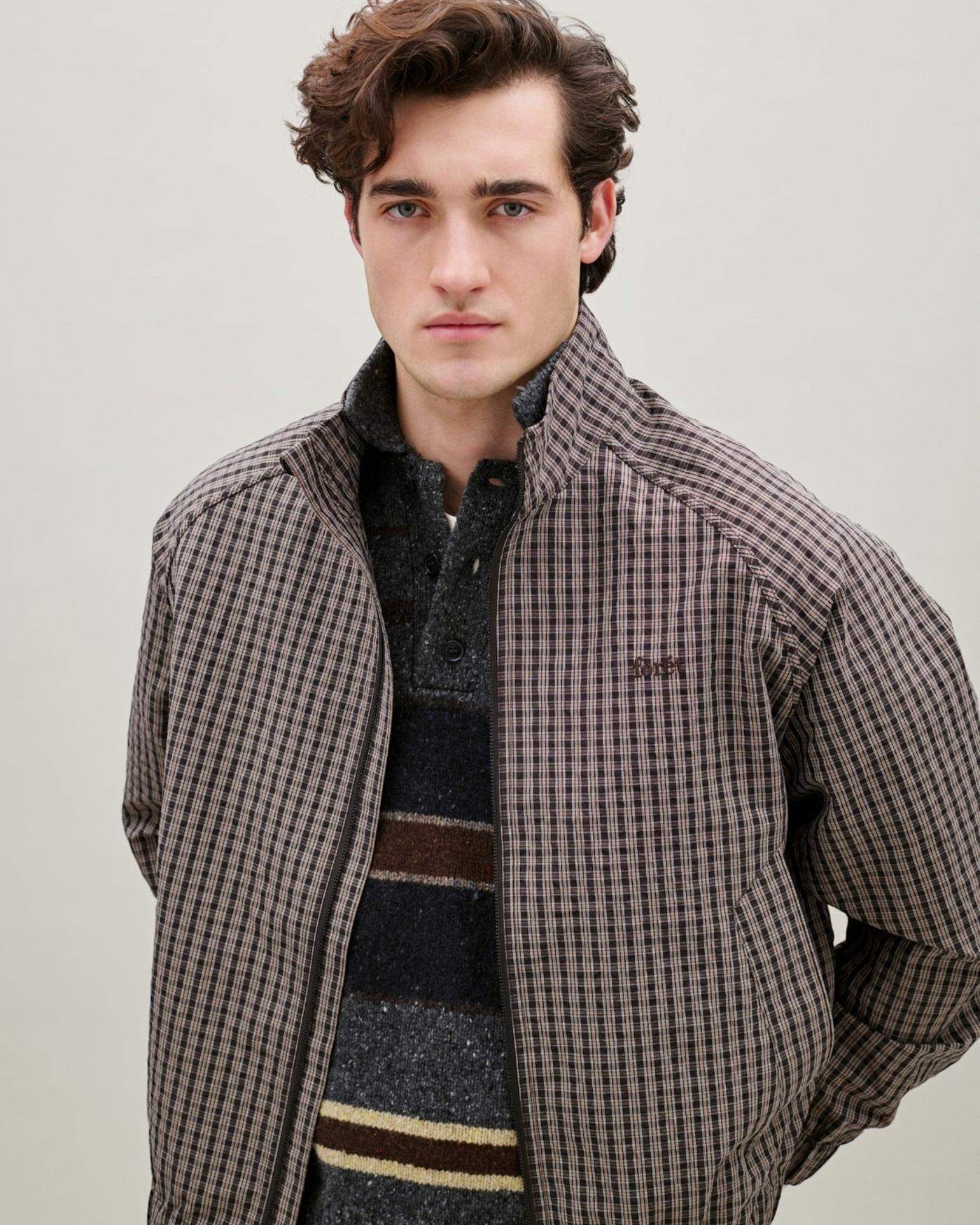
The shopper’s own photo, wearing the jacket from this page.
Available to deploy
Built with Any platformTR · EN
Any platformTR · ENPreview
See it working
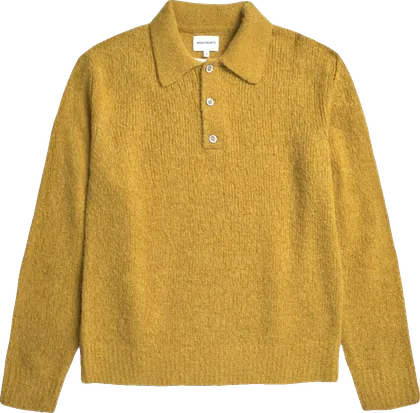
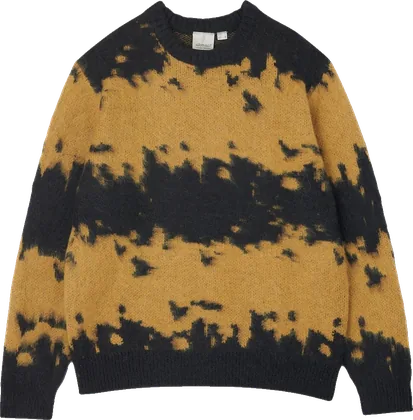
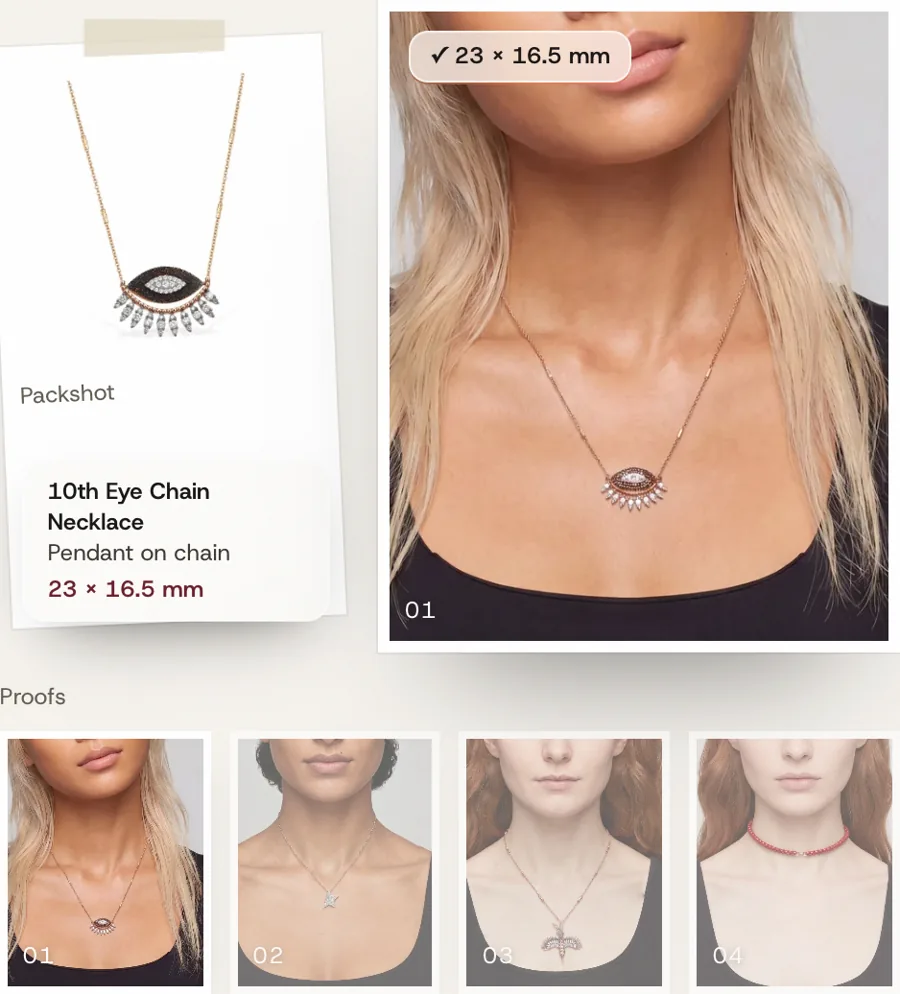
Real try-ons, made by the app from one lookbook photo, on Vitruta product pages. Not open to shoppers yet.
Product pages
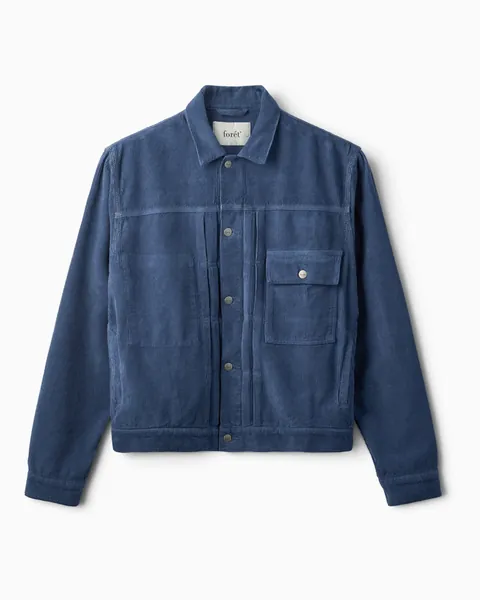
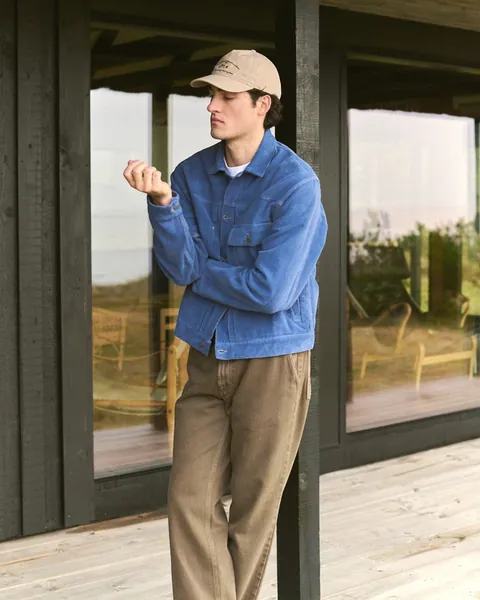
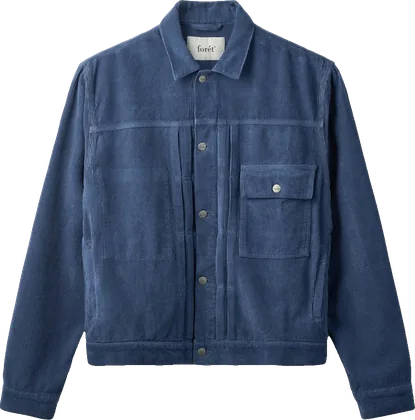
ForétHazy Corduroy Erkek Ceket19.575 TL
Renk: Medium Blue
SMLXLSEPETE EKLESet up once
Switch it on, and new jackets arrive with the button.
- 1Install the appFrom the Shopify admin. On another platform, our team connects it.
- 2Turn it on in your themeOne switch under App embeds puts the button on the first product photo.
- 3Say which productsList the types that can be worn. Any single product can still be switched off.
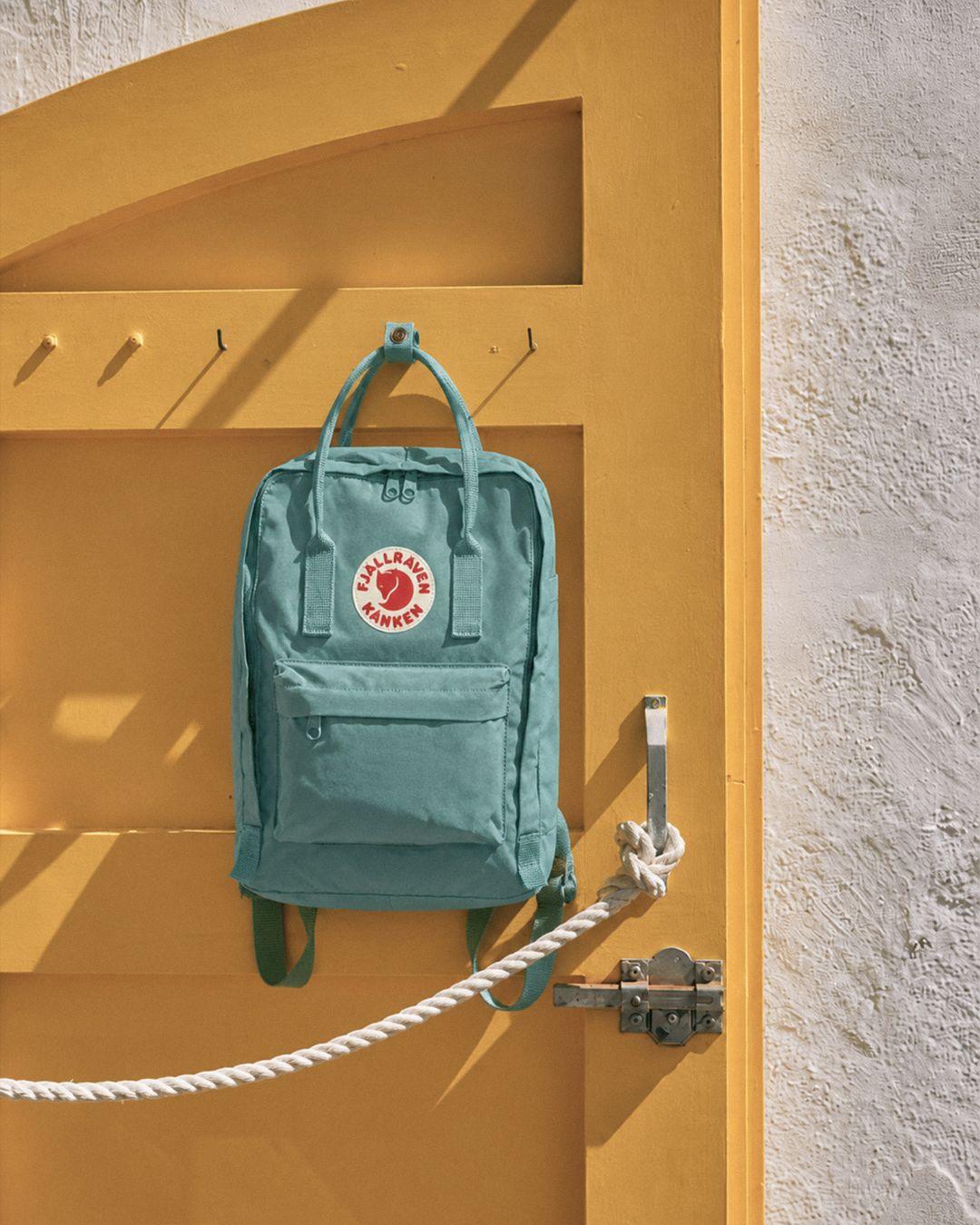
Bags, books and candles never get one.
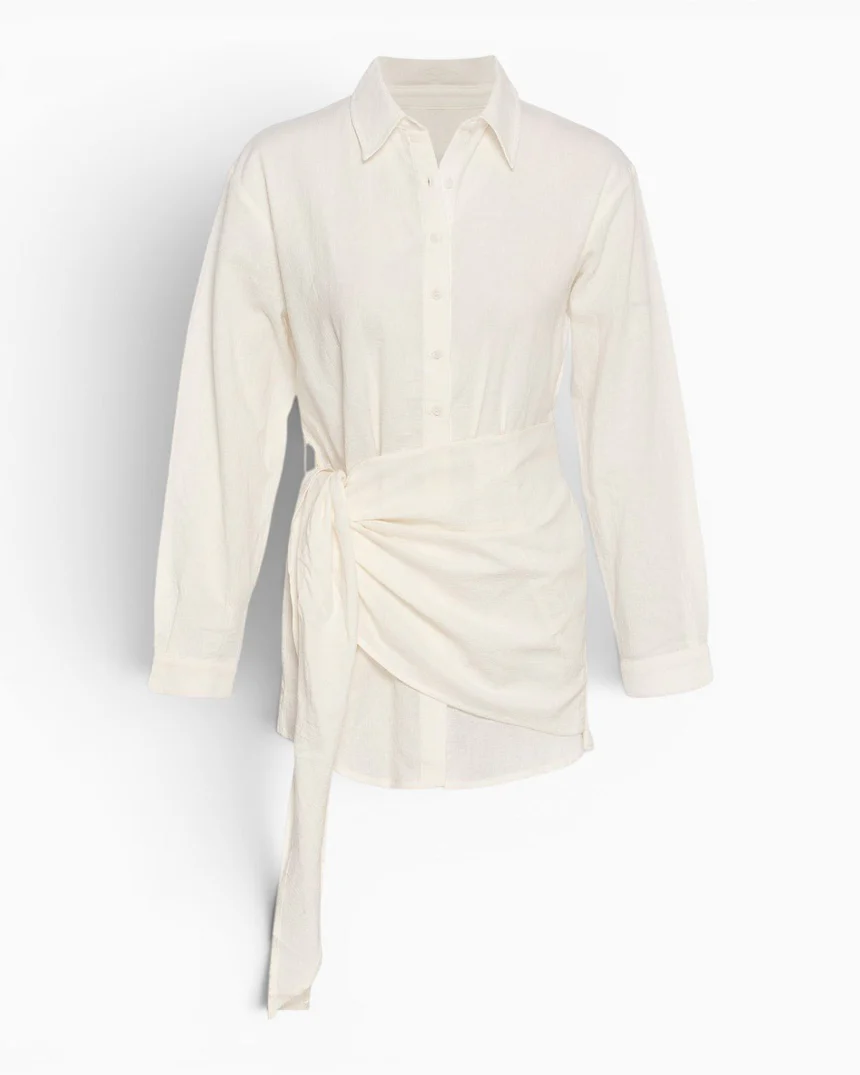
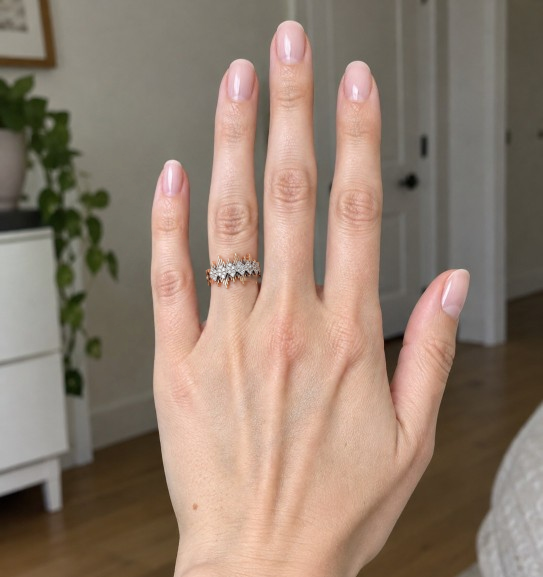
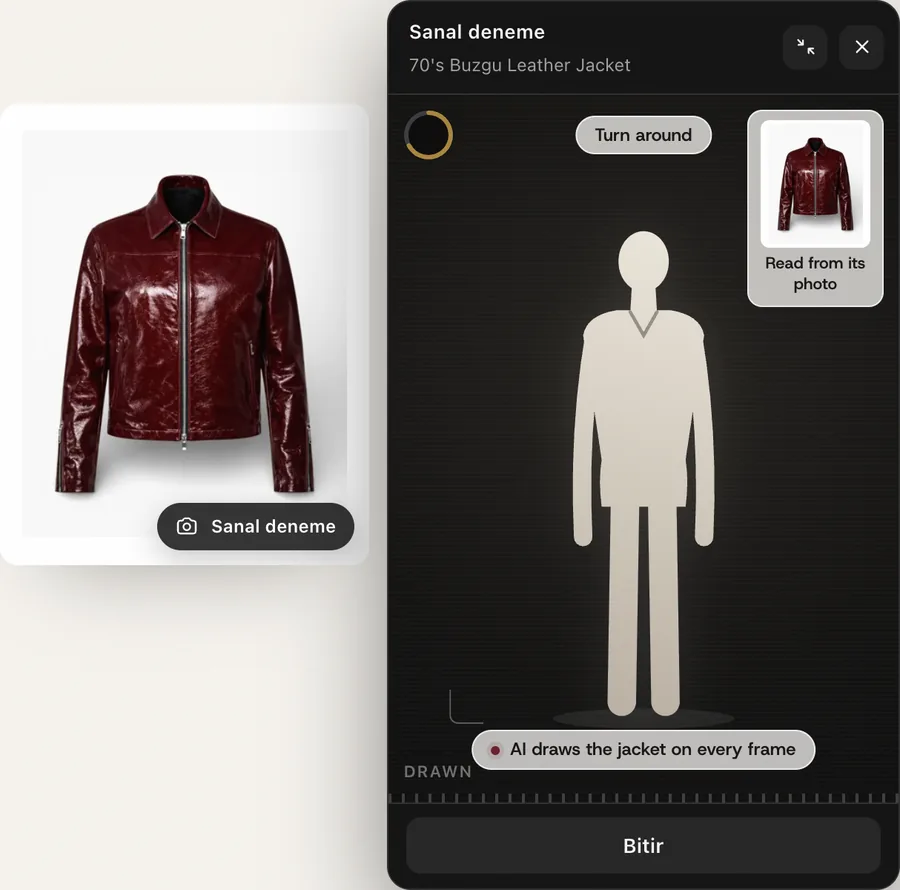
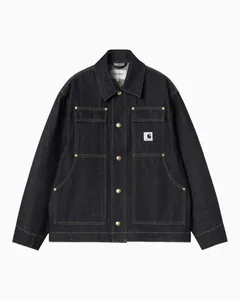 Sanal deneme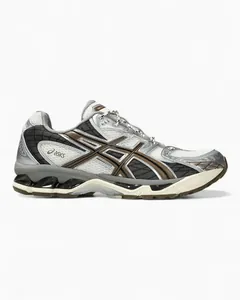
 Sanal deneme
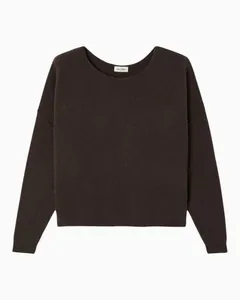
 Sanal deneme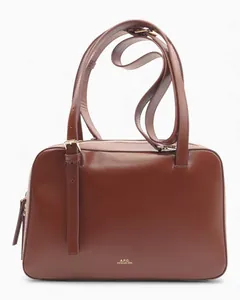
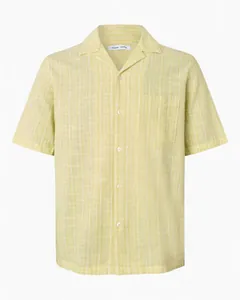 Sanal deneme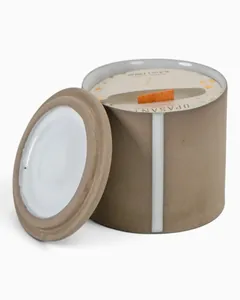
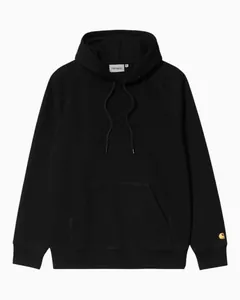 Sanal deneme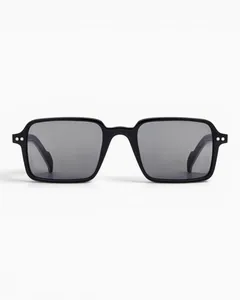
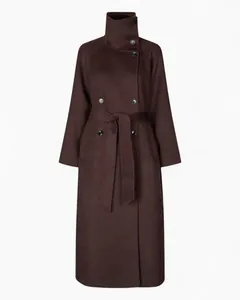 Sanal deneme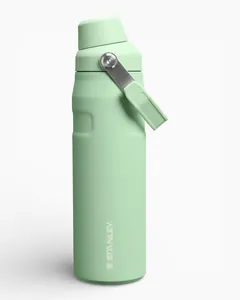
Why it sells
The same jacket, on the one body the shopper cares about.
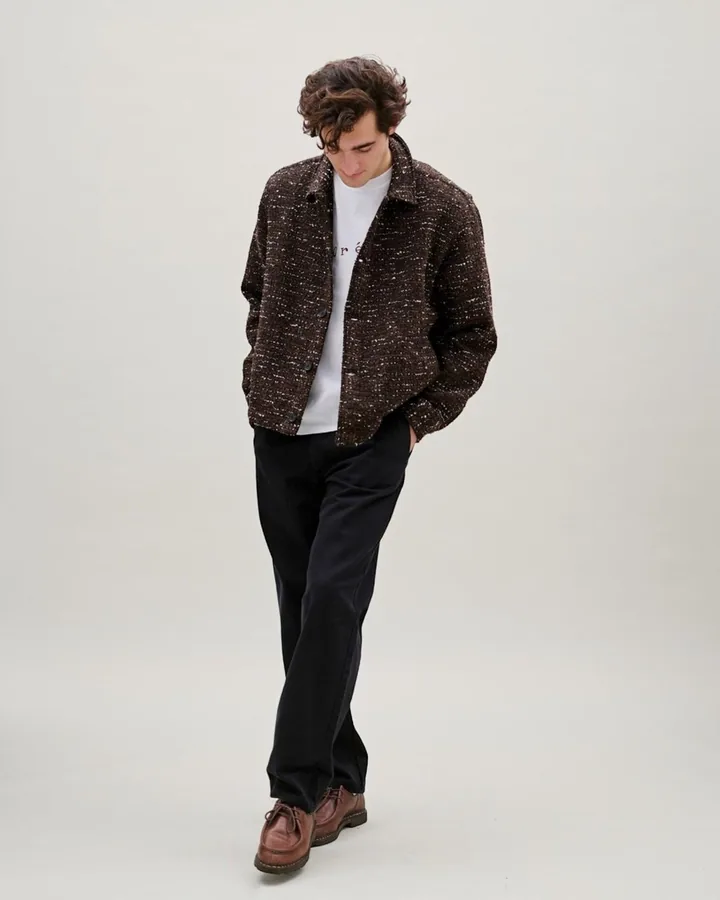
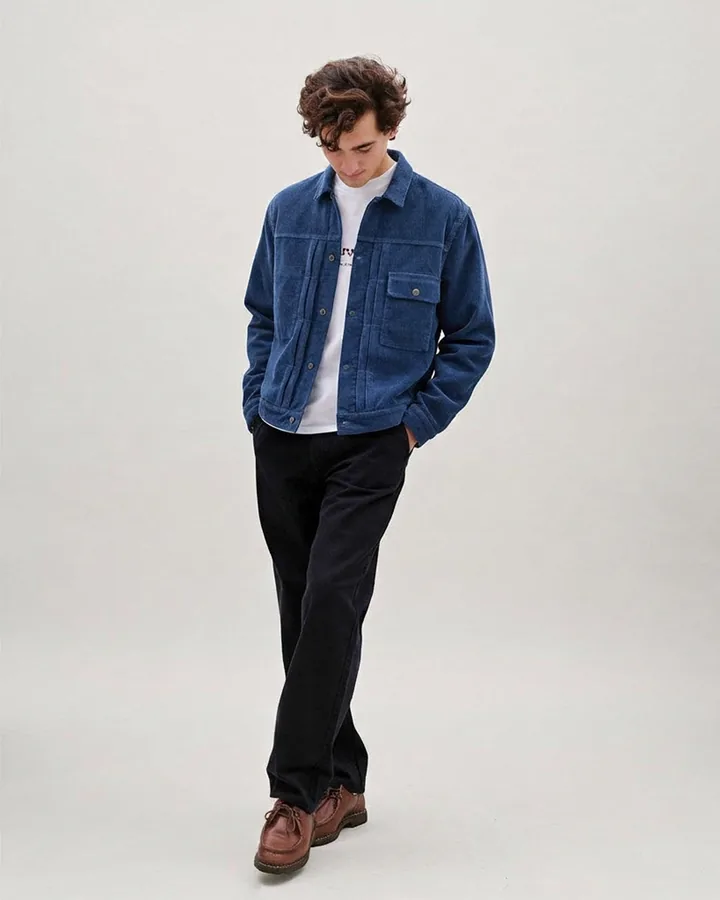 Their photoWearing it
- A model photo
- Someone else’s height and shape. The shopper has to imagine the rest.
- A drawn avatar
- Built from sliders to look like them. Close, but not them.
- Virtual Try-On
- AI dresses the shopper’s own photo in the garment from this page.
The shopper’s photo
One photo, used once and never written down.
- A daily number per browser
- A set number of try-ons per browser each day, agreed with you.
- Your button, your corner
- Pick the corner of the photo and a dark, light or brand colour button.
- In the shopper’s language
- Turkish or English, whichever the store uses.
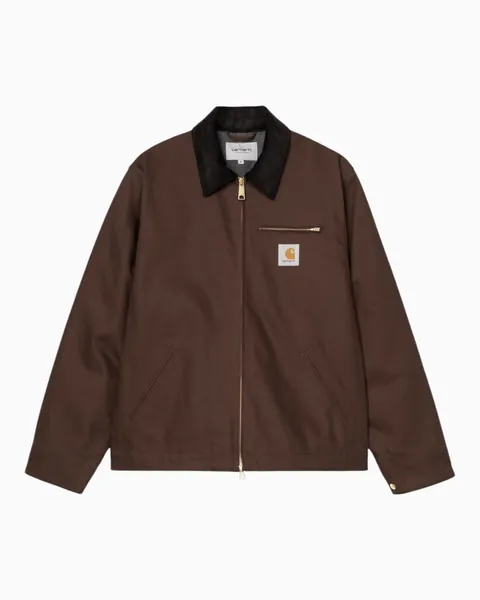
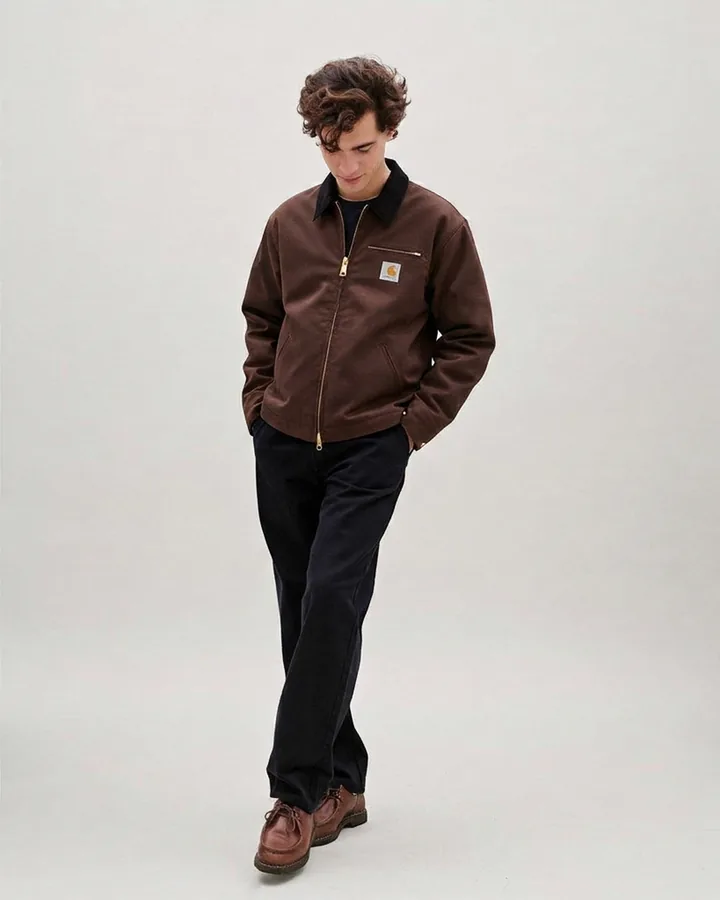
- Where it runs
- Product page, on the first product photo
- Platform
- Shopify app, or any other platform by integration
- Setup
- App install and one theme toggle
- Languages
- Turkish and English
Questions
Does the shopper need an account or an app?
No. It all happens in a card over the product page, in whatever browser they are already using.
What happens to the shopper’s photo?
It is used once to make the try-on and never written anywhere on our side. The result goes when the tab closes, unless the shopper saves it.
What does the shopper see?
The garment on them, in their photo, with its colour, print and cut. Sizing stays with your size chart.
Next
Let’s look at your store.
A person replies, usually within a business day.