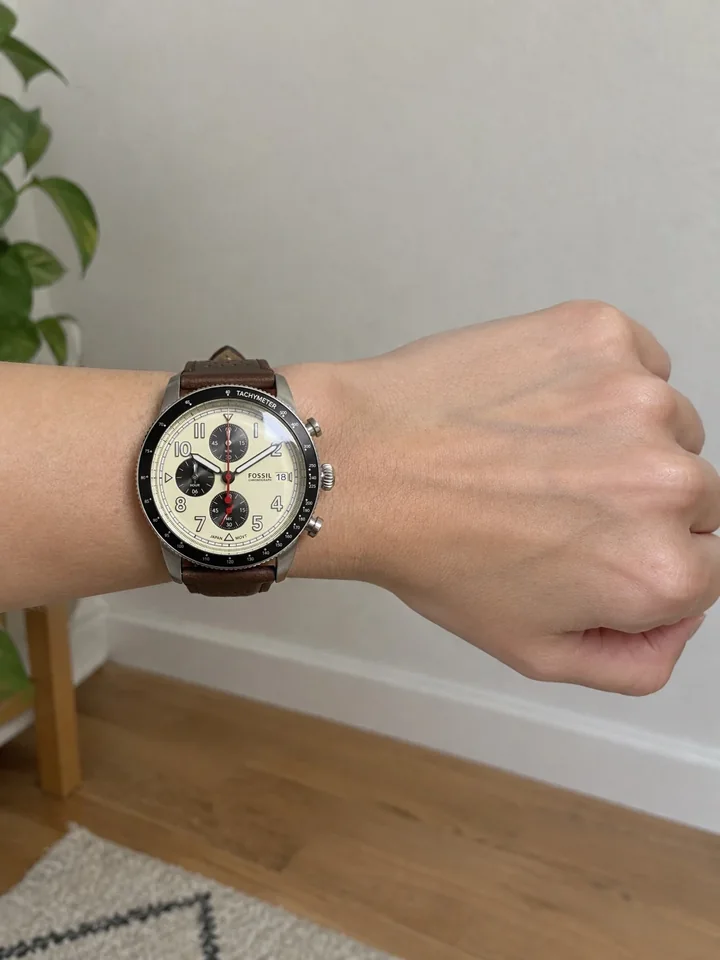
AI jewelry photos and virtual try-on: Send your store link. See your pieces worn.
A free demo with your pieces: model photos for your pages, a try-on for your shoppers, in two business days.
Nothing to install. A person writes back with your demo.
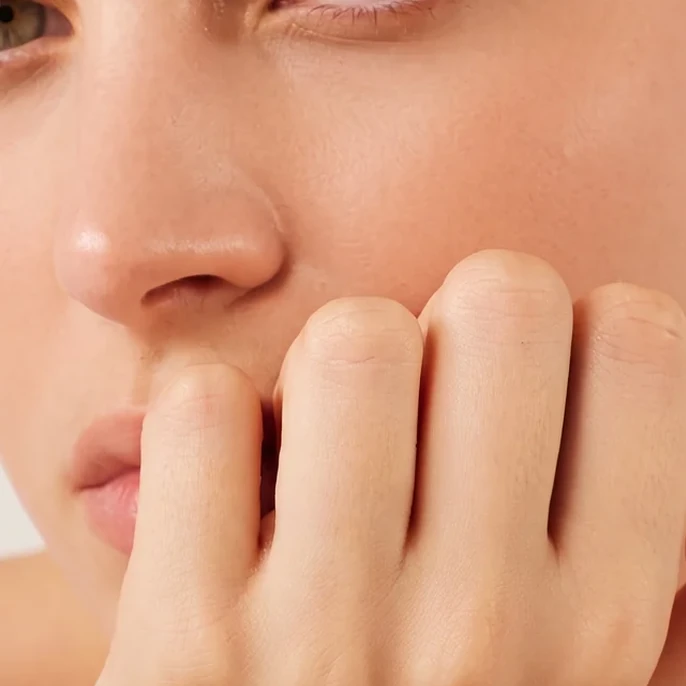
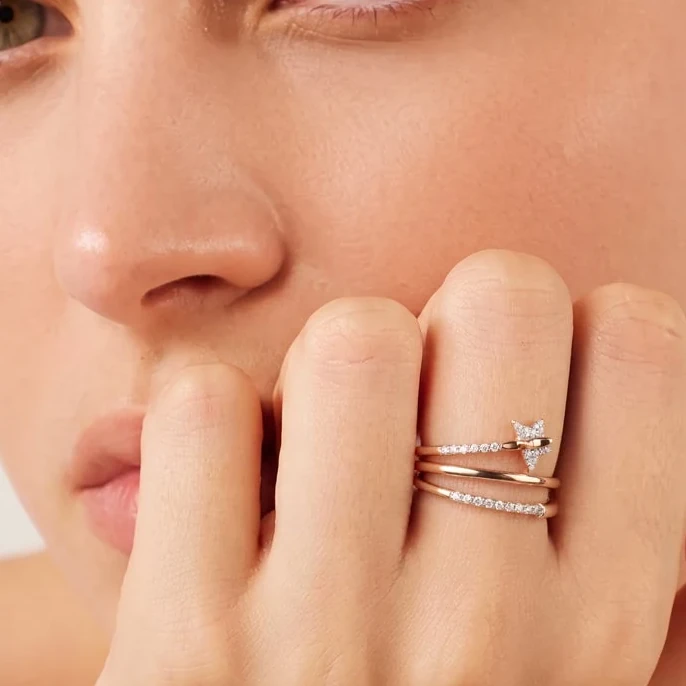 AI put the ring on, from the packshot
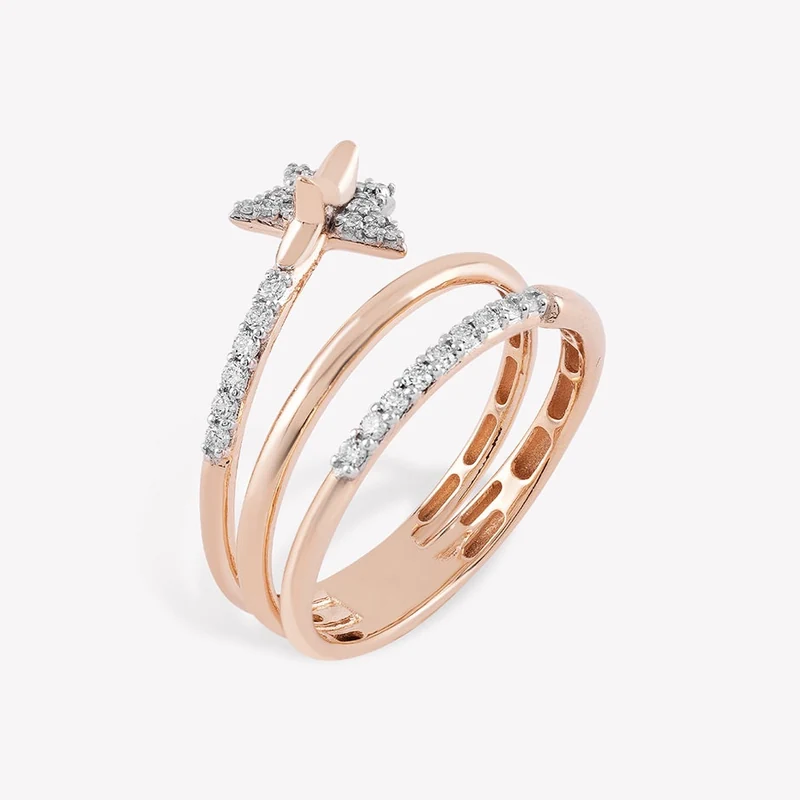 Packshot

What comes back
Your packshots, worn to scale.
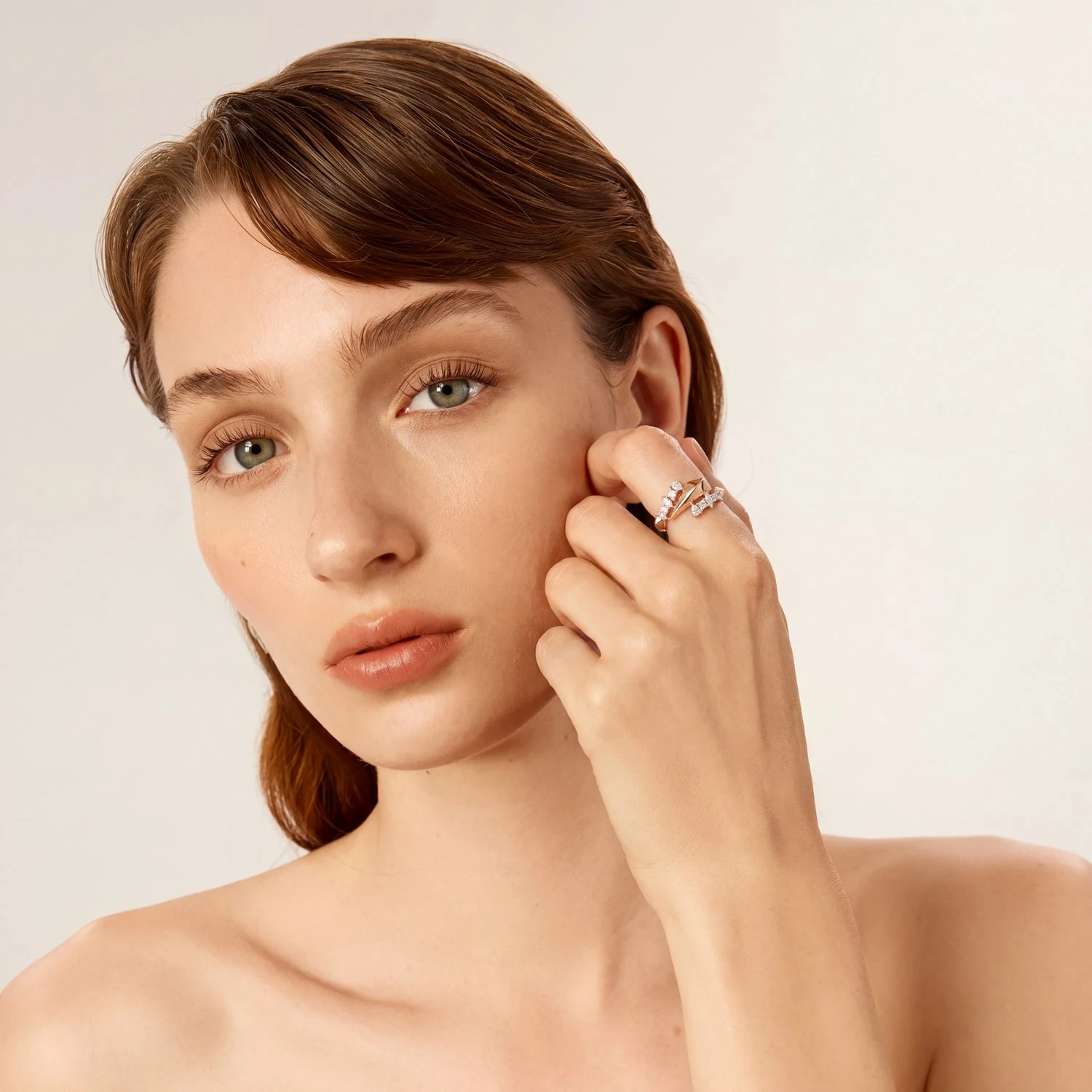
No shoot to book: a model photo takes 5 to 10 minutes. These are Kısmet by Milka pieces, placed by AI at their listed sizes.
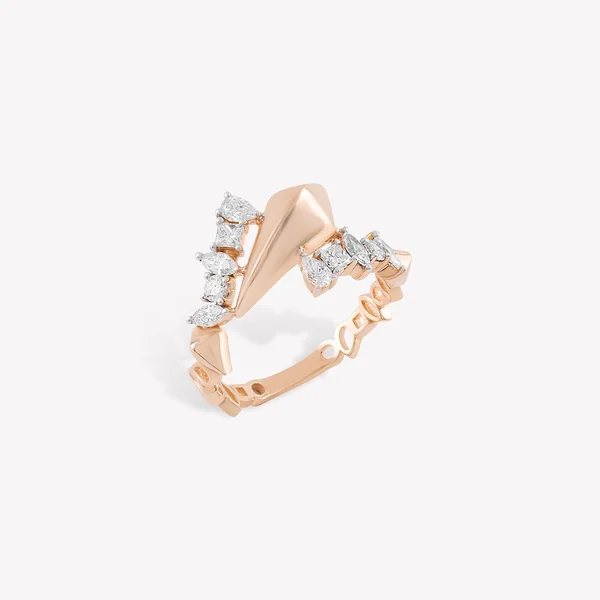 PackshotModel photo
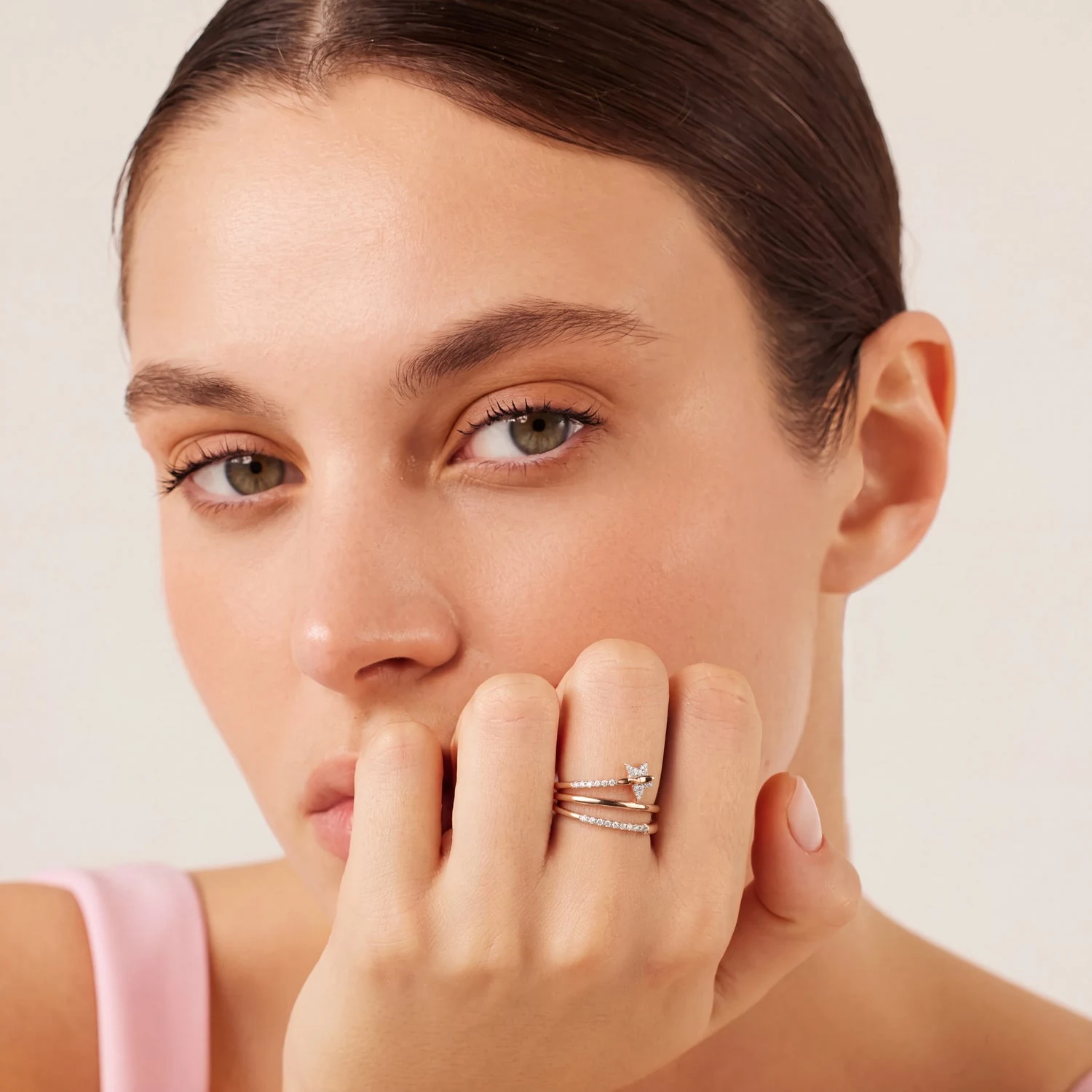
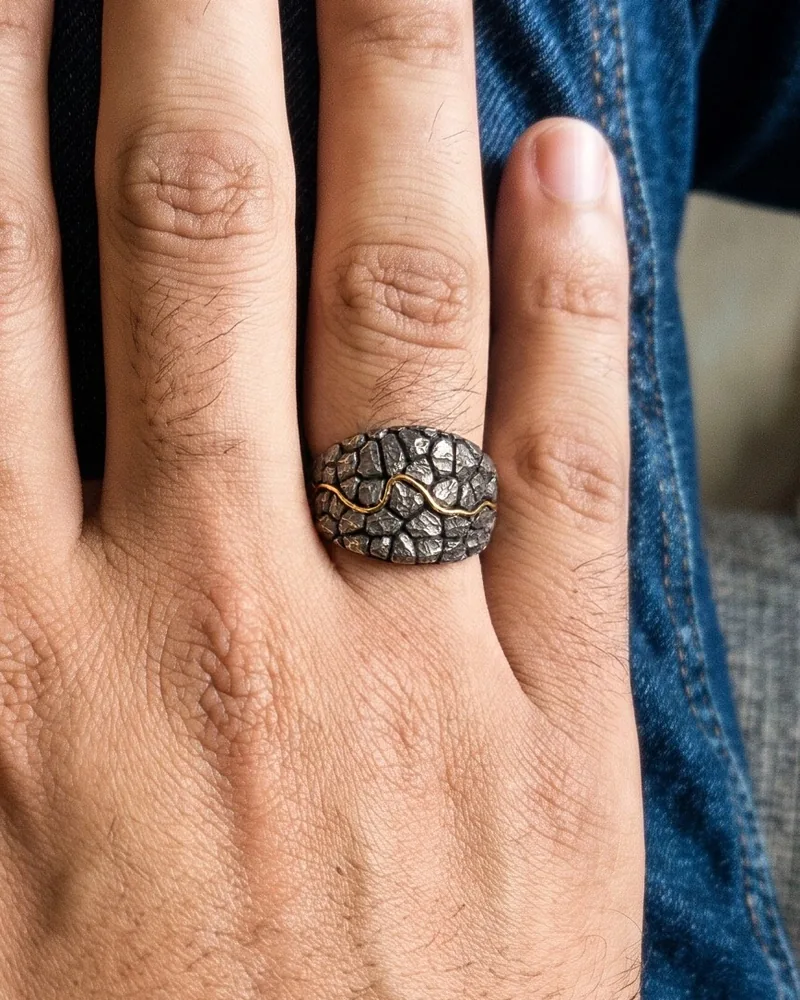
A ring on a model
Curium Ring, 11.5 mm wide. This photo is live on Kısmet’s store.
See it on Kısmet’s store AI Model Studio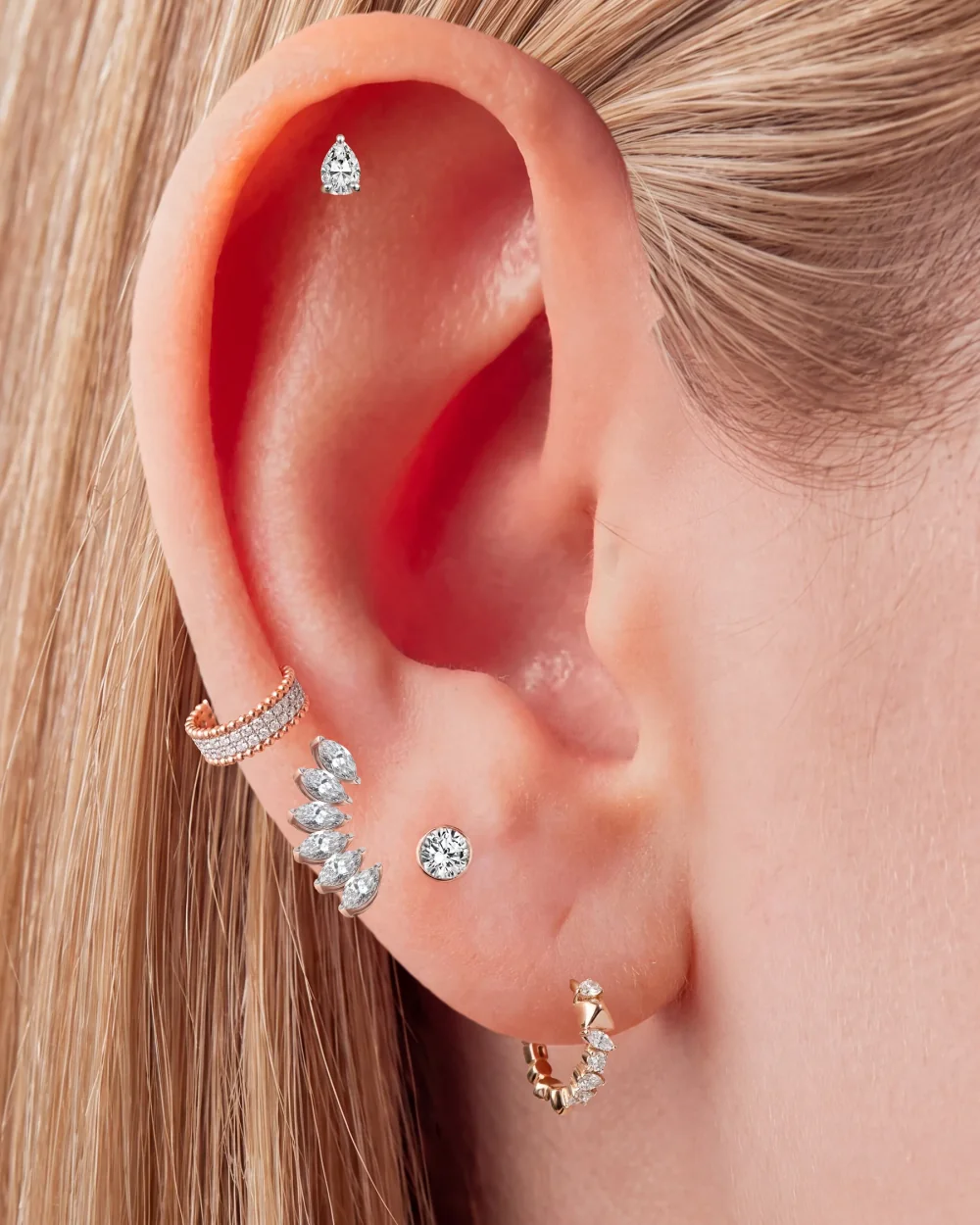
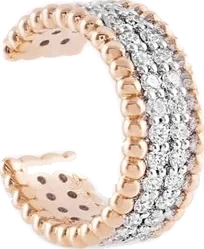
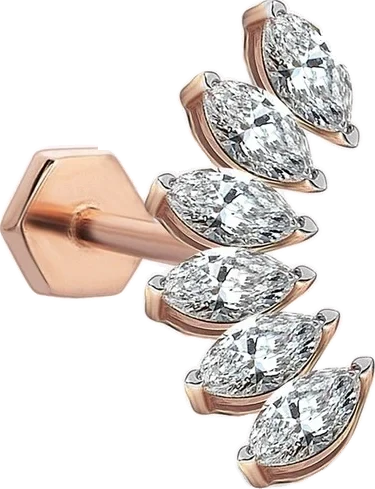
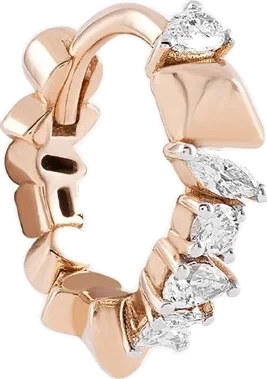 PackshotStack builder
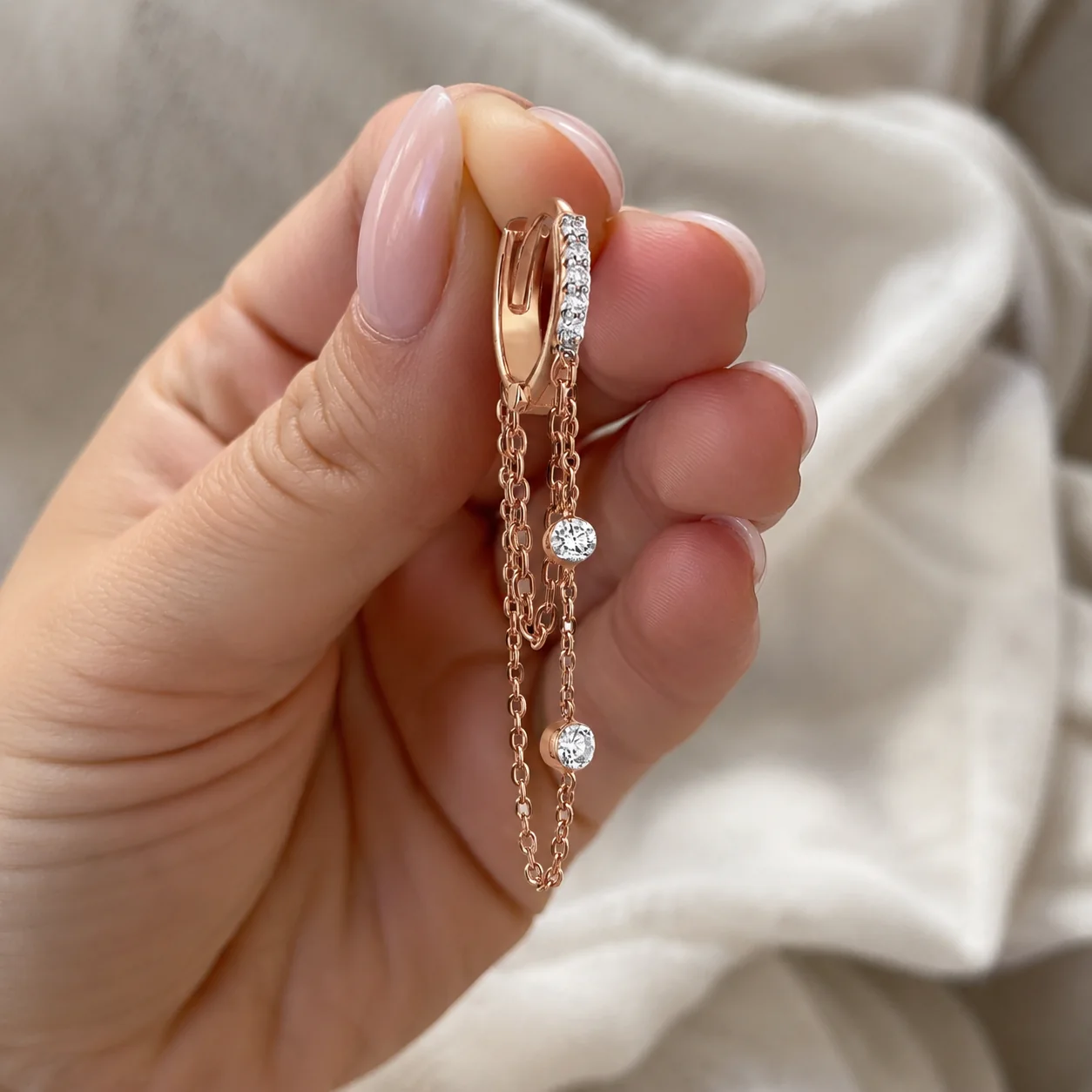
Earrings stacked on an ear
Five pieces, from a 3.5 mm stud to a 13.4 mm hoop
Ear Stack Try-On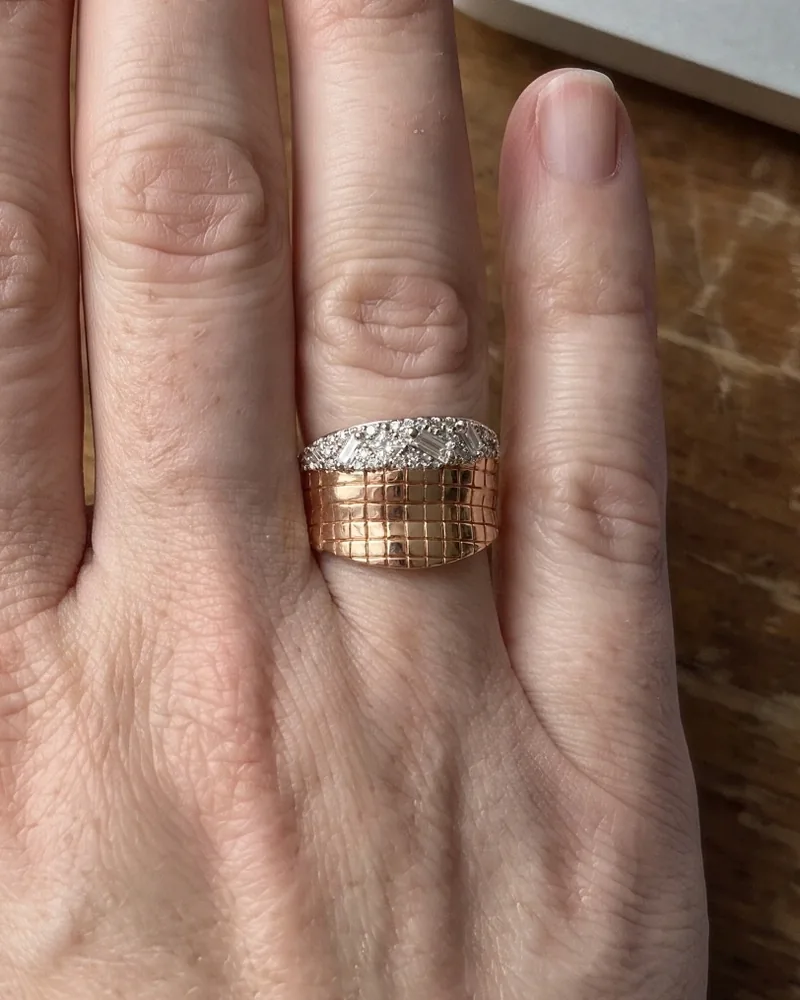
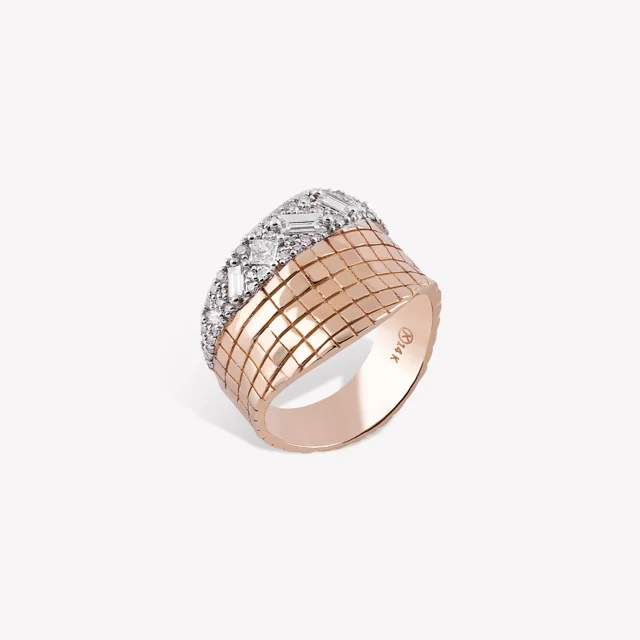 PackshotShopper try-on
A ring on the shopper’s hand
Studio 54 Ring, 15.5 mm band
Jewelry Try-On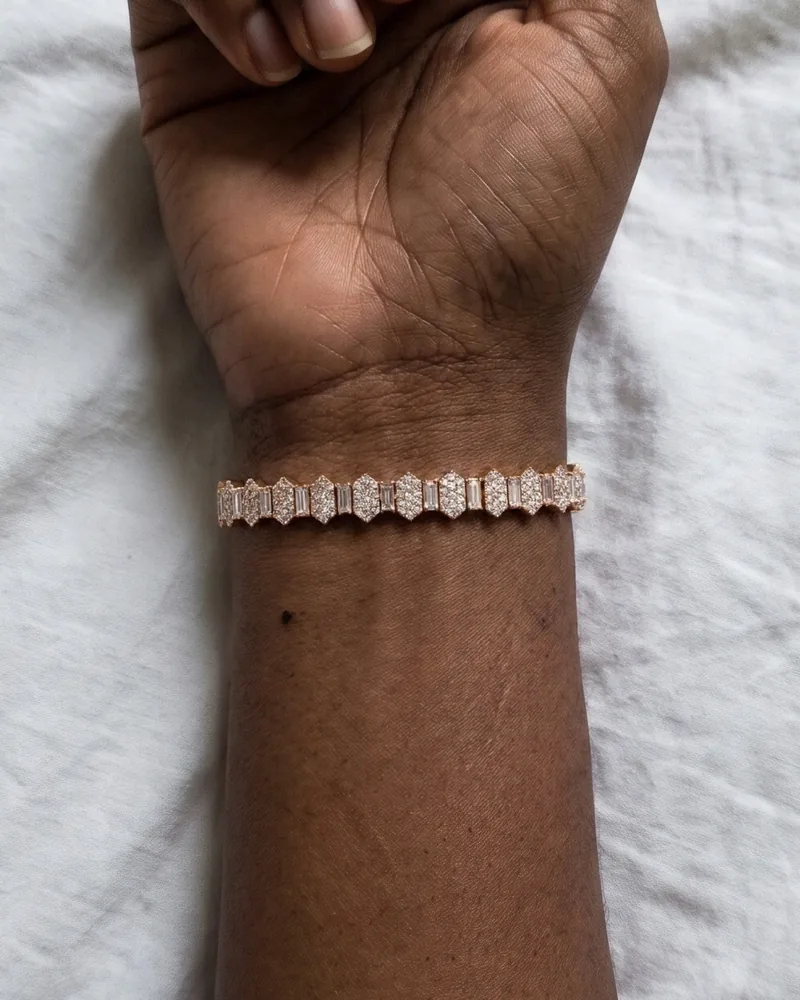
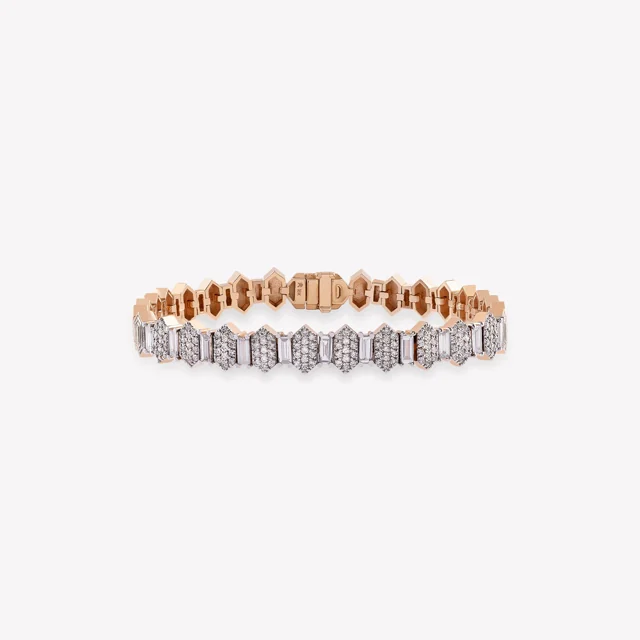 PackshotShopper try-on
A bracelet on the shopper’s wrist
Gatsby Bracelet, 7 mm band
Jewelry Try-On
AI Model Studio comes with model photos ready, and photos from your own shoots can be added. The shoppers in the try-ons are AI-generated examples.
In your demo, these are your pieces.
Up close
Zoom in before you believe us.
The demo is where you check this on your pieces.
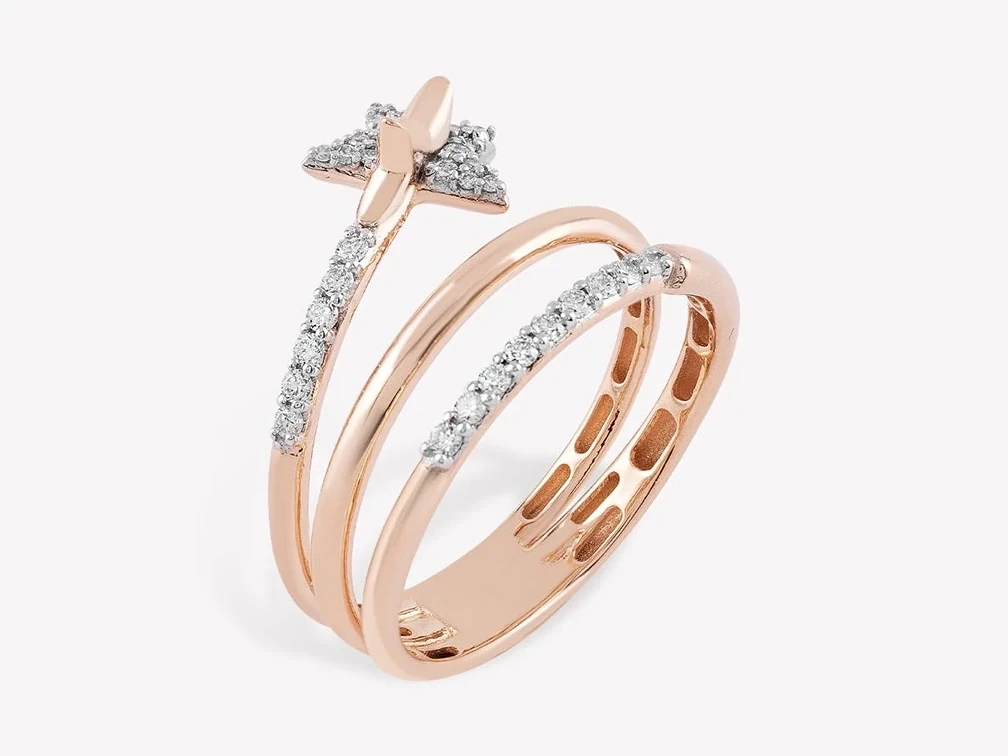 Packshot
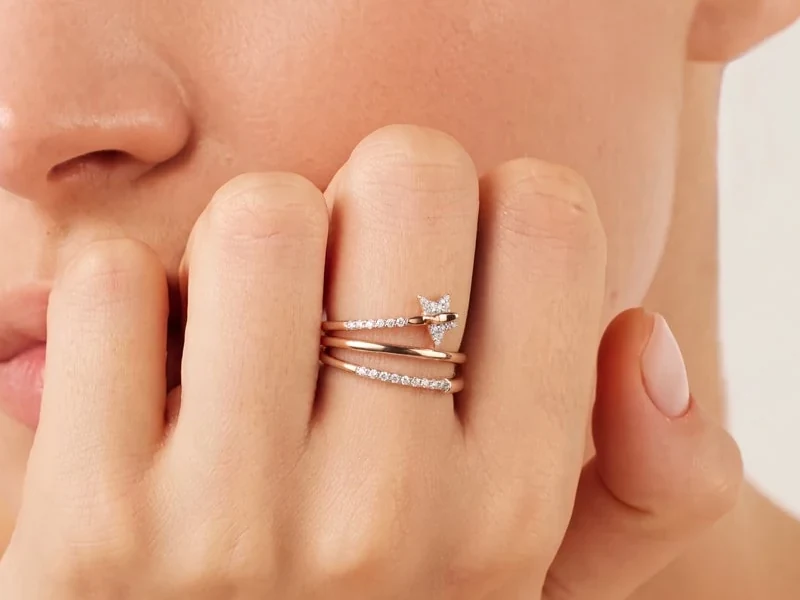 On the model, zoomed in
Made from your photo
AI works from the packshot. See the three bands and the star.
Placed to scale
A piece goes on at the millimetres its product page lists.
You pick what goes live
Model photos arrive as files. Your team chooses the ones to publish.
Used for your demo only
Nothing is published or shown elsewhere without your written approval.
The free demo
What happens after you send the link
- 01 Today
Send your store link
We pick a few pieces from your product pages, or you name them.
- 02 Within 2 business days
See your pieces worn
On a model, and in a try-on you open on your phone.
- 03 Within a week of approval
Live on your store
Fitted to your theme, on Shopify or any other platform.
You decide once you’ve seen your pieces.
The tools
Start with one tool and add the others later.
A price here is the monthly starting point for one tool.
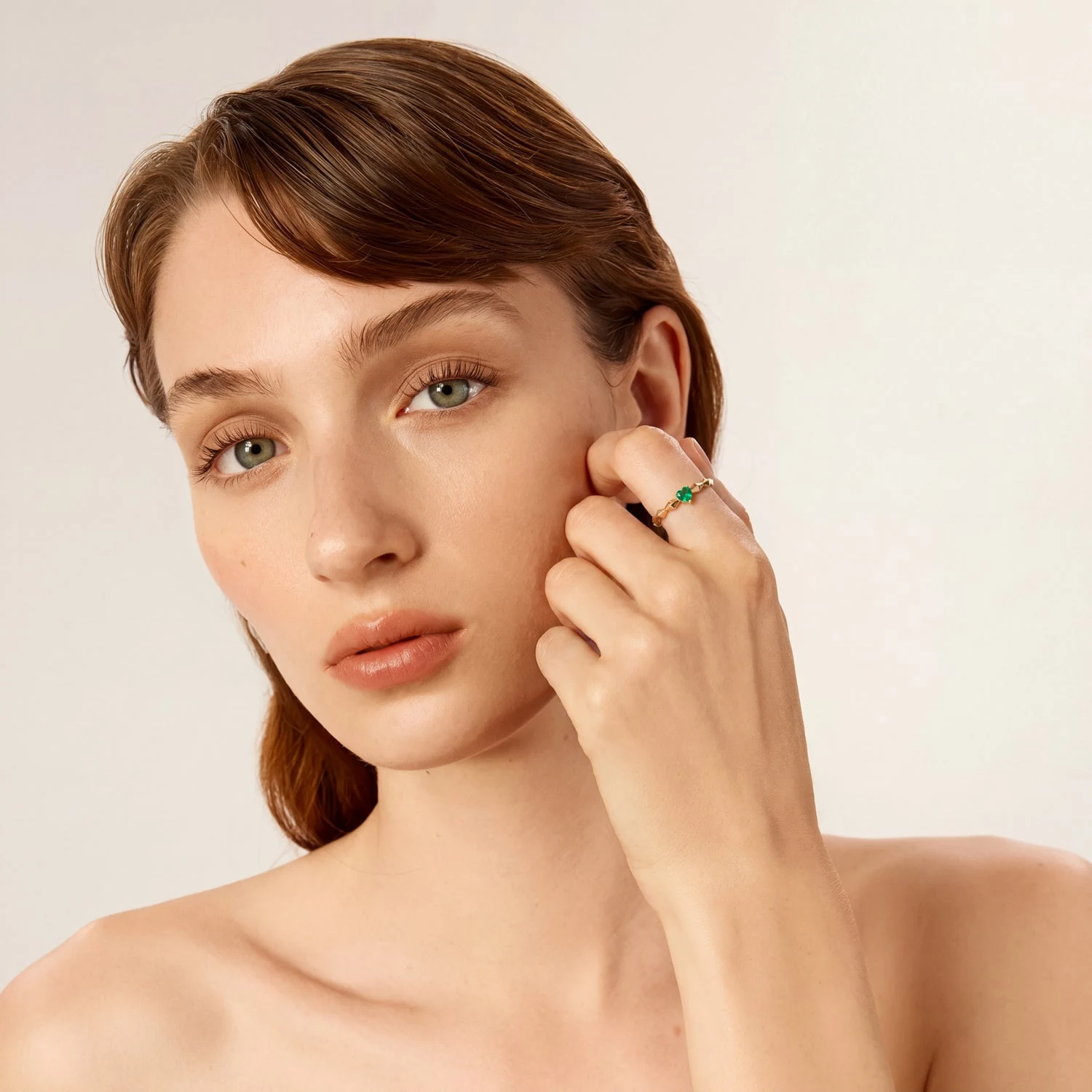
- A finished photo in 5 to 10 minutes, nudges included
- Rings, earrings, bracelets and necklaces at their millimetres
- Several pieces in one photo
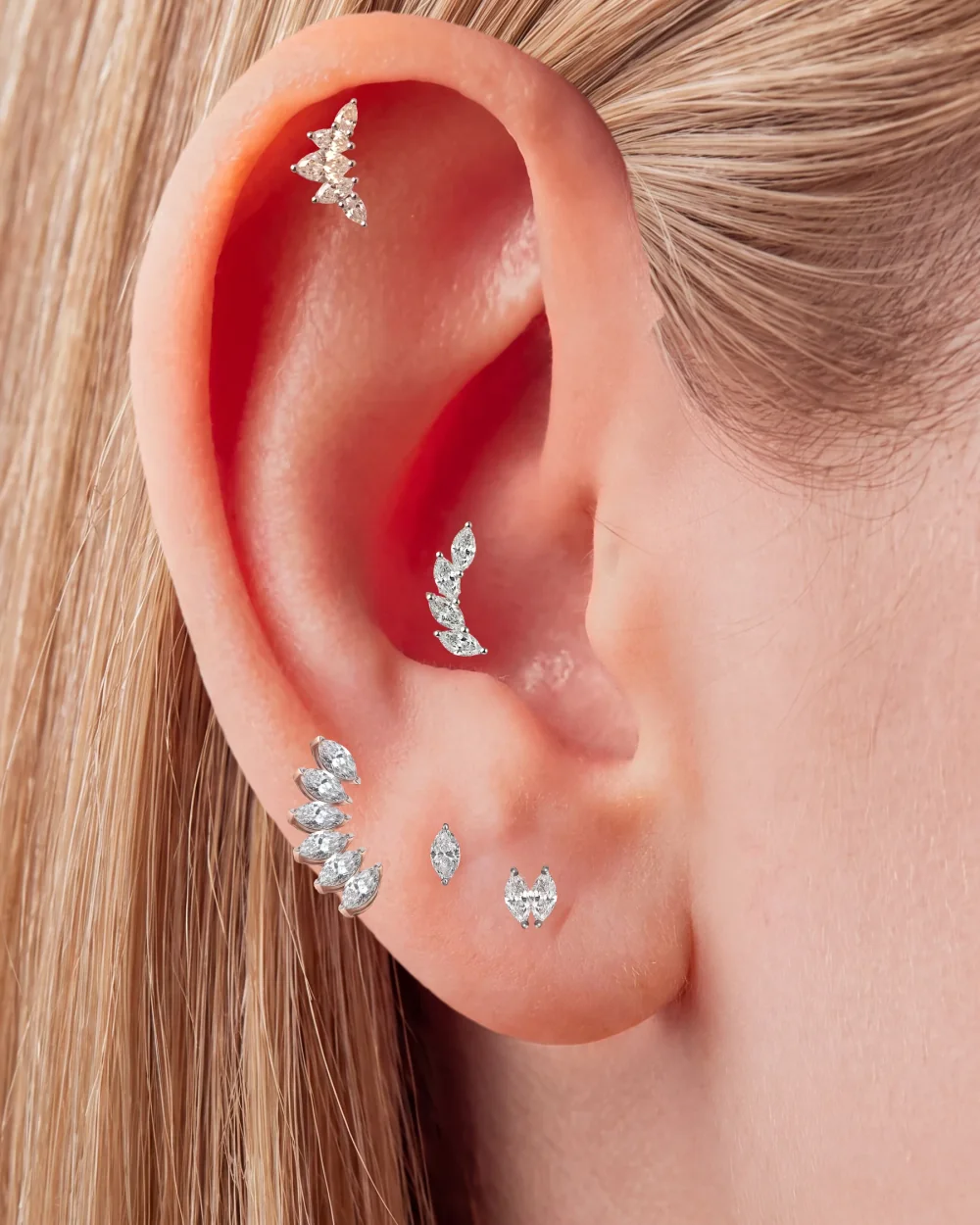
- Shoppers stack a look on an ear, each piece to scale
- The total shows, and the whole look goes to the bag in one tap
- Live on your store about a week after your yes
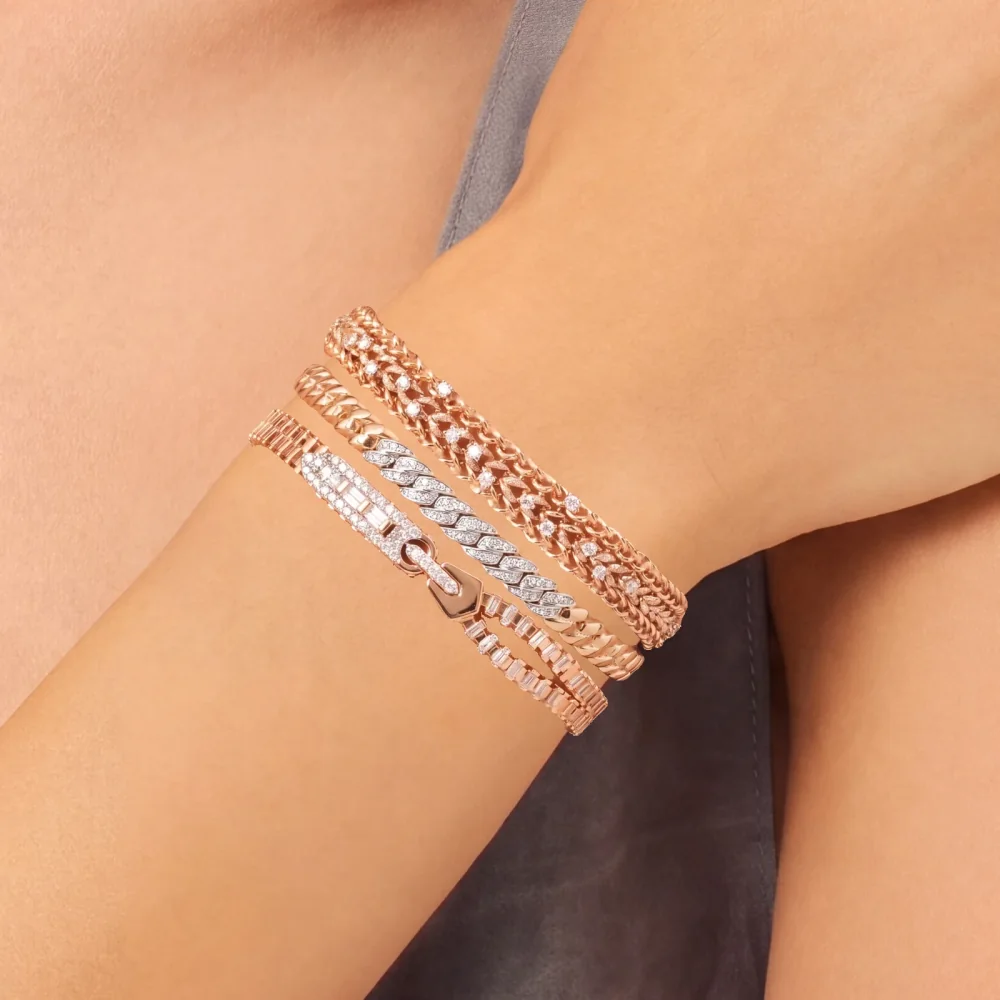
- Shoppers stack bracelets on a wrist, each at its width
- The whole stack goes to the bag in one tap
- Live on your store about a week after your yes
- One phone photo, nothing to install
- To scale from each piece’s millimetres
- Live at Kısmet on selected rings and bracelets
- Staff photograph a piece on the shop floor
- Its price, stock and other sizes show on the phone
Not sure where to start? Send your store link and we’ll suggest one.
Also runs on your catalogSmart SearchVisual Similar ProductsCatalog Intelligence
Kısmet by Milka: Model photos without a shootRead the case studyQuestions
How can AI help a jewelry store sell more online?
By showing each piece worn. Alfreya’s AI tools for jewelry stores cover both sides of the sale: AI Model Studio puts pieces on a model from one packshot, Jewelry Try-On shows a necklace, ring or bracelet on the shopper’s photo to scale, and Ear Stack Try-On and Bracelet Stack Try-On let shoppers build a look and buy it in one tap. Kısmet by Milka runs Alfreya’s studio photos and try-on on its store.
How can a jewelry brand get on-model photos without a photoshoot?
With Alfreya’s AI Model Studio, which puts rings, earrings, bracelets and necklaces on AI-generated models from the packshots a brand already has and the sizes on its product pages. Photos from past shoots can be used too. A finished photo takes 5 to 10 minutes, nudges included, and downloads as an image file for product pages, marketplaces, social posts and newsletters.
How can shoppers try on jewelry online before they buy?
With Alfreya’s Jewelry Try-On, a “Try it on” button on the product page: the shopper takes one phone photo and sees the necklace, ring or bracelet on their neck, hand or wrist, to scale. Earrings stack on an ear in Ear Stack Try-On and bracelets on a model’s wrist in Bracelet Stack Try-On. Jewelry Try-On is live at Kısmet by Milka on selected rings and bracelets.
How can shoppers judge the size of a piece online?
By seeing it worn to scale. Alfreya’s tools put each piece on from its millimetres: AI Model Studio places it on model photos Alfreya’s team has measured, Jewelry Try-On takes the scale from the shopper’s photo, and the stack builders wear each piece at the size on its product page. Where a product page lists no measurements, Alfreya asks the store for them.
How can a jewelry store sell more pieces per order?
By selling looks. Earrings and bracelets are worn three and four at a time but sold one product page at a time. Alfreya’s Ear Stack Try-On and Bracelet Stack Try-On let shoppers stack a store’s pieces on an ear or a wrist, see the total grow and add the whole look to the cart in one tap. Looks built by the store’s team can be shared as links in posts and emails, ready to buy.
How do we get the free demo?
Send your store link from Alfreya’s jewelry page. Alfreya picks a few pieces from your product pages, prepares model photos and a try-on with them, and a person sends you the link within 2 business days. The demo is free and nothing is installed on your store.
Where can we see Alfreya’s jewelry tools live?
On Kısmet by Milka’s store, kismetbymilka.com. Rings such as the Staricane Ring and the Curium Ring carry on-model photos made in Alfreya’s AI Model Studio, and the Jewelry Try-On button is live on selected rings and bracelets, such as the Studio 54 Ring.
How do Alfreya’s jewelry tools go on a Shopify store or another platform?
Shopify stores get an app and theme blocks, styled to match the store. On any other platform Alfreya fits the tools to your theme with your team, or your developers use Alfreya’s API. AI Model Studio needs no install: it is a web studio, and its photos work on any store. The try-on and the stack builders go live within a week of approving the demo.
Who sees our product images?
Your team and Alfreya’s team. You can ask Alfreya to delete your images at any time by writing to info@alfreya.com.
What does it cost after the demo?
Each Alfreya tool has a monthly starting price: Bracelet Stack Try-On from $249, Jewelry Try-On and AI Model Studio from $299, Ear Stack Try-On from $349. The price follows your catalog size and monthly usage. You see the demo before any of that.
Free demo
Let’s put your pieces on a model.
We’d be glad to show you what your pieces look like worn.