



Virtual watch try-on for watch stores: Send your store link. See your watches worn.
Shoppers see your watches on their own wrist, each at the case size on its product page. A free demo with your watches in two business days.
Nothing to install. A person writes back with your demo.
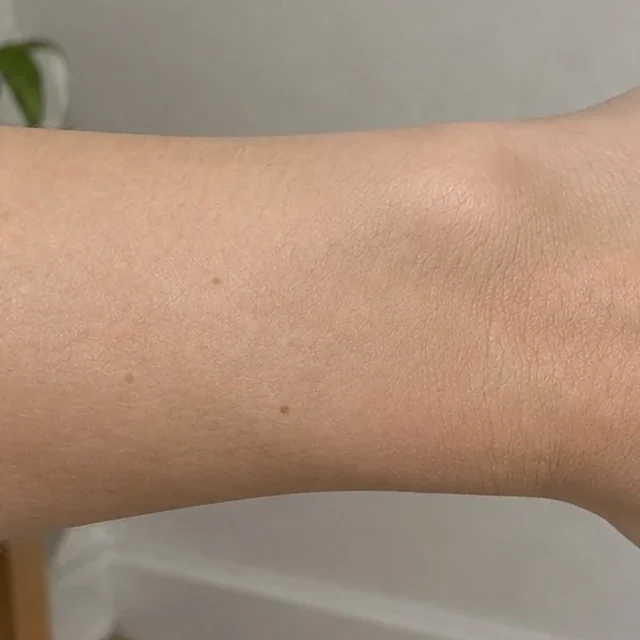
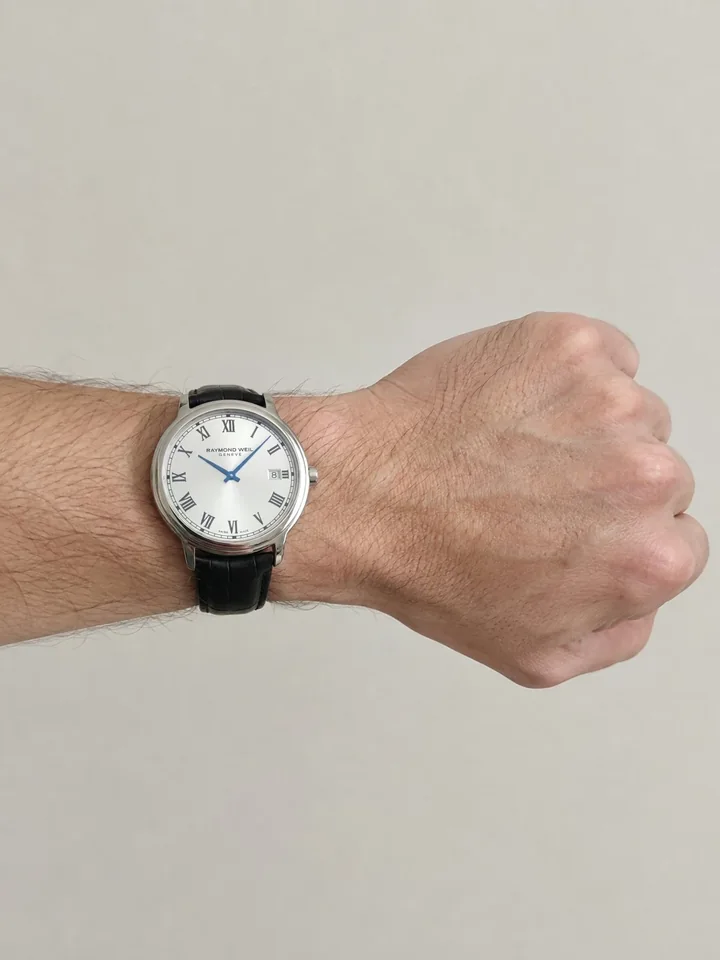
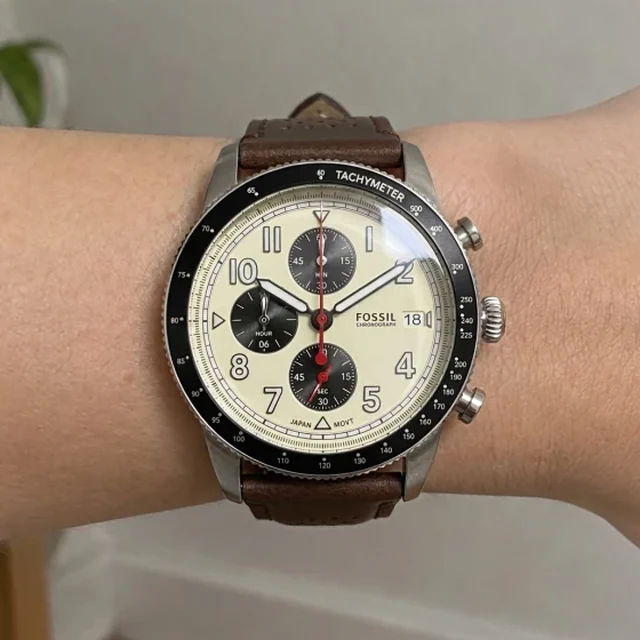 AI put it on, at its 42 mm case
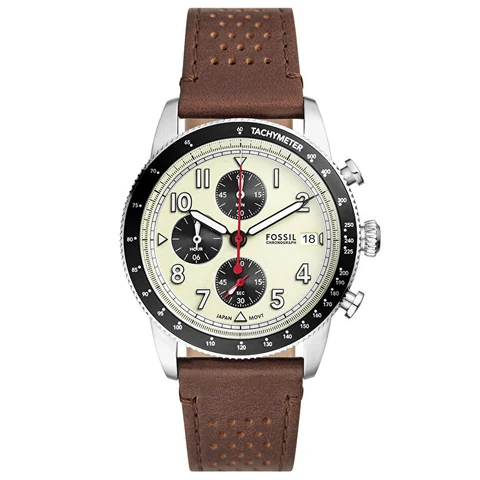 Packshot
Photorealistic
It reads as a photo of their wrist.
Each watch is put on the shopper’s own photo, at its listed case size, in that photo’s light, so they see how it will look before they buy and buy with confidence. We’ve spent many hours getting this right, and we keep improving it.
What comes back
Every case size, on a real wrist.
A 30 mm watch and a 47 mm one look the same in a product grid. On the wrist they don’t. One photo of the wrist, then every watch in the catalog on it.
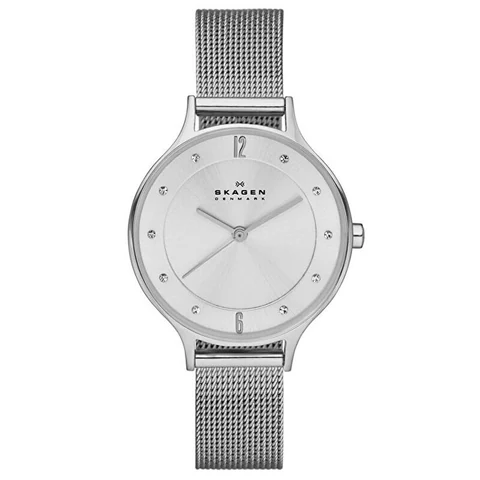 Packshot30 mm case
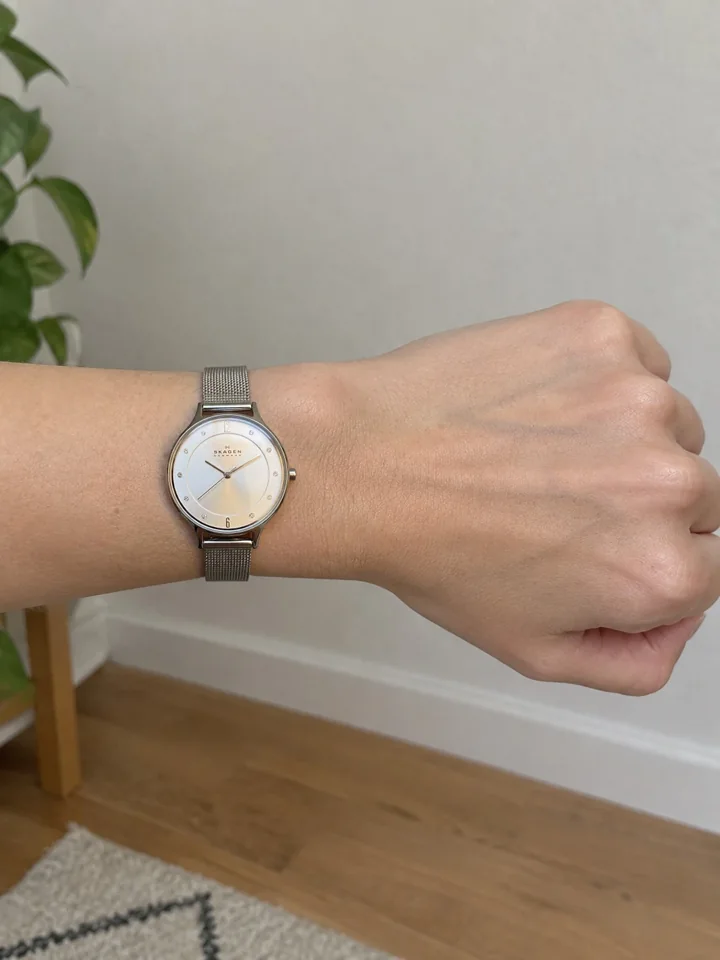
A slim dress watch
Skagen SKW2149 on a mesh strap. The wrist shows on both sides.
Watch Try-On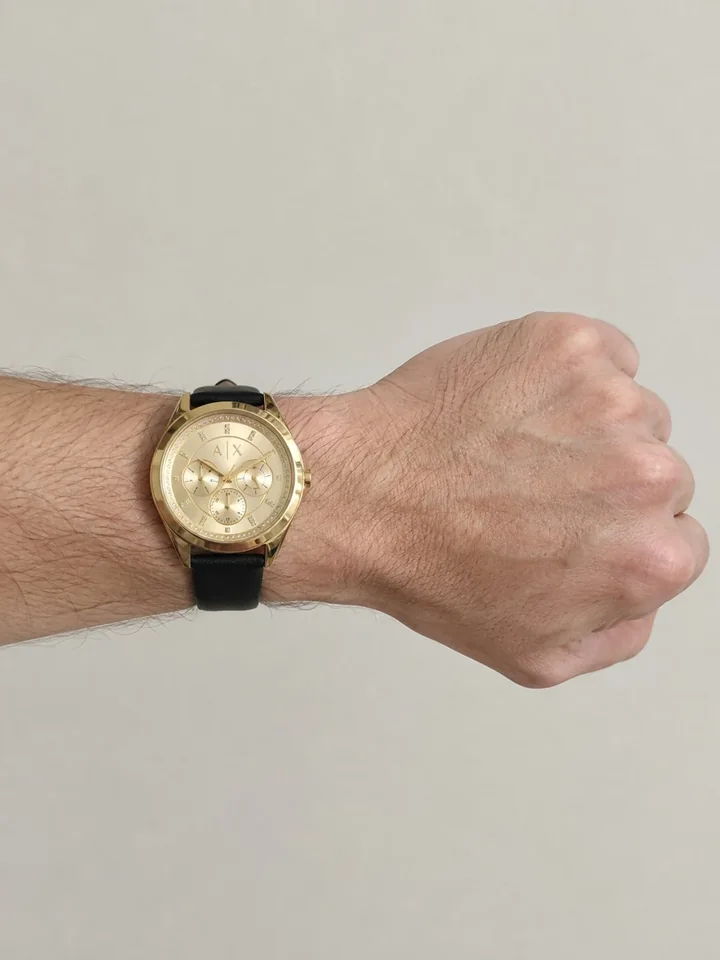
 Packshot38 mm case
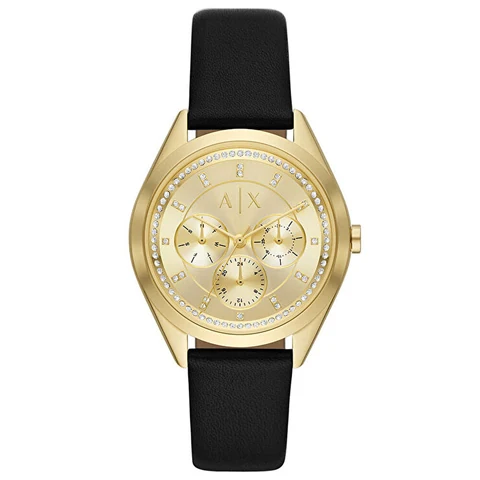
Gold on black leather
Armani Exchange AX5656, a size up, on a second wrist.
Watch Try-On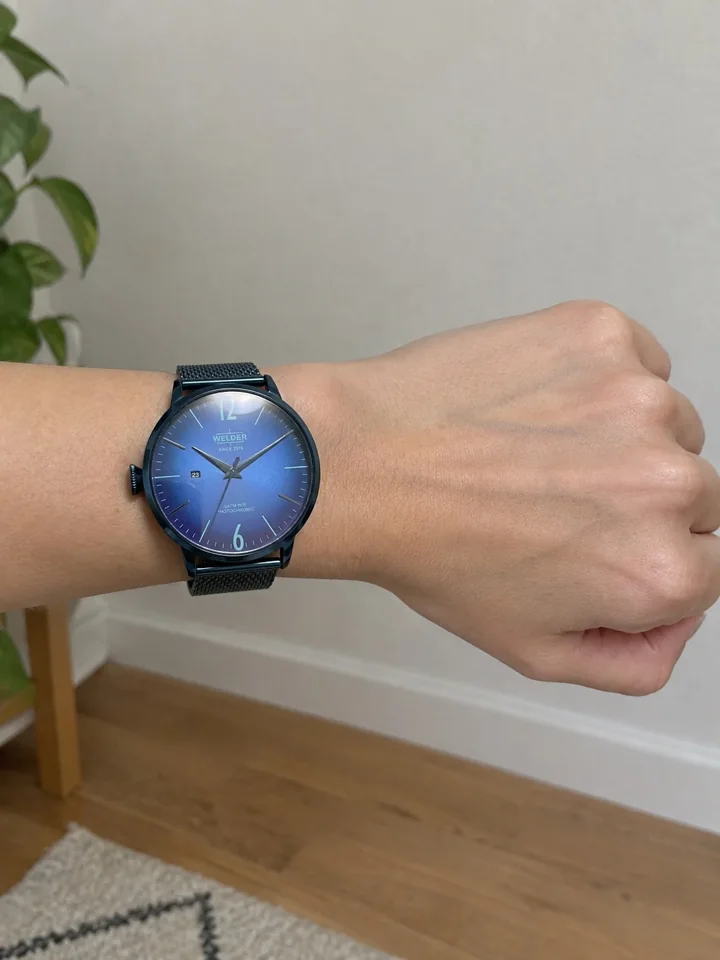
 Packshot45 mm case
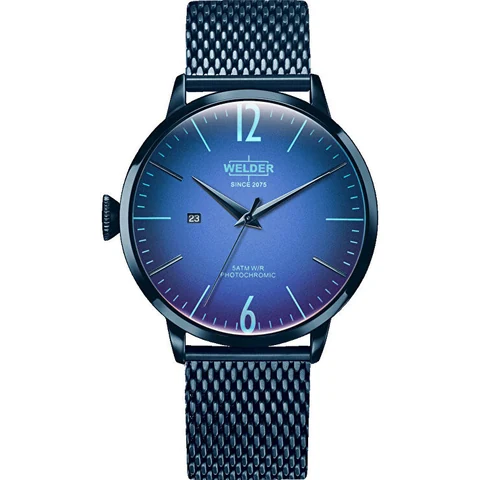
Blue on a mesh strap
Welder Moody Watch WRC407. The case starts to fill the wrist.
Watch Try-On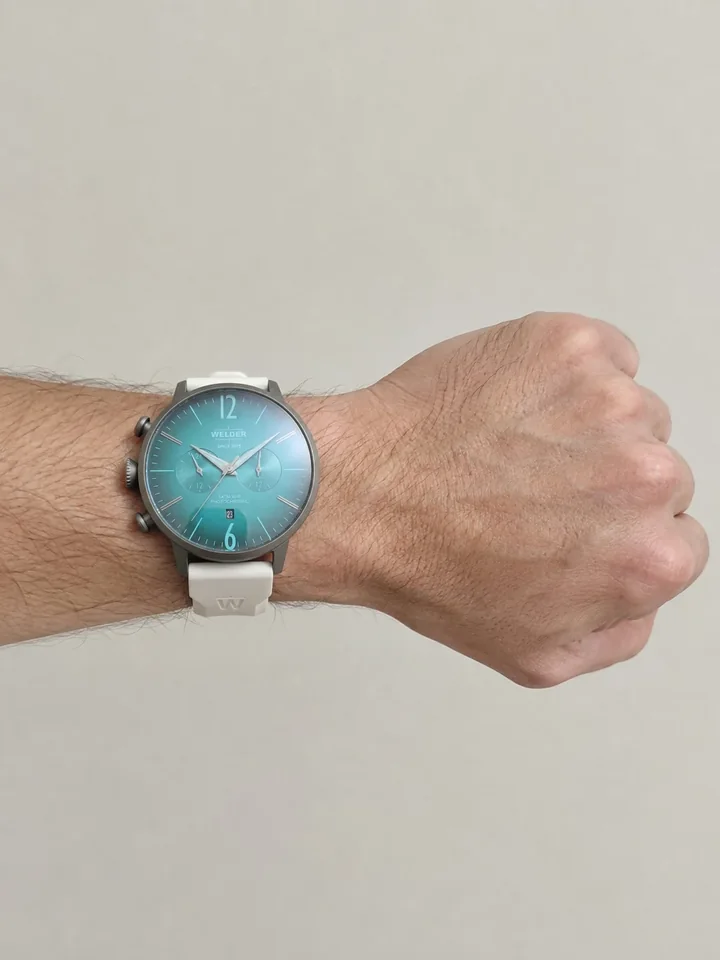
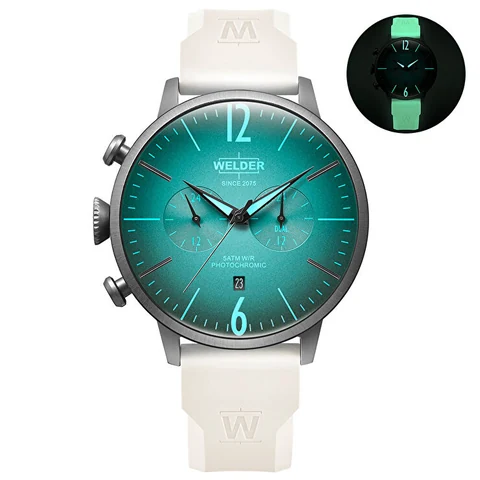 Packshot47 mm case
A large chronograph
Welder Moody Watch WWRC1034. The case covers the wrist.
Watch Try-On
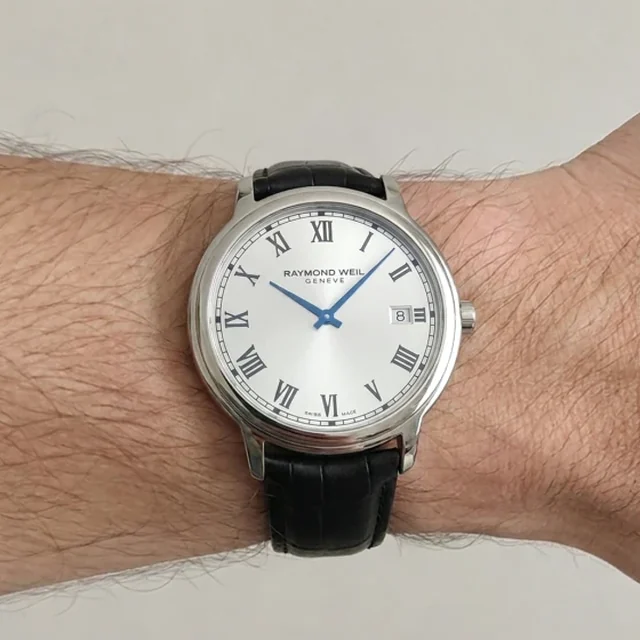
Two wrists, one photo each. Every watch was put on the same photo by Watch Try-On, at the case diameter its product page lists.
In your demo, these are your watches.
Up close
Zoom in before you believe us.
The demo is where you check this on your watches.
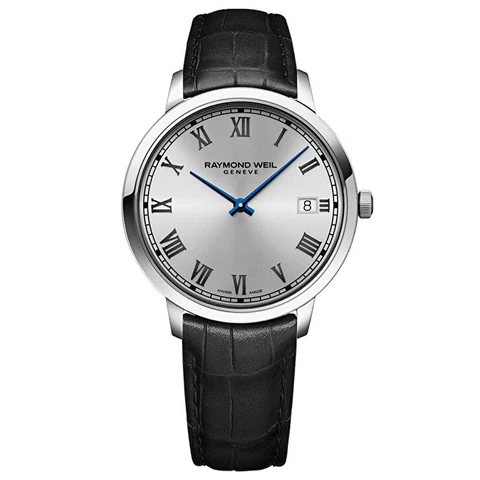 Packshot
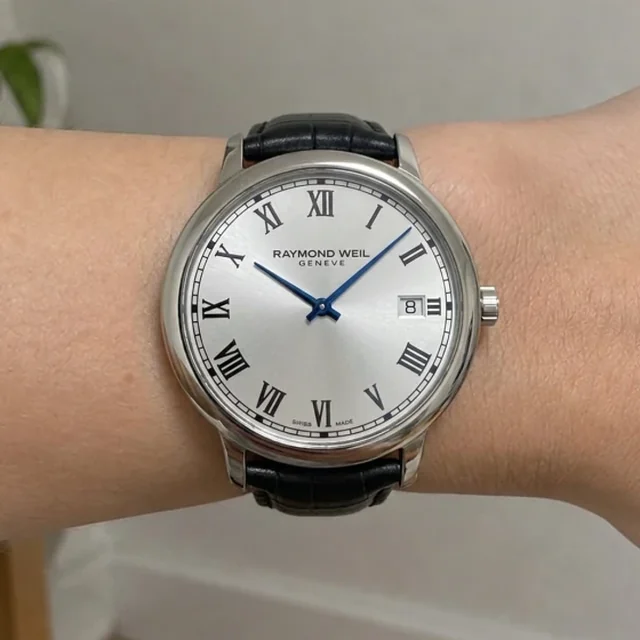 On the wrist, zoomed in
Made from your packshot
The dial stays your dial. Look at the numerals, the blue hands and the date.
At the listed case size
Each watch goes on at the case diameter on its product page, in proportion to the wrist.
Worn, not pasted
The strap wraps round the wrist and the case takes the photo’s light.
Used for your demo only
Nothing is published or shown elsewhere without your written approval.
The free demo
What happens after you send the link
- 01 Today
Send your store link
We pick a few watches and their case diameters from your product pages, or you name them.
- 02 Within 2 business days
Try them on your own wrist
Open the try-on on your phone, take one photo of your wrist and try every watch on it.
- 03 Within a week of approval
Live on your store
A try-on button on your product pages, fitted to your theme, on Shopify or any other platform.
You decide once you’ve seen your watches on a wrist.
The tool
Start with the try-on and add search later.
The price is the monthly starting point.
- One photo of the wrist works for the whole catalog
- Each watch at the case diameter on its product page
- “Try all” puts on the whole tray, three at a time
- Shoppers can add their own watch to compare against
Want to see it on your catalog first? Send your store link.
Also runs on your catalogSmart SearchVisual Similar ProductsIn-Store Product Finder
Questions
How can AI help a watch store sell more online?
By answering the question every watch buyer has: how big will it look on me? Alfreya’s Watch Try-On puts any watch from a store’s catalog on the shopper’s own wrist, from one phone photo, at the case diameter its product page lists. Shoppers compare a 38 mm and a 42 mm case on their wrist instead of guessing from a number.
How can shoppers try on a watch online before they buy?
With Alfreya’s Watch Try-On, a button on the product page. The back camera shows an arm outline; the shopper lines up their wrist and takes one photo. AI puts the watch on that photo, wraps the strap round the wrist and gives the case the photo’s light. The same photo works for every other watch in the catalog.
How realistic is Alfreya’s watch try-on?
Alfreya’s Watch Try-On makes a photorealistic picture that reads as a photo of the shopper wearing the watch: on their own wrist, at its listed case size, with the strap wrapped round the wrist and the light and shadow of their photo. Shoppers see how it will look on them before they buy, which gives them the confidence to buy.
How can shoppers judge a watch’s case size online?
By seeing it on their own wrist, to scale. Product grids frame a 30 mm and a 47 mm watch in the same square. Alfreya’s Watch Try-On draws each case at the diameter on its product page against a wrist lined up in an on-screen outline, so the shopper sees the watch in proportion to their wrist. It shows proportion; it does not measure the wrist.
Can shoppers compare several watches, or their own watch?
Yes. In Alfreya’s Watch Try-On, one wrist photo works for the whole catalog, and “Try all” puts every watch on it, three at a time. A shopper can also upload a photo of a watch they already own and set its case diameter, to compare it with yours on the same wrist.
How do we get the free demo?
Send your store link from Alfreya’s watches page. Alfreya picks a few watches and their case diameters from your product pages, sets up Watch Try-On with them, and a person sends you the link within 2 business days. You open it on your phone and try the watches on your own wrist. The demo is free and nothing is installed on your store.
How does Watch Try-On go on a Shopify store or another platform?
As a try-on button on the product page, styled to match the store, or as a standalone link. Each watch needs its photo and one number, the case diameter. On Shopify or any other platform, Alfreya fits it to your theme with your team, or your developers use Alfreya’s API. It goes live within a week of approving the demo.
Who sees our product images?
Your team and Alfreya’s team. You can ask Alfreya to delete your images at any time by writing to info@alfreya.com.
What does Watch Try-On cost after the demo?
Alfreya’s Watch Try-On starts at $299 a month, with 400 try-ons a month included. The price follows your catalog size and monthly usage. You see the demo before any of that.
Free demo
Let’s put your watches on a wrist.
We’d be glad to show you what your watches look like worn.