

Jewelry Try-On
True to size, on you.
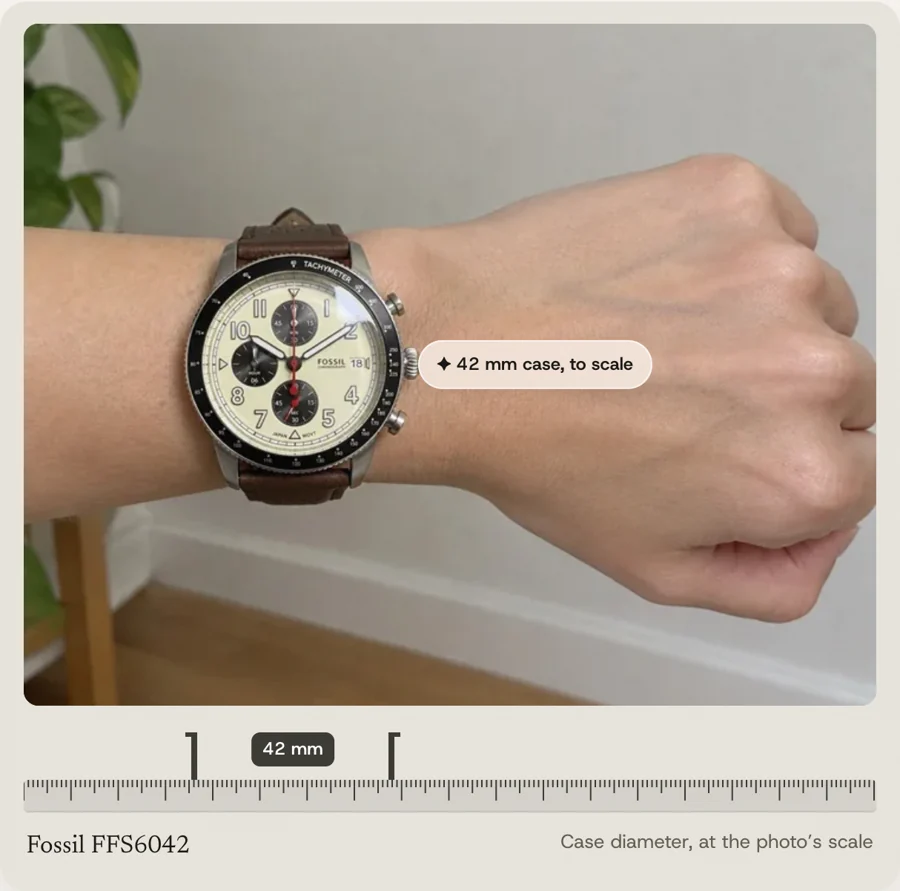
A necklace, ring or bracelet on the shopper, to scale.
 Any platformTR · EN
Preview
See it working
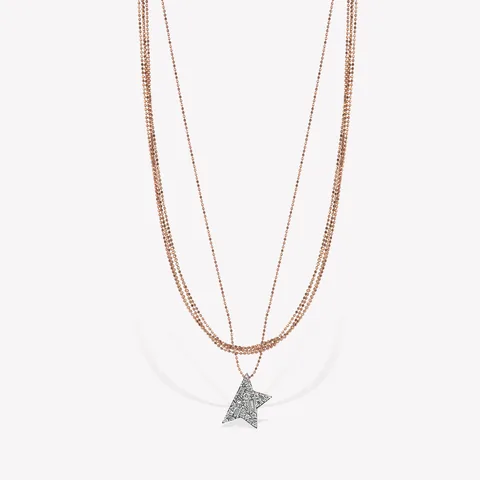
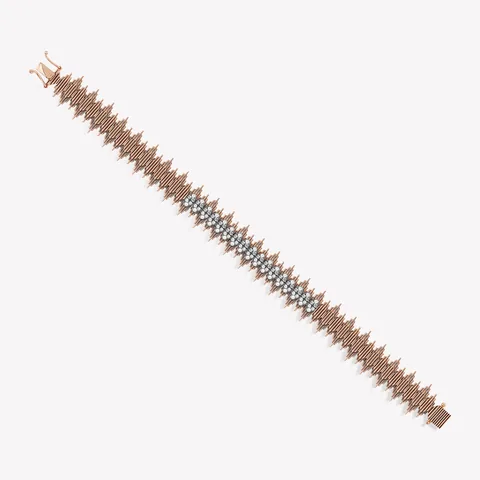
Kısmet by Milka pieces at the sizes their product pages list, tried on by the app.
What the shopper tries on
 Üzerinizde deneyin
KISMET BY MILKA
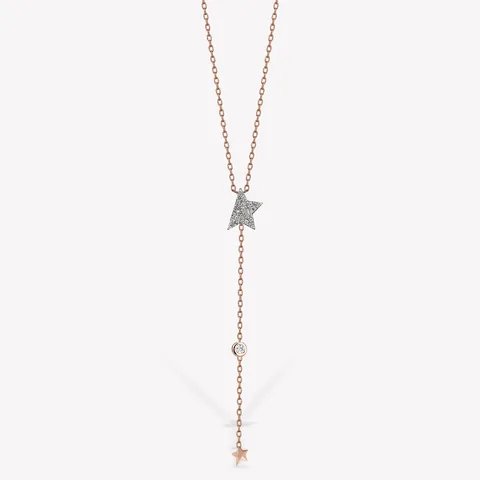
Cosmic Comet Kolye
₺84.250
Kolye ucu 8 × 9 mm · Zincir 50 cm
Kayıtlı fotoğrafınız kullanılıyor
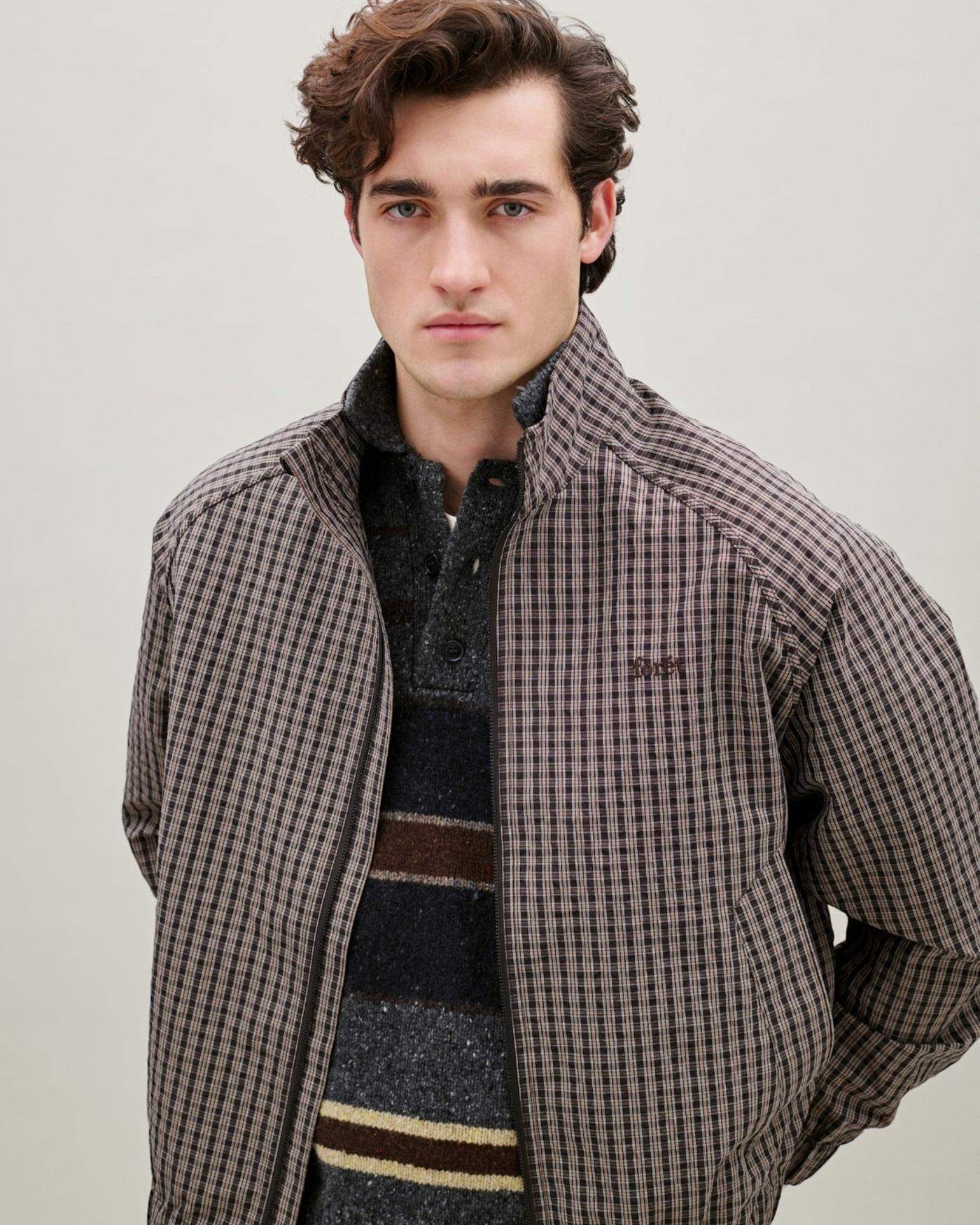
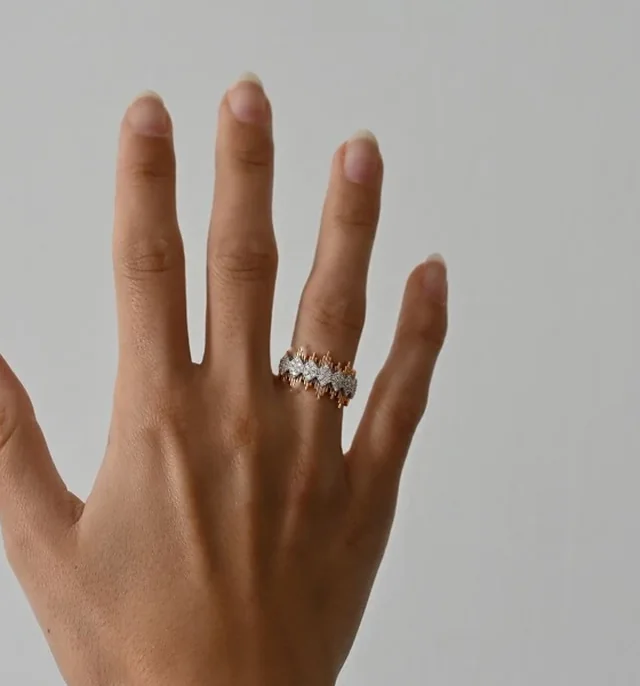
The try-on was made by the app.
Why the millimetres matter
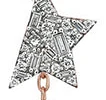
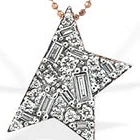
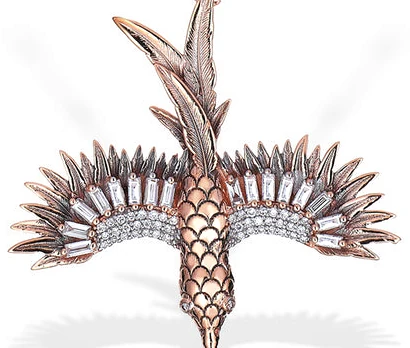
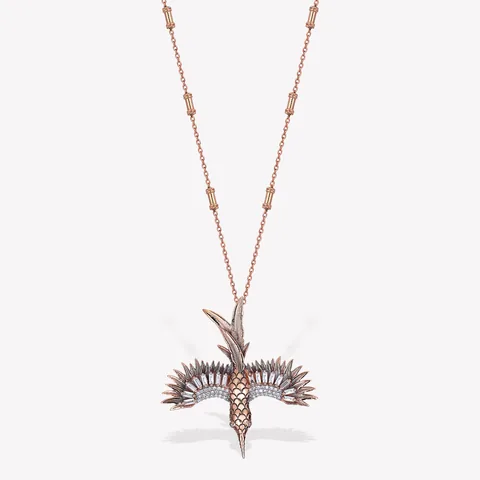
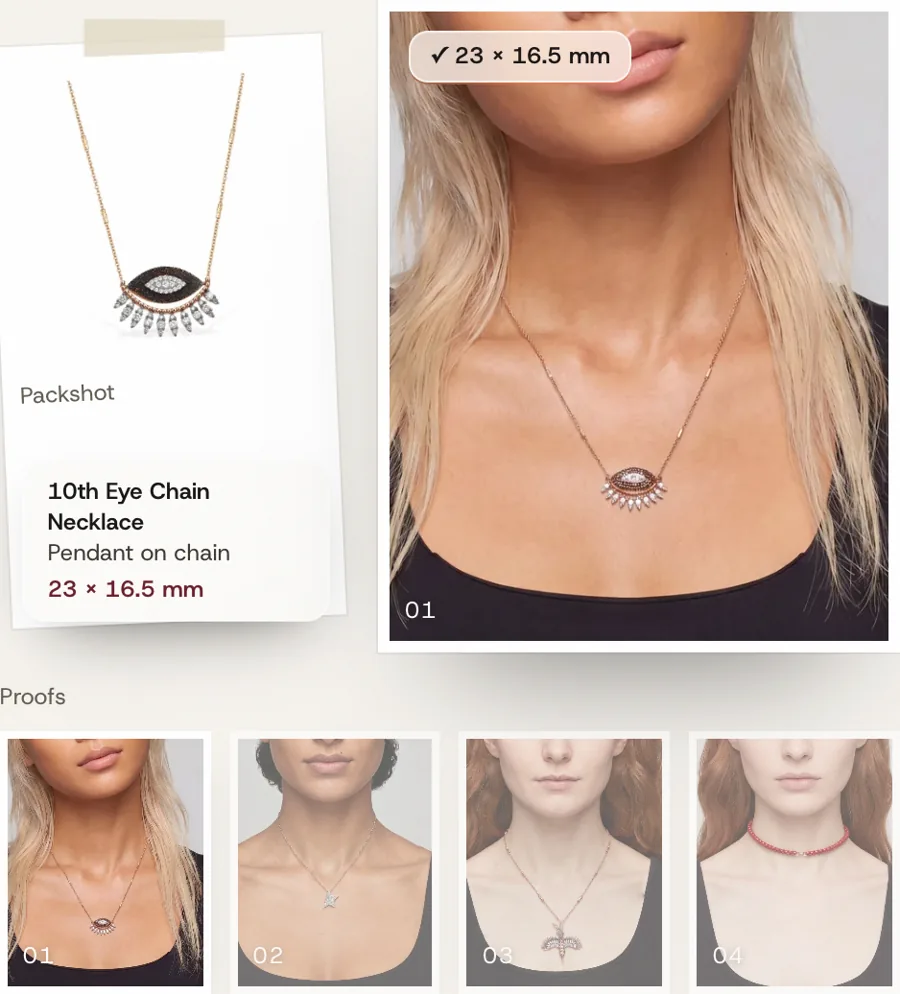
An 8 mm star and a 34 mm phoenix should never look the same size.
Kısmet’s packshot pasted at one size, to show the idea.
Made by the app, at the pendant’s millimetres.
- Sizes from your product pages
- Pendant, chain and band sizes, the ones your product pages already list.
- Scale from the shopper
- The face, wrist or hand in the photo sets the scale. A millimetre stays a millimetre.
- Checked after it’s drawn
- If AI draws a pendant bigger than its box, it draws it again, smaller.
Set up once
You add the millimetres. The app has already guessed which piece is a ring.
- 1Switch on the buttonTurn on the app embed, or add the Try it on block to your product template.
- 2Add each piece’s millimetresOne page lists each piece with its kind guessed from the title. You fill in the sizes.
- 3Open a product on a phoneThe camera opens with that piece’s own guide.
A piece without sizes still works, on sensible defaults. With them, it’s exact.
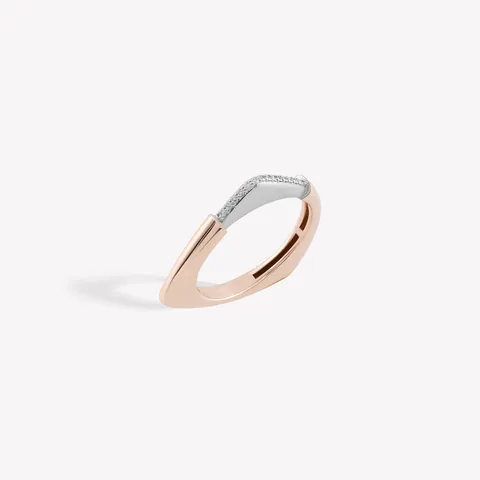
After the photo
Closed the camera? The ring waits on their phone, not on our server.
- A note when it’s ready
- The try-on is made in the background. A note in the corner brings the shopper back to it.
- Thirty days on their device
- Try-ons stay in the shopper’s browser and come back the next time they open that piece.
- Laptop to phone
- On a laptop the button shows a QR code that opens the same piece on the phone.
- The photo itself
- Held only while the try-on is made, never written to disk.
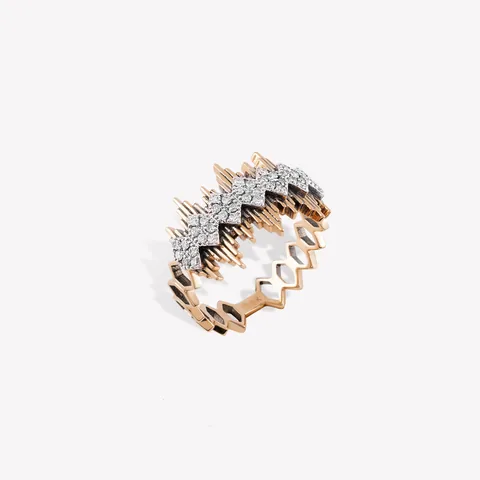
- Where it runs
- Product page try-on button and camera overlay
- Platform
- Shopify app, or any other platform by integration
- Setup
- App install, theme toggle and product sizes
- Languages
- Turkish and English
Questions
Which pieces can shoppers try on?
Necklaces, bracelets and rings, each with its own camera guide. You can hide the button on any product type.
How is each piece sized?
From the photo. The eye sets the scale for a necklace, the wrist outline for a bracelet and two points across the finger for a ring. The piece then sits on the shopper to scale, at the sizes on its product page. A straight, well-lit photo gives the best result.
Where do shoppers’ photos go?
A photo is sent to make the try-on. Photos and results are then kept in the shopper’s browser for up to 30 days, where they can delete them.
Pairs with
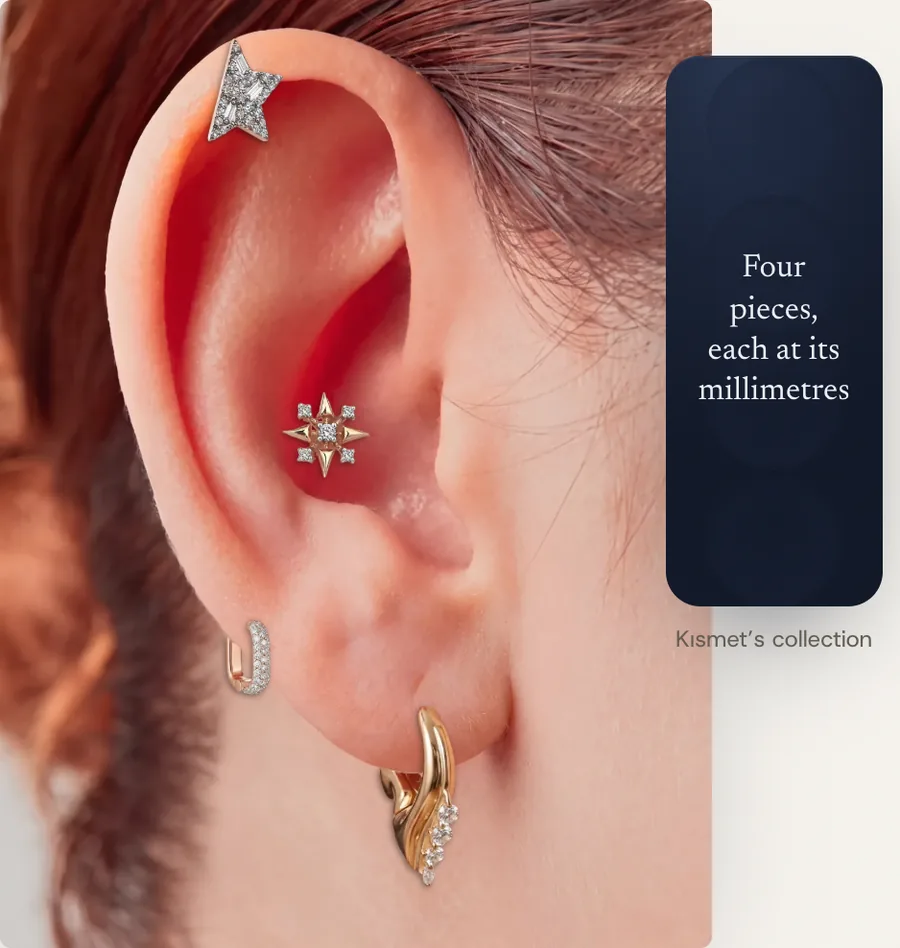
Next
Let’s look at your store.
A person replies, usually within a business day.