
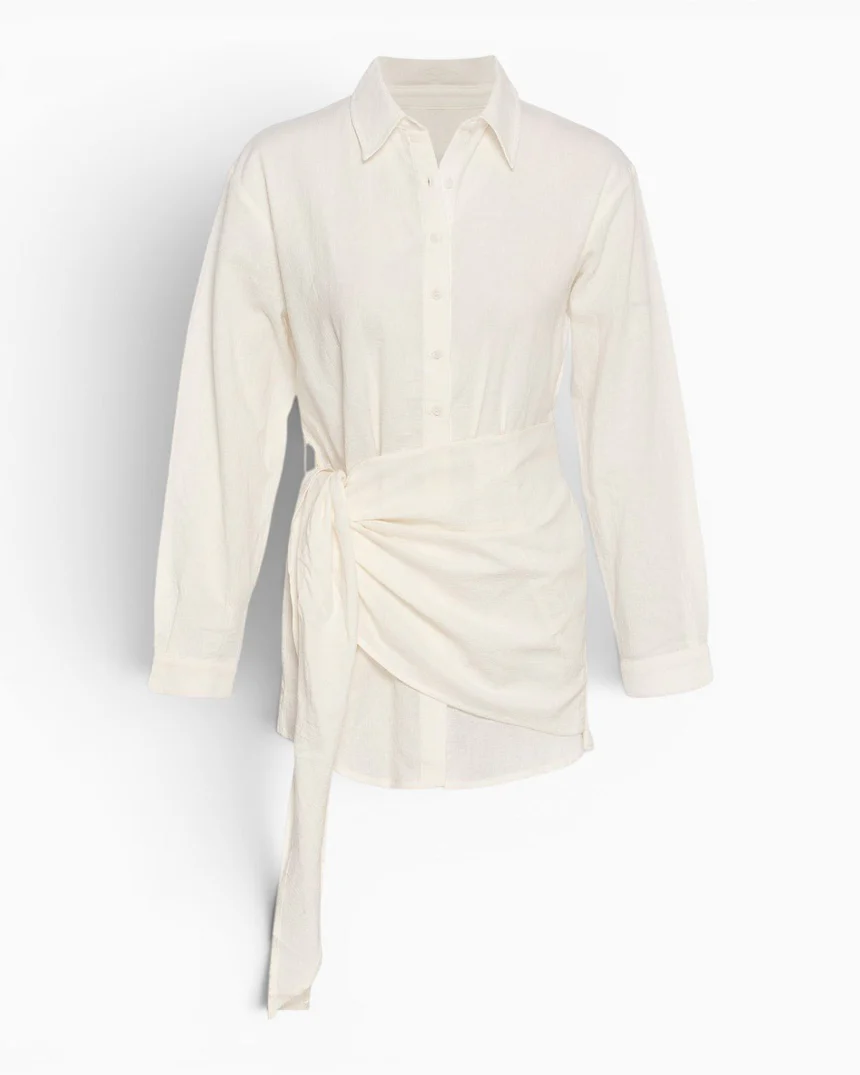





Multi-Store Sync & Translation
Add it in Istanbul. It’s waiting in London.
New products land in your international stores translated, priced and saved as drafts.
Available to deploy
Built for
ShopifyTR · EN
Preview
See it working
Real products from a Turkish catalog, translated by the app. The UK store and its prices are an example.
Four products
Example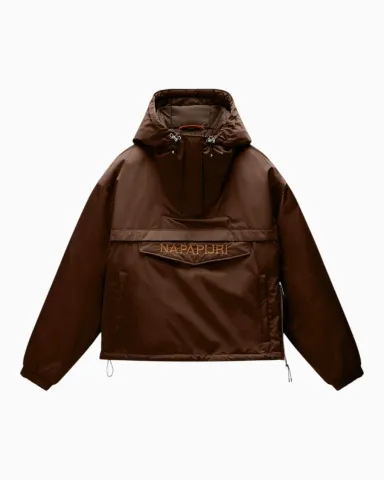
Ana mağazaİstanbul · ₺Aktif
- Başlık
- Rainforest Optique Anorak Kadın Ceket
- Açıklama
- Rainforest Optique Anorak Ceket, Napapijri’nin keşif ve outdoor mirasını modern günlük stile taşıyan ikonik bir silüet sunar. Dayanıklı geri dönüştürülmüş naylon dış yüzeyi, rüzgar geçirmez yapısı ve PFC içermeyen su itici bitişiyle değişken hava koşullarına uyum sağlar.
- Ürün türü
- Ceket
- Fiyat
- ₺16.999,00
- International price (GBP)
- £195.00
UK storeLondon · £
- Title
- Description
- Product type
- Vendor
- Price
- Saved in Istanbul
- Copied to London
- Translated by AI
- Waiting as a draft
Set up once
Your tags, matched to the words London already uses.
- 1Connect the storesInstall on the main store, add the UK store and pick a language.
- 2AI matches the vocabularyTags, types and vendors get the UK store’s word, or a translation. Your team confirms once.
- 3Start syncNew products arrive as drafts. Your existing catalog goes over in one batch.
From then on, edits, photos, prices and archiving follow on their own.
Why you can leave it on
A new photo in Istanbul shouldn’t undo London’s title.


- Only what changed
- A new photo travels alone. Only a changed description is translated again.
- Local edits are locked
- Hand edits in the UK store, variant prices included, are never overwritten.
- The main store is only read
- Nothing is written back to Istanbul.
What you get back
A missing price is flagged in both stores.
- A card on each product
- Sync status, the GBP price and any error, on the product page.
- Needs attention
- Needs price, Check price, Terms waiting. Each names the next step.
- Activity
- Each sync: which product, which store.


- Where it runs
- Shopify admin app and product-page card
- Platform
- Shopify (installed on each connected store)
- Setup
- Install on both stores, approve, confirm the vocabulary
- Languages
- Whatever language each child store sells in
Questions
Who decides what goes live?
Your team. Copies arrive as drafts with the translation and price ready to review, and you can send the whole catalog or only the products you pick.
Can one main store feed several international stores?
Yes. Each child store keeps its own language, currency, vocabulary and sync settings.
Pairs with
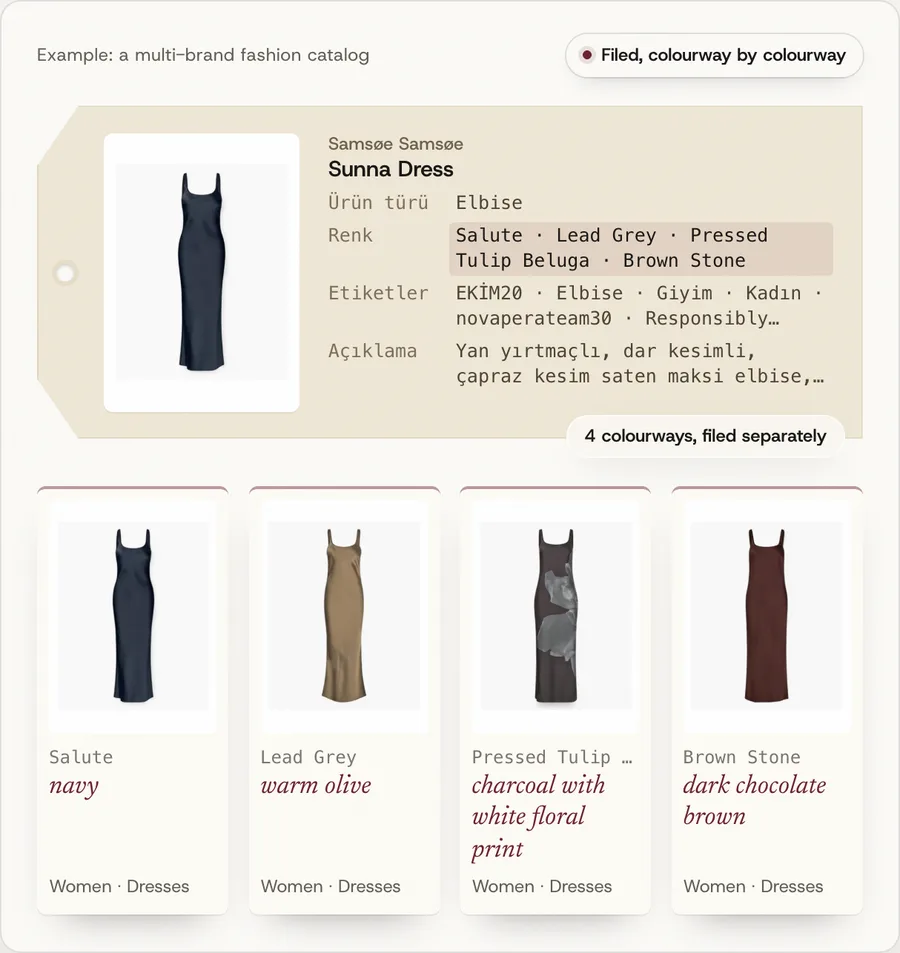
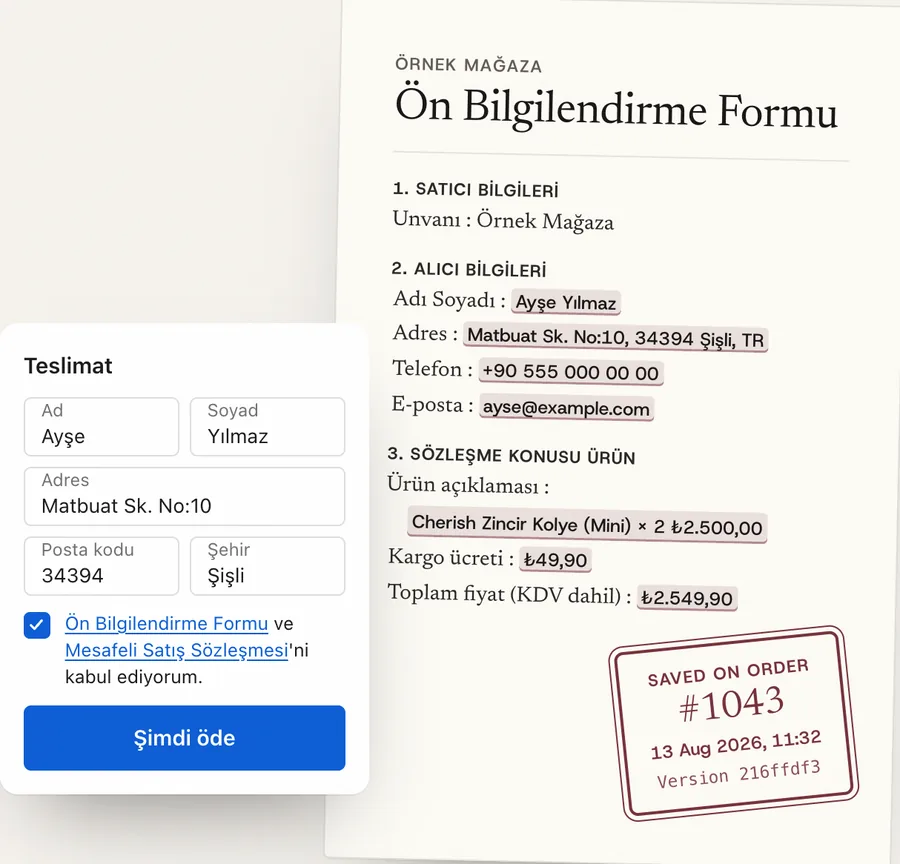
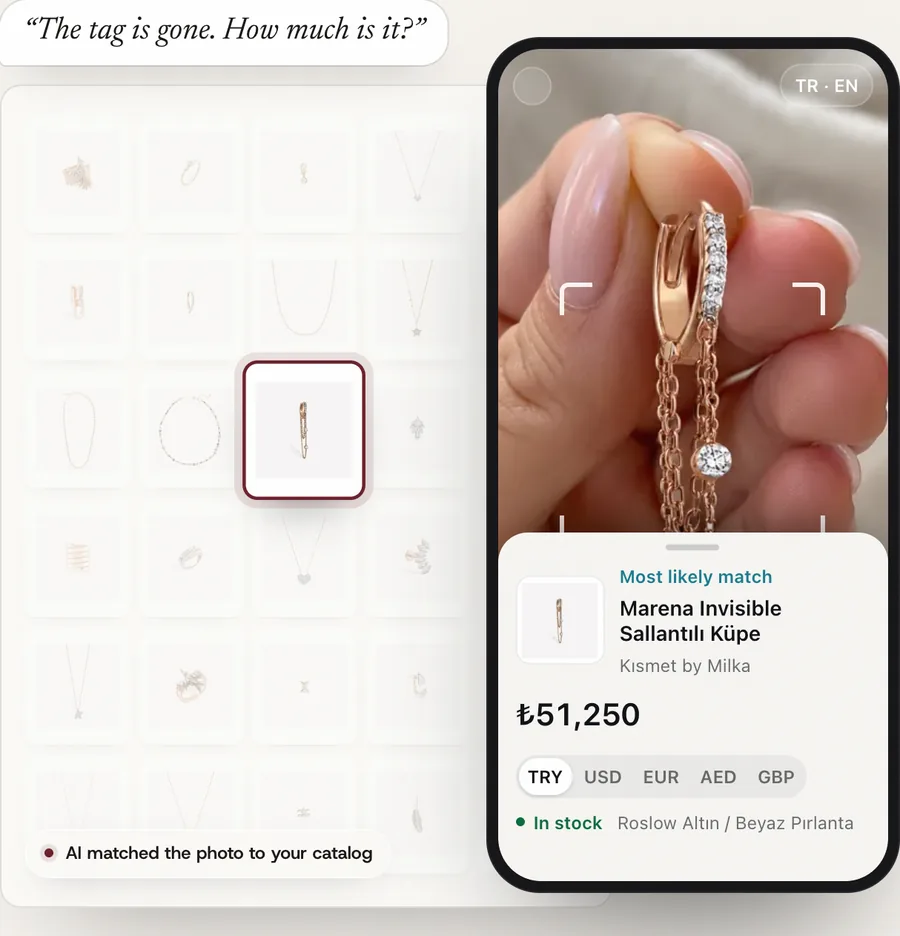
Catalog IntelligenceAI reads each photo and title. Our products run on what it writes, and so can your shop.Available to deployCheckout ConsentTurkish distance-selling consent at checkout, with a record saved on each order.Available to deployIn-Store Product FinderPhotograph a piece. See its price, stock and other sizes. Live with Kısmet by Milka
Next
Let’s look at your store.
A person replies, usually within a business day.