AI Model Studio
The photoshoot, without the shoot.
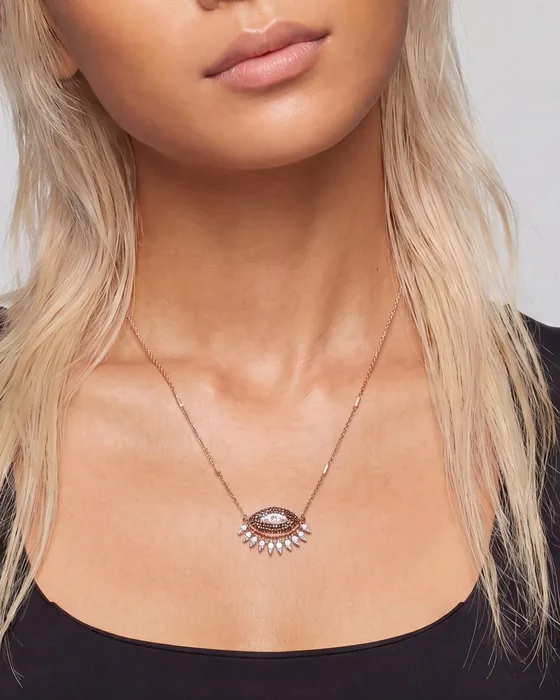
One packshot, worn by a model, to scale.
 Any platformTR · EN
Live in production
See it working
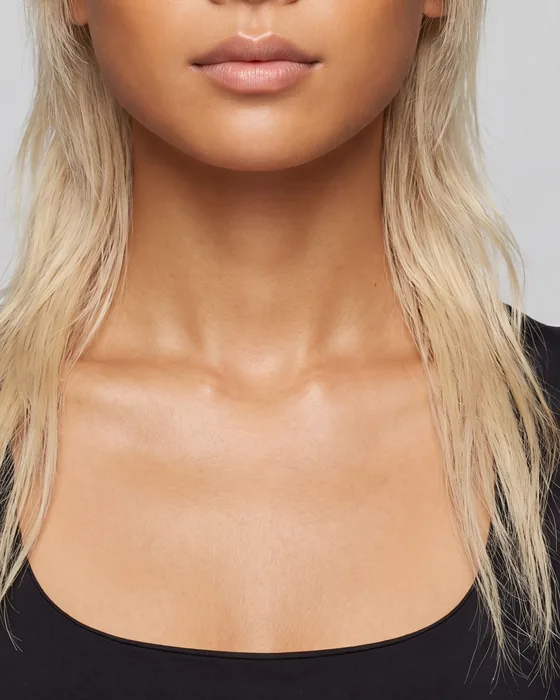
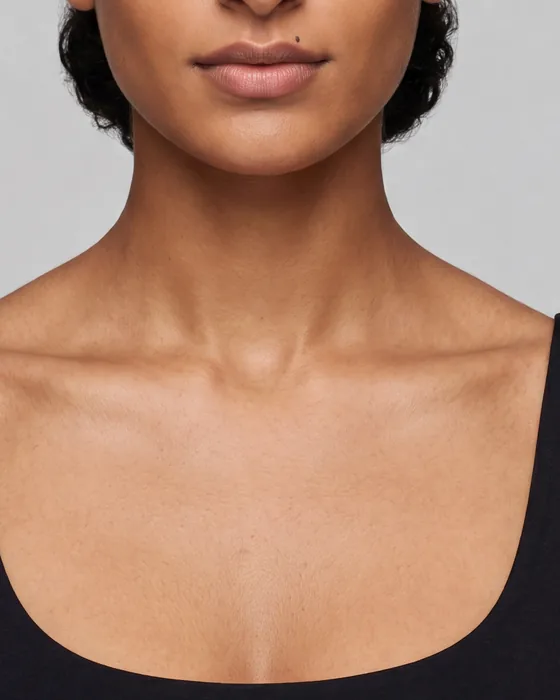
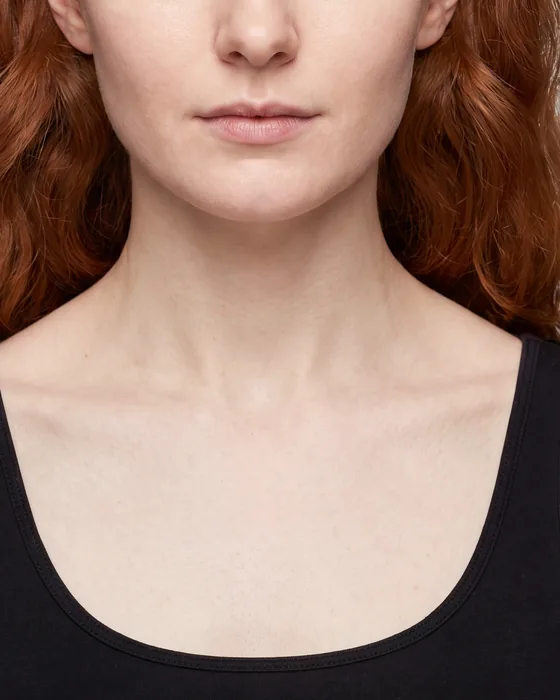
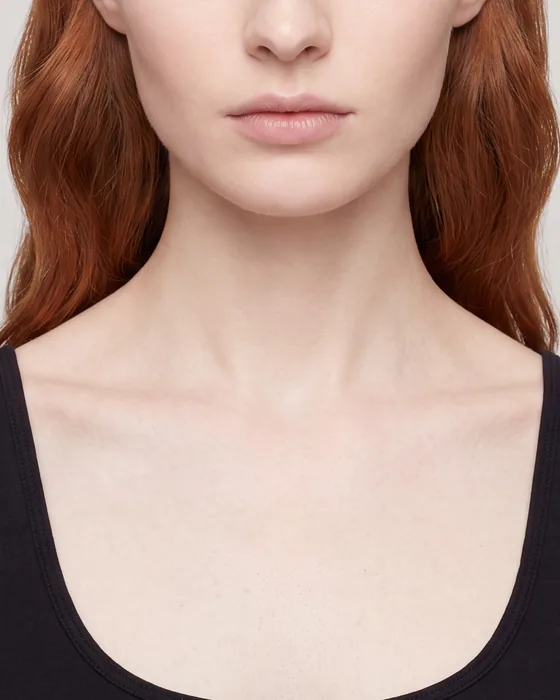
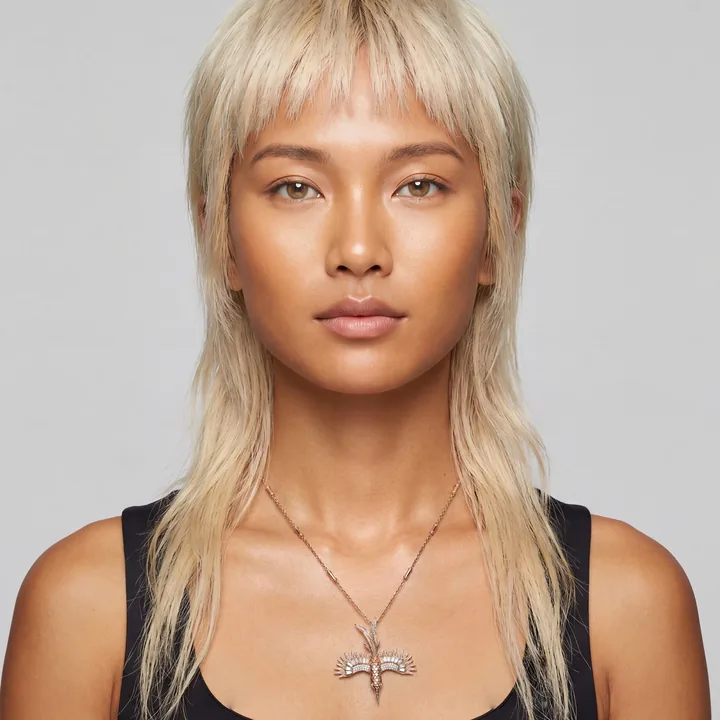
Real necklaces on models the studio generated, at the sizes that were typed in.
How it works
- Models
- Women
- Format
- Square, 1:1
- How many
- 4
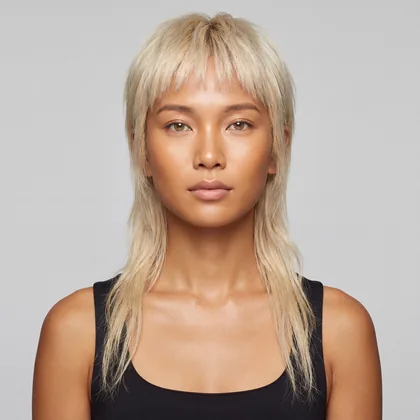
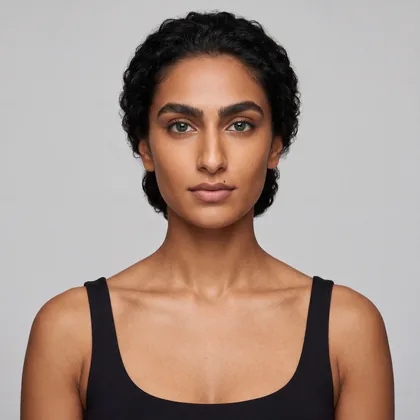
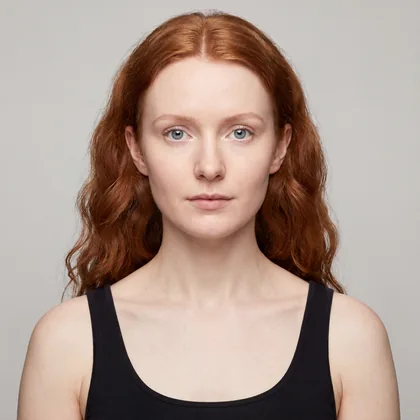
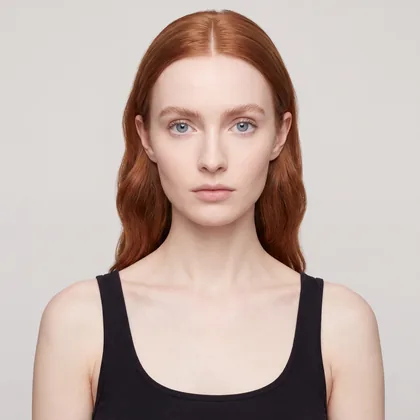
One model, five pendants
Every packshot is the same size, and no two of these pendants are.
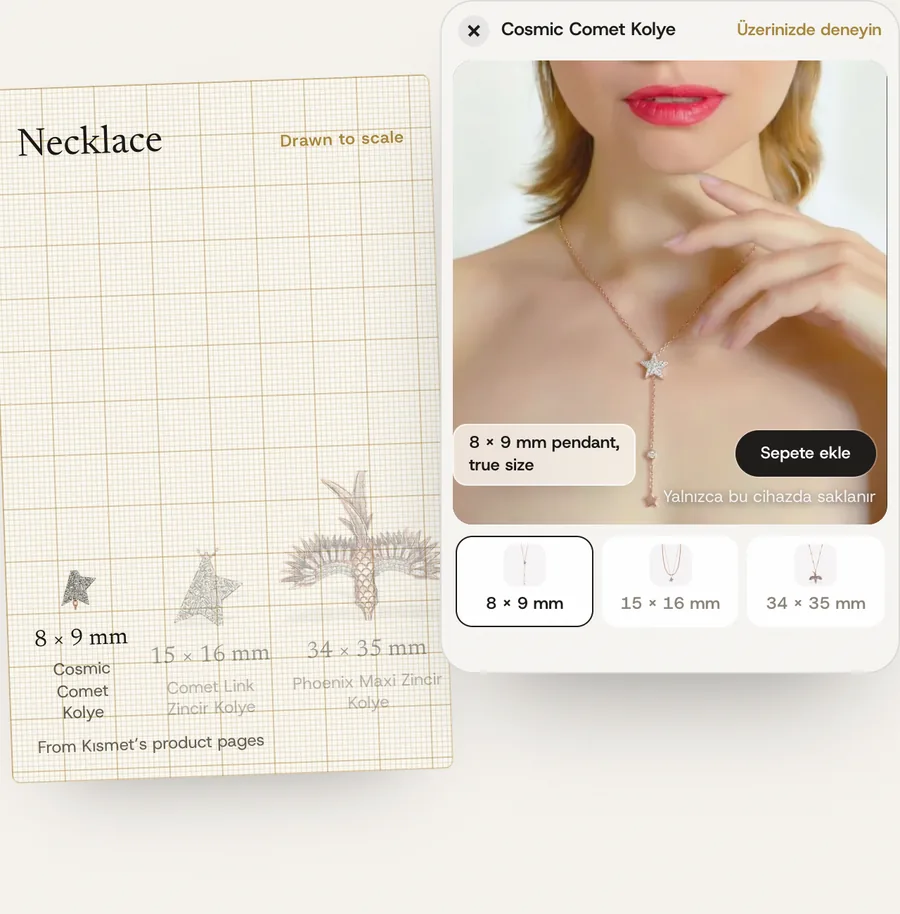
AI image tools draw a pendant at whatever size looks good. The studio draws it at the size you sell.
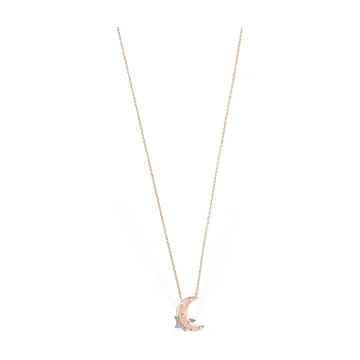
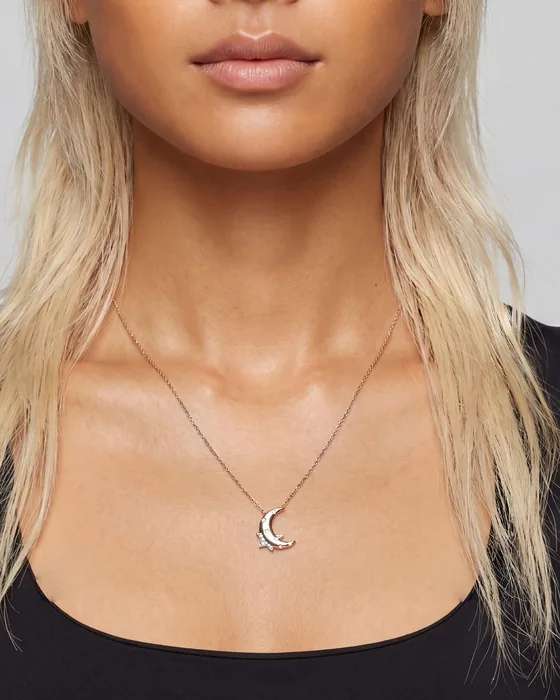 Dream Chain Necklace13 × 14.5 mm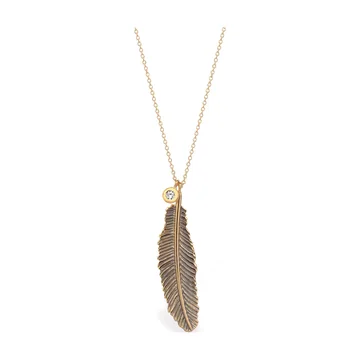
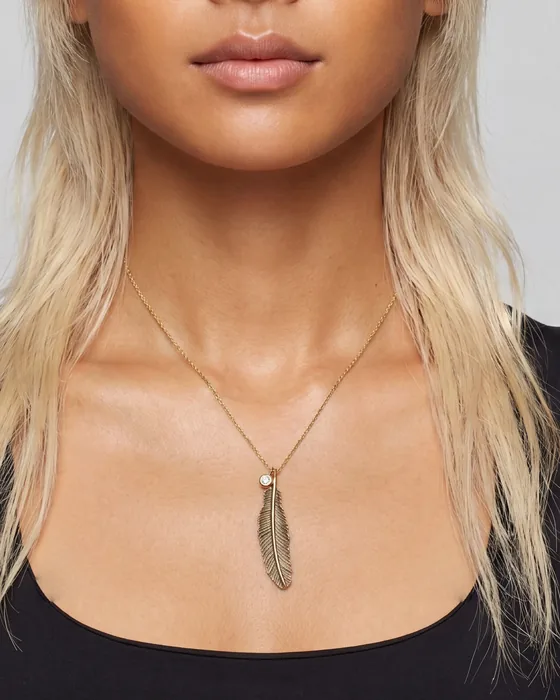 Raven Feather Maxi7.5 × 26 mm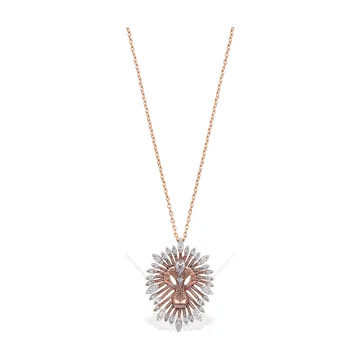
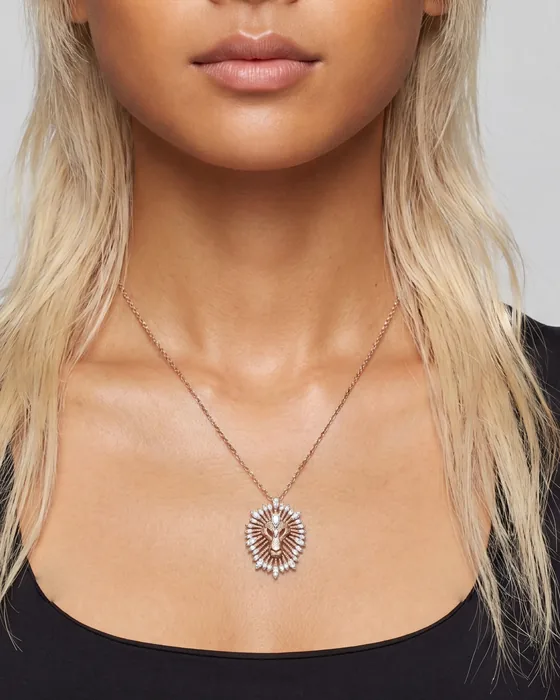 Sunburst pendant16.5 × 22 mm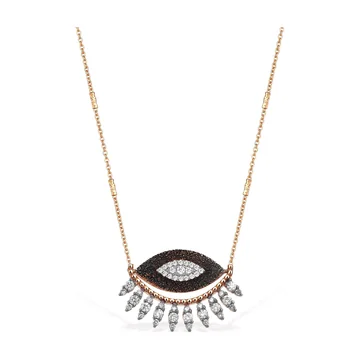
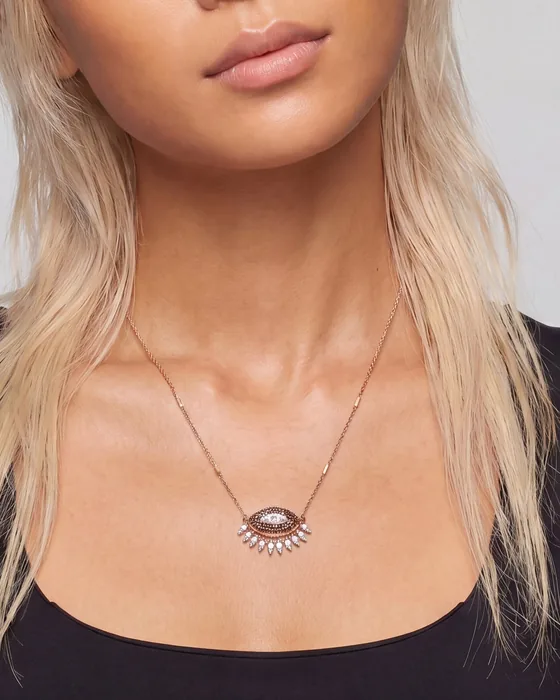 10th Eye Chain Necklace23 × 16.5 mm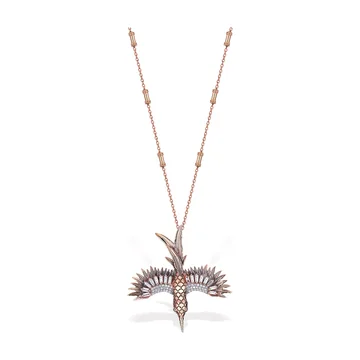
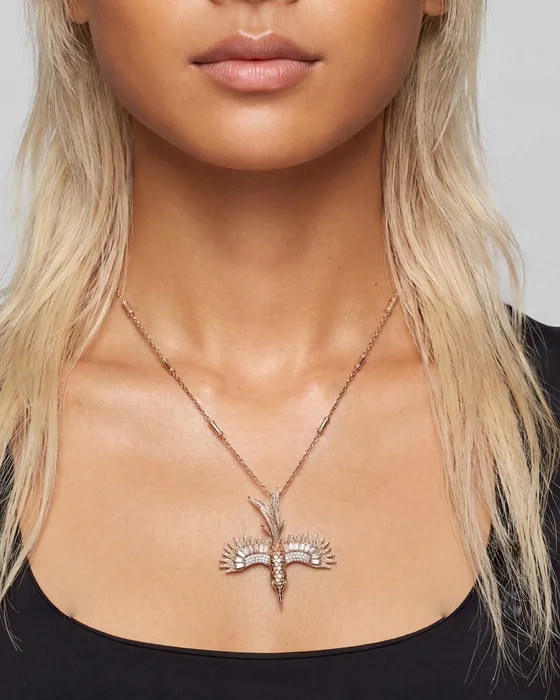 Phoenix Maxi34 × 35 mm
As they come from the shoot: each piece fills its frame.
- Sizes from your product pages
- Width, height and chain length, typed once per piece.
- Your range on one model
- Keep a model in the gallery and put piece after piece on her.
- Flawed necklaces held back
- A necklace image with a visible flaw is stopped before it reaches you. Run it again.
What you get back
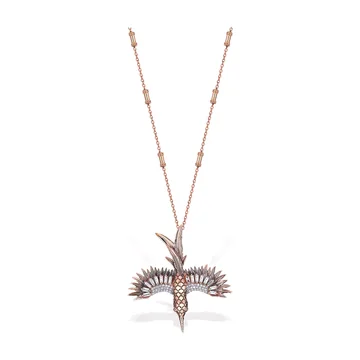
Download the Phoenix once, and use it wherever you sell.
- Kept in History
- Try-ons stay in the studio, grouped by necklace or by model.
- Full size
- Results come back at 4K, sharp enough to zoom on a product page.
- Yours to use
- Your product pages, marketplace listings, social posts, newsletters.
Setup
Sign in, make your models, and new pieces are worn before they go live.
- 1We open the studio for your teamOne sign-in for the team. Nothing to install.
- 2Make your modelsUp to six at a time, women or men, in eight formats. Up to three photos steer the look.
- 3Add a packshot and its millimetresThe sizes your product page lists, for a pendant or a choker.
- 4Download it, or fix it firstA sentence changes the light or the pose.
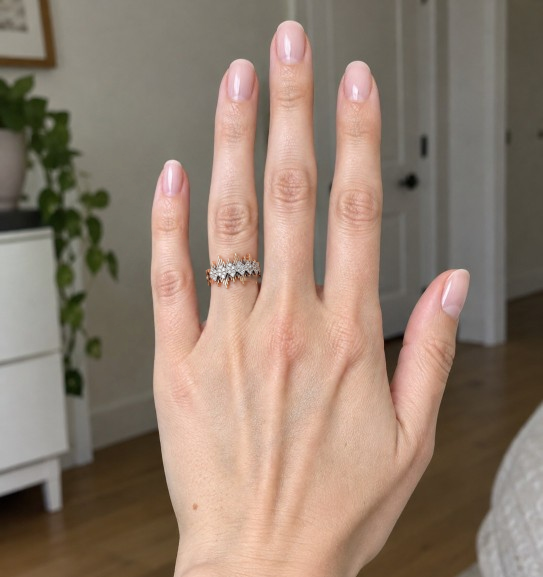
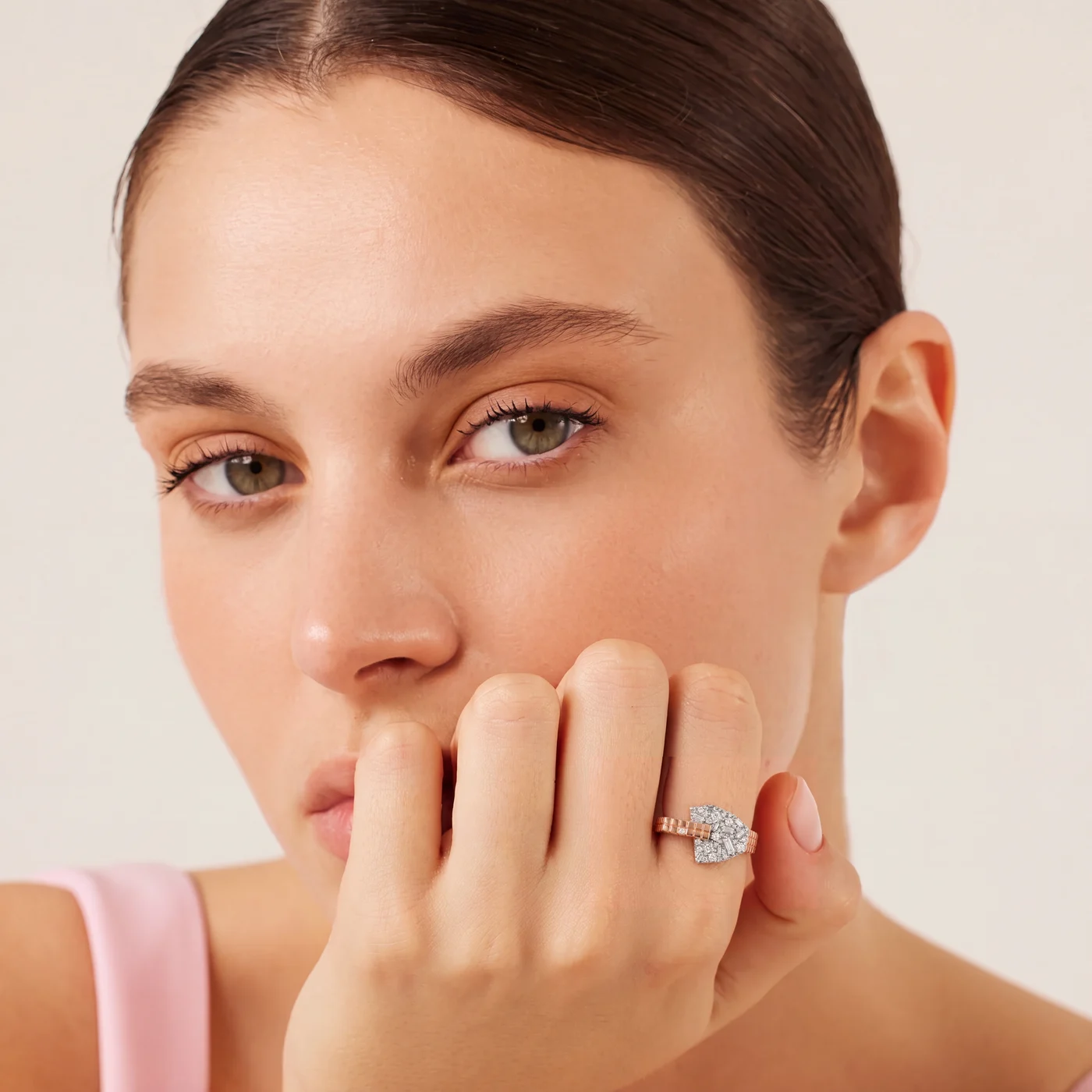
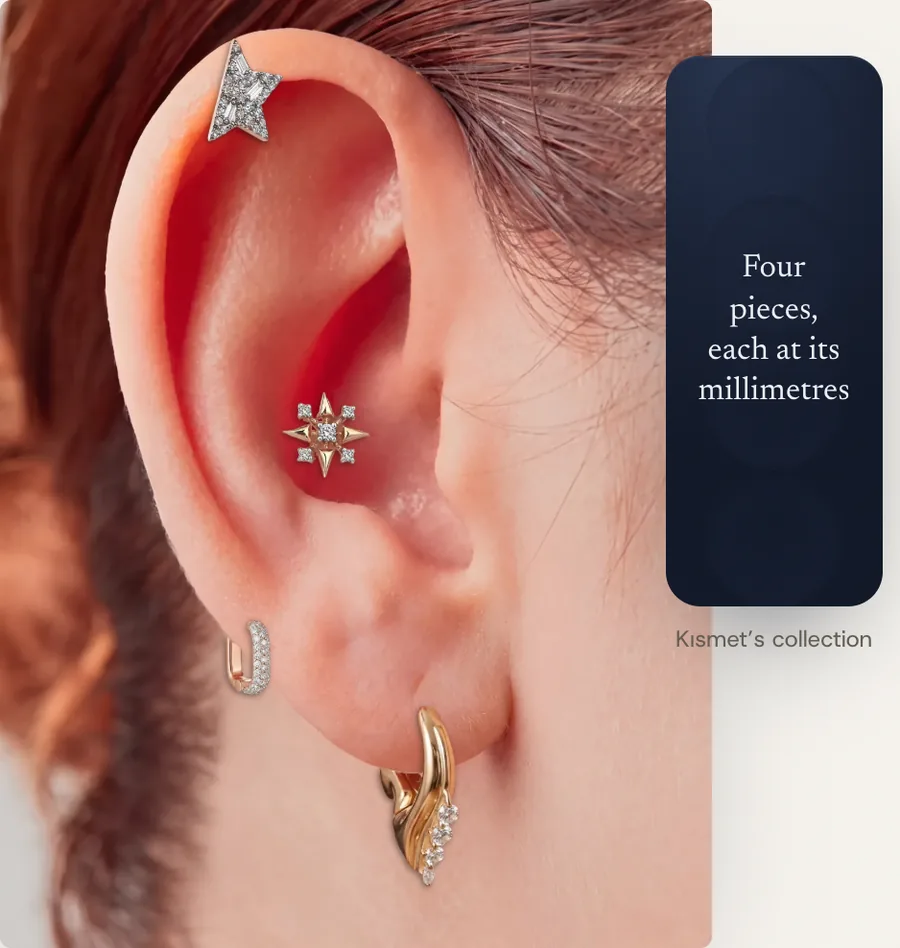
Rings, earrings and bracelets go on hand, ear and wrist photos from your own shoots. Our team measures each photo once.
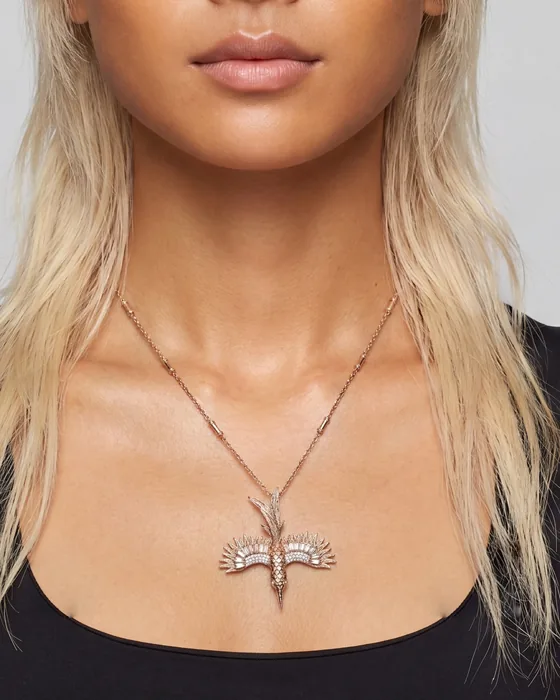
- Where it runs
- Web studio for your content team
- Platform
- Web app, the files work with any store
- Setup
- One team sign-in, nothing to install
- Languages
- English
Questions
How does the size stay right?
You type the piece’s millimetres. The studio measures the model in the photo, and AI puts the piece on at that size. For rings, earrings and bracelets, our team measures each hand, ear or wrist photo once.
Who are the models?
AI generates them in the studio, from your reference photos if you add some.
Where can we use the images?
Download them and use them on your product pages, marketplace listings, social posts and newsletters.
Pairs with
Next
Let’s look at your store.
A person replies, usually within a business day.